

WP Rollback – Rollback Plugins and Themes
By Devin Walker
Roll back (or forward) any WordPress.org plugin, theme, or block like a boss.
★ 4.9/5 (215)200,000+ active installations
- Version
- 3.4.0
- WordPress
- 6.5+
- PHP
- 7.4+
- Updated
- 11 Nov 2026
WORDPRESS RESOURCES
Explore public plugin information from the official WordPress.org directory. Compare what a plugin does, its requirements and update history before adding it to your website.
Explore WordPress hosting →10,000 matching plugins reported by WordPress.org · Page 21 of 50
Source: WordPress.org
Data refreshed 25 Nov 2026 05:07 UTC
By Devin Walker
Roll back (or forward) any WordPress.org plugin, theme, or block like a boss.

EasyMedia - Increase the maximum upload file size limit to any value. Increase upload limit - upload large files effortlessly.

By Melapress
Get better WordPress login security; add two-factor authentication (2FA) for all your users with this easy-to-use plugin.
By PI Web Solution
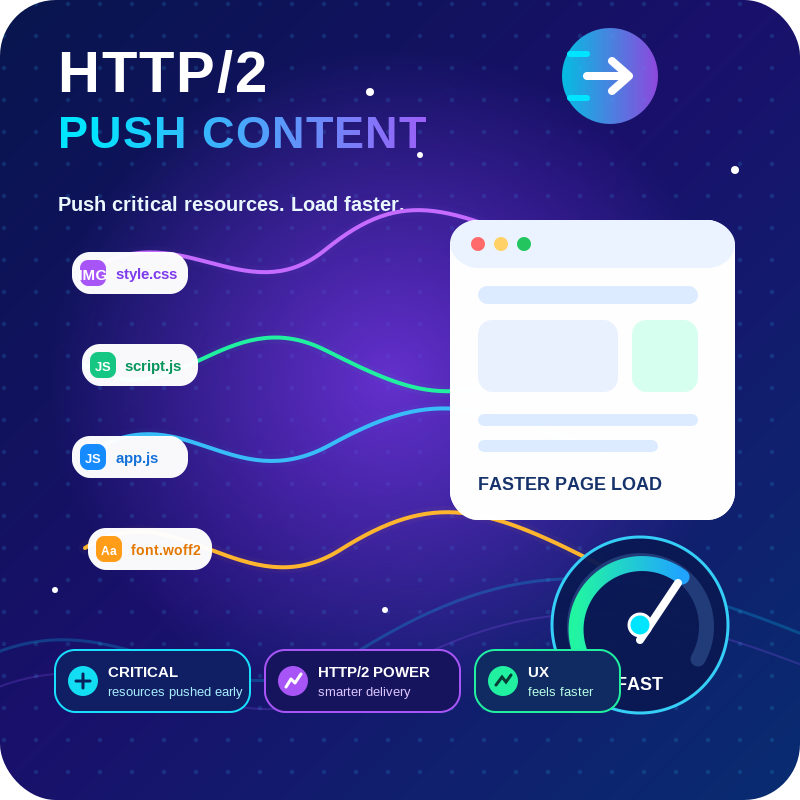
HTTP2 Server push, Async JavaScript, Defer Render Blocking CSS, with fine rule set to control js and css on different page types,

By Chad Butler
The original WordPress membership plugin with content restriction, user login, custom registration fields, user profiles, and more.

By YOP
The flexible WordPress poll plugin — rebuilt for speed, security, and ease of use.

By codesupplyco
Display high-converting newsletter popups, a cookie notice, or a notification with the light-weight yet feature-rich plugin.
A true Web Application Firewall to protect and secure WordPress.

Password Protect entire site & create Temporary Login Without Password links. Simple & secure access for developers or maintenance.
All in one WordPress plugin - accessibility, tag manager, notes, floating contact buttons, back to top, cookie bar and more.
Take full control of your WordPress admin bar: hide items, reorder menus, and design a cleaner toolbar for every user.

By Elementor
Monitor every change on your WordPress site — who did what, when, and where it came from — for a complete audit trail and stronger security.
CHOOSE WHAT YOUR WEBSITE NEEDS
Start with the task you need to solve. Compare features, WordPress and PHP requirements, update history and the author’s documentation. Test changes on a private copy and avoid adding several plugins for the same job.
This independent directory displays plugin information on WebFulHost and links to the official source. Packages are not mirrored or installed here. A plugin can include paid extensions or services with separate terms from its author.


