Customize the WordPress login screen: logo, background, login form & links. Plus your own admin footer text.
★ 4.9/5 (150)7,000+ active installations
- Version
- 5.0
- WordPress
- 5.3+
- PHP
- 5.6+
- Updated
- 9 Nov 2026
View plugin details ↗Easily create an image gallery on your posts, pages or any custom post type
★ 4.6/5 (41)4,000+ active installations
- Version
- 1.5.7
- WordPress
- 5.7+
- PHP
- 7.4.0+
- Updated
- 25 Oct 2026
View plugin details ↗AI-powered bulk rename, bulk edit metadata, compress images, find duplicates, clean up unused media, and more.
★ 4.7/5 (14)1,000+ active installations
- Version
- 2.4.0
- WordPress
- 6.5+
- PHP
- 7.4+
- Updated
- 14 Sep 2026
View plugin details ↗Serve autogenerated WebP images instead of jpeg/png to browsers that supports WebP.
★ 4.4/5 (163)300,000+ active installations
- Version
- 0.25.16
- WordPress
- 4.0+
- PHP
- 5.6+
- Updated
- 18 Oct 2026
View plugin details ↗Show/hide menu items to logged in users, logged out users or specific user roles. Display logged in user details in menu. Add a logout link to menu.
★ 5.0/5 (1,282)80,000+ active installations
- Version
- 1.3.2
- WordPress
- 4.6+
- PHP
- 5.6+
- Updated
- 13 Sep 2026
View plugin details ↗Showcase variations and impress your customers with beautiful swatches such as color, button, image, and more.
★ 4.7/5 (76)10,000+ active installations
- Version
- 1.1.21
- WordPress
- 6.0+
- PHP
- 7.4+
- Updated
- 6 Nov 2026
View plugin details ↗Variation Swatches for WooCommerce change beautiful colors, images and buttons variation swatches for WooCommerce product attributes.
★ 4.7/5 (55)9,000+ active installations
- Version
- 2.5.3
- WordPress
- 6.0+
- PHP
- 7.4+
- Updated
- 15 Oct 2026
View plugin details ↗Resize & compress images/photos to a target KB or max width. Free, unlimited, privacy-first — only in browser, no server, no API, no signup.
30+ active installations
- Version
- 1.0.18
- WordPress
- 6.5+
- PHP
- 7.4+
- Updated
- 17 Aug 2026
View plugin details ↗
By Melograno Venture Studio
The best WordPress table plugin. Create responsive, and searchable tables and charts from Excel (.xlsx, .xls or .ods), CSV, XML, JSON, and PHP.
★ 4.5/5 (449)60,000+ active installations
- Version
- 6.6.1.2
- WordPress
- 4.0+
- PHP
- 7.4+
- Updated
- 9 Nov 2026
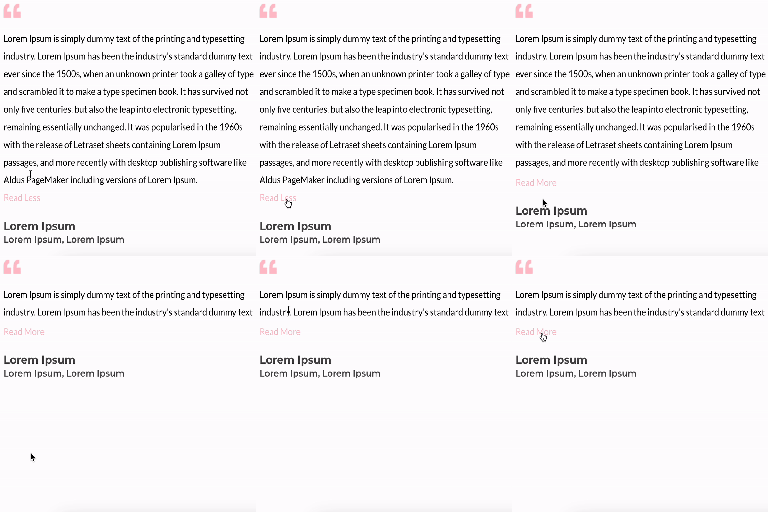
View plugin details ↗Unfold Text is a straightforward yet powerful add-on for Elementor that allows you to expand and collapse text with ease.
★ 4.6/5 (7)3,000+ active installations
- Version
- 1.2.1
- WordPress
- 6.0+
- PHP
- 7.0+
- Updated
- 8 Jul 2026
View plugin details ↗Display lists of user avatars using widgets or shortcodes. With Gutenberg support.
★ 4.8/5 (32)3,000+ active installations
- Version
- 2.2.0
- WordPress
- 6.1+
- Updated
- 7 Aug 2026
View plugin details ↗To Top is a nifty lightweight plugin. It adds a highly customizable button, which when clicked, scrolls up smoothly to the top of a page.
★ 4.8/5 (54)60,000+ active installations
- Version
- 3.3
- WordPress
- 5.9+
- PHP
- 7.4+
- Updated
- 16 Nov 2026
View plugin details ↗