

The Table of Contents block allows you to automatically generate a table of contents for your WordPress post or page.
★ 5.0/5 (4)3,000+ active installations
- Version
- 1.0.10
- WordPress
- 6.5+
- PHP
- 7.2+
- Updated
- 28 Nov 2026
WORDPRESS RESOURCES
Explore public plugin information from the official WordPress.org directory. Compare what a plugin does, its requirements and update history before adding it to your website.
Explore WordPress hosting →1,629 matching plugins reported by WordPress.org · Page 22 of 50
Source: WordPress.org
Data refreshed 29 Nov 2026 10:40 UTC
The Table of Contents block allows you to automatically generate a table of contents for your WordPress post or page.
By M A Vinoth Kumar
Display random image, SWF, or script ads across your WordPress site with this powerful, customizable, and user-friendly Random Banner plugin.

By VillaTheme
Ensure GDPR (General Data Protection Regulation) compliance (EU Cookie Law) with our straightforward cookie bar

By albedo0
Manage IcoMoon icon font packages in WordPress.

By pluginsware
Build any kind of directory site: classifieds, cars, bikes & other vehicles dealers site, pets, real estate portal, yellow pages, etc...
By wpbranddigital
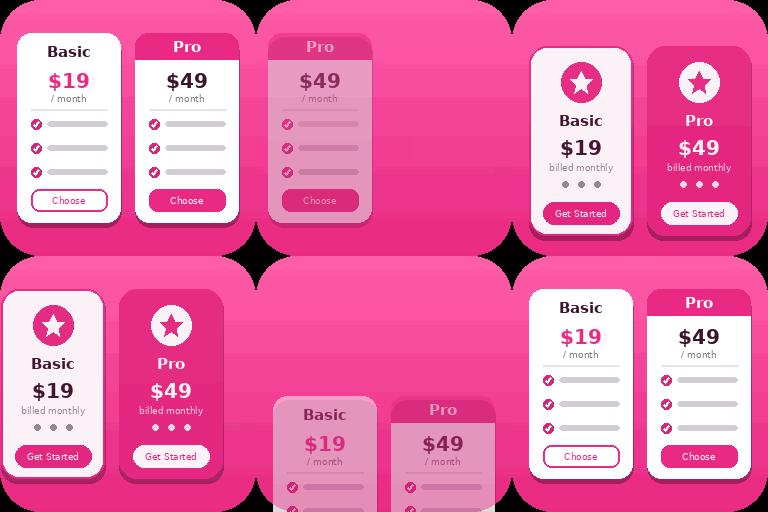
Create responsive WordPress pricing tables in Gutenberg with customizable plans, feature lists, CTA buttons, and clear pricing comparisons.
Website builder and business growth toolkit: Gutenberg blocks, patterns, templates, popups, lead forms with an inbox, and WooCommerce blocks.

By Patrick Lumumba
Easily add Categories to WordPress Pages.

The most powerful WordPress RSS aggregator, helping you curate content, autoblog, import RSS & display unlimited RSS feeds within a few minutes.

By tychesoftwares
Custom Order Status for WooCommerce allows you to create and manage order statuses. It improves order management & overall order workflow.

By WordLift
Search engines are looking for meaning, not keywords. WordLift tells Google how your content relates to your brand, products, and stakeholders.

By PluginEver
Showcase WooCommerce product categories in sliders, grids, or blocks with styling control, responsive layouts, and shortcode support
CHOOSE WHAT YOUR WEBSITE NEEDS
Start with the task you need to solve. Compare features, WordPress and PHP requirements, update history and the author’s documentation. Test changes on a private copy and avoid adding several plugins for the same job.
This independent directory displays plugin information on WebFulHost and links to the official source. Packages are not mirrored or installed here. A plugin can include paid extensions or services with separate terms from its author.
