

This plugin allows your customers to pay via Barion Smart Gateway in your WooCommerce online store.
★ 4.6/5 (18)6,000+ active installations
- Version
- 3.10.3
- WordPress
- 4.0+
- PHP
- 8.2+
- Updated
- 23 Nov 2026
WORDPRESS RESOURCES
Explore public plugin information from the official WordPress.org directory. Compare what a plugin does, its requirements and update history before adding it to your website.
Explore WordPress hosting →3,850 matching plugins reported by WordPress.org · Page 22 of 50
Source: WordPress.org
Data refreshed 28 Nov 2026 02:14 UTC
This plugin allows your customers to pay via Barion Smart Gateway in your WooCommerce online store.

By Sergey Biryukov
Convert Non-Latin characters in post, page and term slugs to Latin characters.
By PI Web Solution
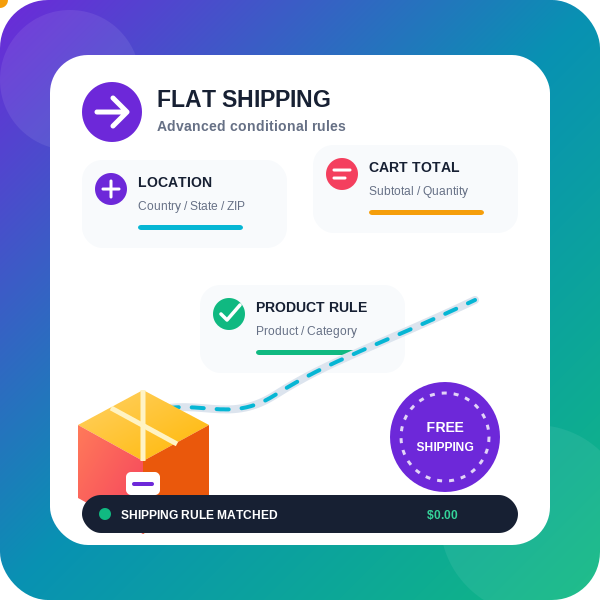
WooCommerce conditional shipping & WooCommerce Advanced shipping rates plugin to create Advanced Flat rate shipping or Free shipping method or tab …

By Bytes Technolab
"Add Product Frontend for WooCommerce" is the most popular plugin that add product from frontend page.

By Abu Bakar
Display Woocommerce reviews anywhere using shortcode. Specify reviews using product ID. Now supports Masonry layout.

By HappyDevs
Add FAQs anywhere in WordPress & WooCommerce. AI-written answers with no API key, product FAQs by category & tag, help center and FAQ schema.

By Fahad Mahmood
This plugin will help you to manage WooCommerce Products stocks through locations.

By Glen Don Mongaya
Drag and Drop Multiple File Uploader is a simple, straightforward WordPress plugin extension for WooCommerce.

By WPClever
WPC Smart Attribute Groups give you the possibility to display product attributes in separate groups.
Import affiliate products, compare prices, and publish product reviews with 25+ editorial Gutenberg blocks.
Join millions who empower their websites with ElementsKit Elementor Addons. Get templates, & 100+ widgets like header-footer, mega menu, custom widget

By Ibrahim
It is a simple woocommerce addon or extension.If Enable the plugin, then your all woocommerce order will be automatically completed.
CHOOSE WHAT YOUR WEBSITE NEEDS
Start with the task you need to solve. Compare features, WordPress and PHP requirements, update history and the author’s documentation. Test changes on a private copy and avoid adding several plugins for the same job.
This independent directory displays plugin information on WebFulHost and links to the official source. Packages are not mirrored or installed here. A plugin can include paid extensions or services with separate terms from its author.

