

Make your WooCommerce Notices (sucess, info, and error) more visible to your customers by turning them into popups
★ 4.8/5 (12)1,000+ active installations
- Version
- 1.5.7
- WordPress
- 6.1+
- PHP
- 5.6.0+
- Updated
- 14 Oct 2026
WORDPRESS RESOURCES
Explore public plugin information from the official WordPress.org directory. Compare what a plugin does, its requirements and update history before adding it to your website.
Explore WordPress hosting →4,064 matching plugins reported by WordPress.org · Page 23 of 50
Source: WordPress.org
Data refreshed 22 Nov 2026 19:25 UTC
Make your WooCommerce Notices (sucess, info, and error) more visible to your customers by turning them into popups
Labels plugin for WooCommerce. Create labels/badges with custom styles and text for any of your WooCommerce products.

By Benjamin Denis
WordPress SEO plugin with AI SEO metadata, schema, XML sitemap, redirections & Search Console. Privacy-first, white-label SEO. Now AI-ready.

By AfterShip & Automizely
Track orders in one place. shipment tracking, automated notifications, order lookup, branded tracking page, delivery day prediction

By Emran Ahmed
Duplicate WooCommerce product variations with its all available properties including Variation Price, Variation Image, and SKU in just a single click.
Automate WooCommerce order statuses. Beautifully.

By Josh Kohlbach
A simple, powerful WooCommerce wishlist plugin – help customers save favorites, buy later, or share gift ideas.
Provides post-purchase order management for Klarna Payments for WooCommerce and Klarna Checkout for WooCommerce payment gateways.

By WPFactory
Set "enable for shipping methods" for WooCommerce payment gateways.

By powerfulwp
Add delivery drivers to WooCommerce, assign orders, plan routes, track deliveries, collect proof of delivery and send SMS & WhatsApp alerts.
By PI Web Solution
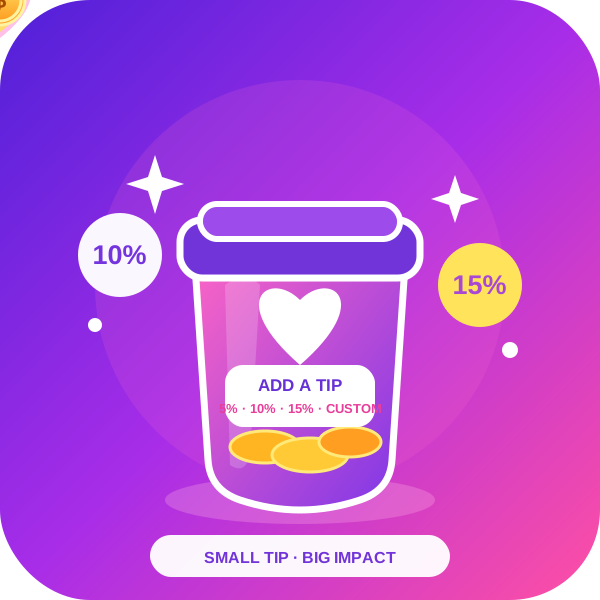
Order Tip for WooCommerce adds an option for customer service tips, tips for waitresses, in WooCommerce.

By CodeAstrology IT Firm
Easily add plus, minus button for WooCommerce Quantity Input box in everywhere. Such: Single Page, In Loop Quantity input, Cart page , everywhere.
CHOOSE WHAT YOUR WEBSITE NEEDS
Start with the task you need to solve. Compare features, WordPress and PHP requirements, update history and the author’s documentation. Test changes on a private copy and avoid adding several plugins for the same job.
This independent directory displays plugin information on WebFulHost and links to the official source. Packages are not mirrored or installed here. A plugin can include paid extensions or services with separate terms from its author.


