Completely plugins Ultimate Bootstrap Elements for Elementor. Enhance your Elementor page building experience with Bootstrap Components and many other …
★ 5.0/5 (1)6,000+ active installations
- Version
- 1.5.4
- WordPress
- 4.7+
- PHP
- 5.6+
- Updated
- 25 Nov 2026
WORDPRESS RESOURCES
Explore public plugin information from the official WordPress.org directory. Compare what a plugin does, its requirements and update history before adding it to your website.
Explore WordPress hosting →7,220 matching plugins reported by WordPress.org · Page 23 of 50
Source: WordPress.org
Data refreshed 25 Nov 2026 21:00 UTC
Completely plugins Ultimate Bootstrap Elements for Elementor. Enhance your Elementor page building experience with Bootstrap Components and many other …
Advanced Post Block lets you add dynamic post grids, lists, sliders, and tickers. Filter content by category, tag, author, or custom post type.
Poll plugin is a responsive and customizable for WordPress. Poll will help you more easily create powerful poll, image & video poll, vote, results.
By FullStackWP
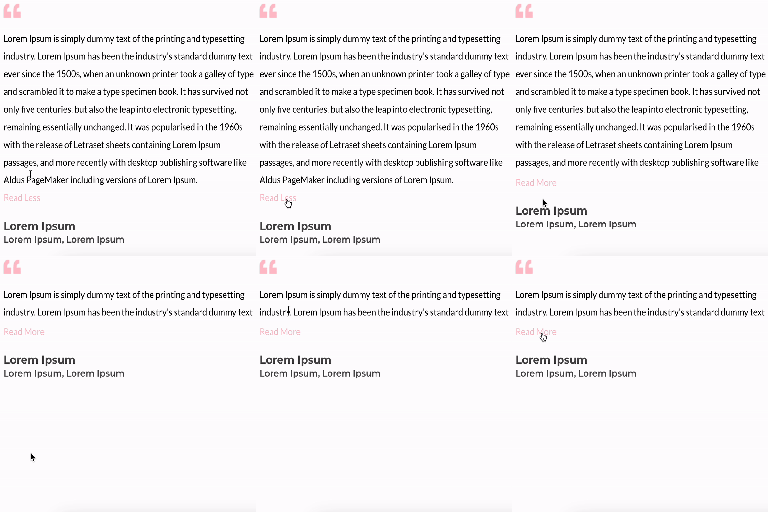
Unfold Text is a straightforward yet powerful add-on for Elementor that allows you to expand and collapse text with ease.
Faster & lighter experience for your users. Deliver optimized images on all platforms instantly using ImageKit.
Accessibility toolbar for WordPress in 44 languages: one-click setup, statement generator, no account, no visitor data. Helps with WCAG and the EAA.
All in one WordPress plugin - accessibility, tag manager, notes, floating contact buttons, back to top, cookie bar and more.

By IdeaBox Creations
PowerPack Lite for Beaver Builder extends Beaver Builder with custom options, unique modules and templates.

By The CSSIgniter Team
GutenBee enhances the Gutenberg editor with more blocks!

By Vektor,Inc.
This is a plugin that extends Gutenberg's blocks.

By levmedia
Optimize images with WebP and AVIF, then review possibly unused media safely.

By WooCommerce
Securely accept payments, synchronize sales, and seamlessly manage inventory and product data between WooCommerce and Square POS.
CHOOSE WHAT YOUR WEBSITE NEEDS
Start with the task you need to solve. Compare features, WordPress and PHP requirements, update history and the author’s documentation. Test changes on a private copy and avoid adding several plugins for the same job.
This independent directory displays plugin information on WebFulHost and links to the official source. Packages are not mirrored or installed here. A plugin can include paid extensions or services with separate terms from its author.