

Switcher
By Kostya Tereshchuk
One toolbar button that switches between the admin page and the public page you viewed last.
★ 5.0/5 (1)30+ active installations
- Version
- 1.3.0
- WordPress
- 5.0+
- PHP
- 7.3+
- Updated
- 15 Oct 2026
WORDPRESS RESOURCES
Explore public plugin information from the official WordPress.org directory. Compare what a plugin does, its requirements and update history before adding it to your website.
Explore WordPress hosting →10,000 matching plugins reported by WordPress.org · Page 23 of 50
Source: WordPress.org
Data refreshed 25 Nov 2026 05:23 UTC
By Kostya Tereshchuk
One toolbar button that switches between the admin page and the public page you viewed last.
Experience Darklup — Your WordPress ally for dark mode, dark themes, night mode and accessibility. Switch to an eye-friendly more inclusive web experi …

By mailmunch
The easiest way to convert your site visitors into email subscribers.
By PI Web Solution
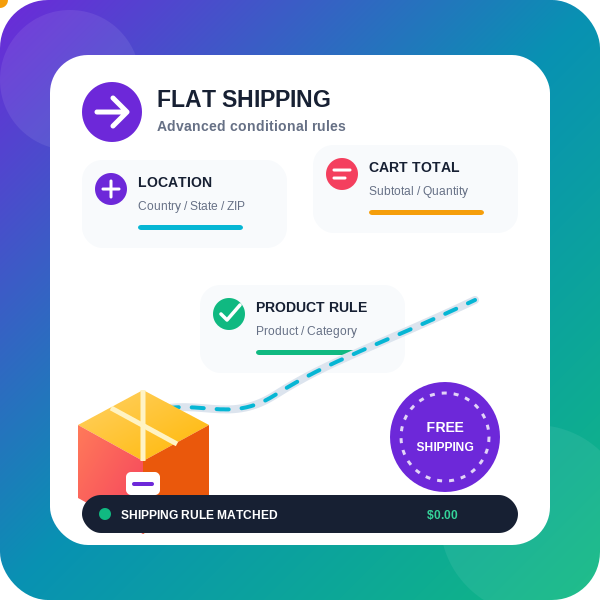
WooCommerce conditional shipping & WooCommerce Advanced shipping rates plugin to create Advanced Flat rate shipping or Free shipping method or tab …

By Team exactly webdesign
exovia GDPR Google Maps enables you to integrate Google Maps in a privacy compliant manner that respects the privacy of your visitors.
Remove or change the "Protected:" and "Private:" title prefix. Customize the password form text, button, colors and widgets. Block themes too.

By themelooks
The dark mode is better for your eyes in low-light environments. Also, it can reduce eye strain in low-light conditions (night-time or dimmer workspac …

By Mohamed Endisha
Secure Passkeys is a powerful WordPress plugin that enables passwordless authentication using WebAuthn technology.

By plugincraft
Organize your WordPress media library with unlimited folders, drag & drop, and easy performance.

By Melograno Venture Studio
Amelia is a powerful booking plugin for appointments and events. Manage scheduling, calendars, and availability with an all-in-one booking system.

By YITHEMES
YITH WooCommerce Ajax Product Filter offers you the perfect way to filter all products of your WooCommerce shop.

By Aslam Doctor
Boost WooCommerce sales with the Rearrange Products for WooCommerce plugin. Easily reorder products with a simple drag-and-drop tool!
CHOOSE WHAT YOUR WEBSITE NEEDS
Start with the task you need to solve. Compare features, WordPress and PHP requirements, update history and the author’s documentation. Test changes on a private copy and avoid adding several plugins for the same job.
This independent directory displays plugin information on WebFulHost and links to the official source. Packages are not mirrored or installed here. A plugin can include paid extensions or services with separate terms from its author.

