Connect WordPress to WPWriter. Manage posts, SEO and media from ChatGPT or Claude. A WPWriter account is required.
★ 5.0/5 (1)6,000+ active installations
- Version
- 1.15.0
- WordPress
- 5.6+
- PHP
- 7.4+
- Updated
- 20 Oct 2026
WORDPRESS RESOURCES
Explore public plugin information from the official WordPress.org directory. Compare what a plugin does, its requirements and update history before adding it to your website.
Explore WordPress hosting →1,796 matching plugins reported by WordPress.org · Page 23 of 50
Source: WordPress.org
Data refreshed 22 Nov 2026 14:14 UTC
Connect WordPress to WPWriter. Manage posts, SEO and media from ChatGPT or Claude. A WPWriter account is required.

By CurbSoftware Tech Innovations
A complete email client for WordPress. Read, compose, search and organize your existing mailbox from the dashboard.
Send Contact Form 7 submissions to Google Sheets automatically in real time and keep every form entry organized and easy to access.
By wpbranddigital
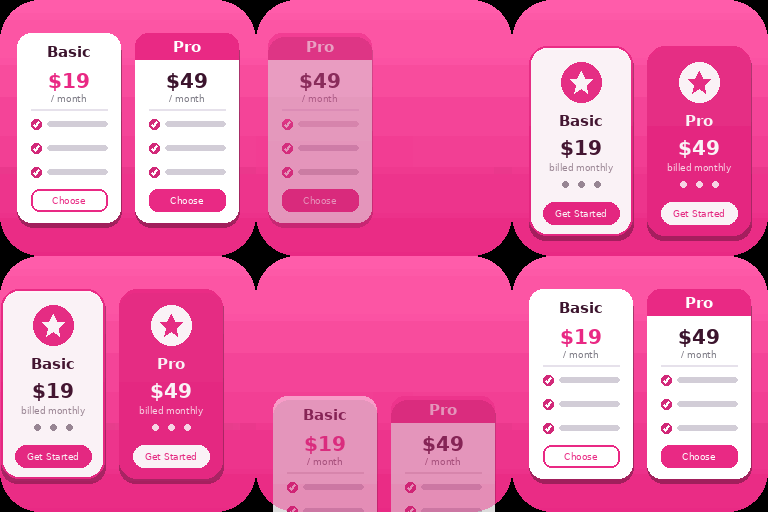
Create responsive WordPress pricing tables in Gutenberg with customizable plans, feature lists, CTA buttons, and clear pricing comparisons.
The Table of Contents block allows you to automatically generate a table of contents for your WordPress post or page.
WordPress block editor Toolkit: responsive controls, blocks, icons, animations, pattern library. Modular design, fast, no coding skills required.

By PluginEver
Showcase WooCommerce product categories in sliders, grids, or blocks with styling control, responsive layouts, and shortcode support

By Rustaurius
Restaurant menu and food ordering system that is easy to set up and integrates with any theme. Includes restaurant menu blocks and patterns.

By Narinder Singh
The Events Calendar addon to create custom single event page templates and replace the default event single page layout with your own branded design.
Export WordPress pages, posts, and custom post types to clean static HTML or PDF files in one click. Create fast, secure static versions of your WordP …

By Stephen Walker
Organize WordPress admin menus with role-aware profiles and accessible collapsible groups.
Install this timesaving plugin and sort select submenu items like Settings, Tools, and Appearance alphabetically, leaving Core items where they are.
CHOOSE WHAT YOUR WEBSITE NEEDS
Start with the task you need to solve. Compare features, WordPress and PHP requirements, update history and the author’s documentation. Test changes on a private copy and avoid adding several plugins for the same job.
This independent directory displays plugin information on WebFulHost and links to the official source. Packages are not mirrored or installed here. A plugin can include paid extensions or services with separate terms from its author.