The most installed WordPress plugin for WhatsApp: a customizable floating button that turns your visitors into chats, leads and sales.
★ 4.7/5 (188)700,000+ active installations
- Version
- 6.4.4
- WordPress
- 5.9+
- PHP
- 7.4+
- Updated
- 16 Nov 2026
View plugin details ↗Add extra data fields, custom post types and taxonomies, and manage all your WordPress content visually — without writing any code.
★ 5.0/5 (3)100+ active installations
- Version
- 1.3.1
- WordPress
- 6.4+
- PHP
- 7.4+
- Updated
- 25 Oct 2026
View plugin details ↗Adminimize that lets you hide 'unnecessary' items from the WordPress backend
★ 4.7/5 (254)100,000+ active installations
- Version
- 1.11.14
- WordPress
- 4.0+
- Updated
- 10 Jun 2026
View plugin details ↗Easily manage ads.txt and app-ads.txt files from your WordPress dashboard with editing, backup, and restore options.
★ 5.0/5 (5)2,000+ active installations
- Version
- 2.2.5
- WordPress
- 5.0+
- PHP
- 7.2+
- Updated
- 27 Oct 2026
View plugin details ↗Free Amazon Affiliate WordPress Plugin: tag Amazon affiliate links, check Amazon product links, replace dead ASINs, earn Amazon Associate commission.
★ 5.0/5 (1)300+ active installations
- Version
- 1.1.8
- WordPress
- 6.0+
- PHP
- 7.4+
- Updated
- 9 Nov 2026
View plugin details ↗Connect your WordPress site to wp-admin.online remote Site Manager for centralized management.
★ 5.0/5 (1)100+ active installations
- Version
- 3.6.2
- WordPress
- 6.2+
- PHP
- 8.0+
- Updated
- 20 Nov 2026
View plugin details ↗Secure, time-sensitive public preview links for drafts/scheduled posts. Fully compatible with Divi, Elementor, Gutenberg, Bricks, and more.
★ 5.0/5 (1)300+ active installations
- Version
- 1.1.0
- WordPress
- 6.0+
- PHP
- 7.4+
- Updated
- 21 Aug 2026
View plugin details ↗Boost your gamification marketing & reward your users with points, badges & ranks to increase your site activity & loyalty! AI Assistant included!
★ 4.9/5 (493)10,000+ active installations
- Version
- 8.1.7
- WordPress
- 4.4+
- PHP
- 7.0+
- Updated
- 19 Nov 2026
View plugin details ↗Want to hide WordPress posts, pages, custom post types, and WooCommerce products from the homepage, archives, search, RSS, and REST API? Check out WP …
★ 5.0/5 (5)2,000+ active installations
- Version
- 2.0.4
- WordPress
- 5.0+
- PHP
- 7.4+
- Updated
- 18 Jun 2026
View plugin details ↗Free, lightweight ad manager: place AdSense or any ad code in posts, widgets, header & footer. No upsells. Your settings are always backed up.
★ 3.9/5 (74)20,000+ active installations
- Version
- 2.10.0
- WordPress
- 6.7+
- PHP
- 7.4+
- Updated
- 2 Nov 2026
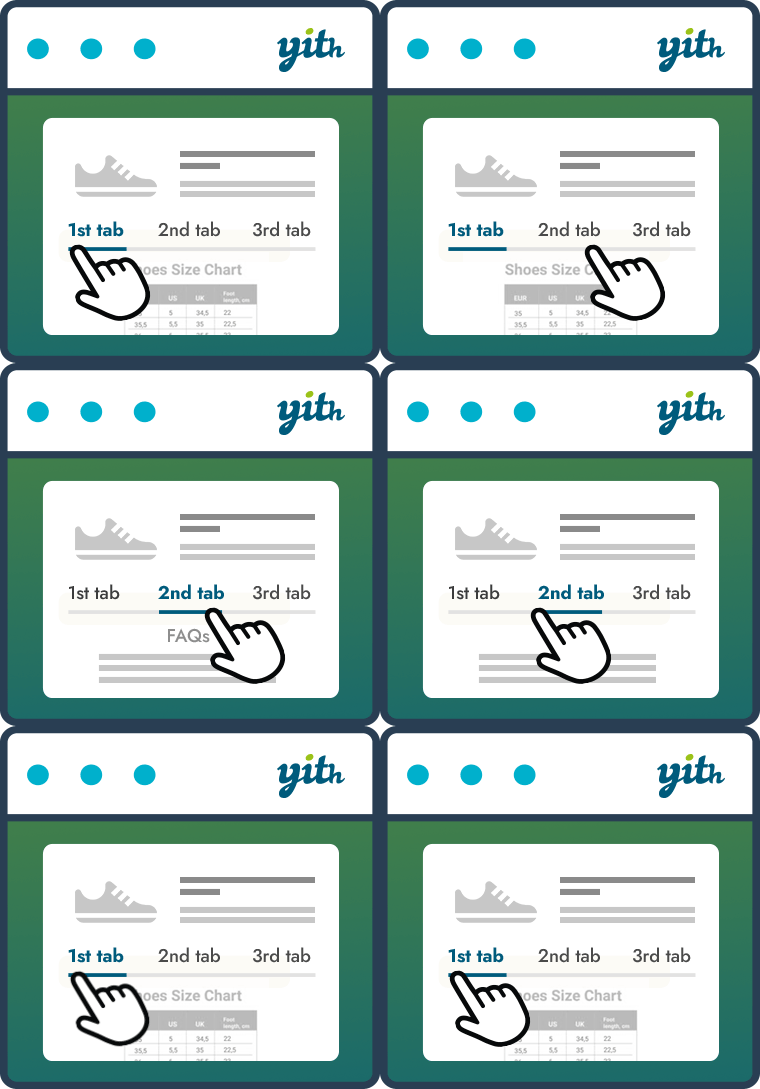
View plugin details ↗Improve your WooCommerce product pages by adding custom tabs and ad hoc content for your customers
★ 3.0/5 (16)3,000+ active installations
- Version
- 2.17.0
- WordPress
- 6.9+
- PHP
- 7.4+
- Updated
- 28 Oct 2026
View plugin details ↗Uses custom post types and taxonomies to manage an FAQ section for your site.
★ 4.4/5 (12)2,000+ active installations
- Version
- 2.0.4.4
- WordPress
- 4.0+
- PHP
- 8.0+
- Updated
- 4 Feb 2026
View plugin details ↗