Product Table for WooCommerce
By Saiful Islam
Helps you to display your products in a searchable table layout with filters.
★ 4.8/5 (295)5,000+ active installations
- Version
- 6.1.5
- WordPress
- 6.2+
- PHP
- 7.4+
- Updated
- 29 Oct 2026
WORDPRESS RESOURCES
Explore public plugin information from the official WordPress.org directory. Compare what a plugin does, its requirements and update history before adding it to your website.
Explore WordPress hosting →8,033 matching plugins reported by WordPress.org · Page 25 of 50
Source: WordPress.org
Data refreshed 29 Nov 2026 07:31 UTC
By Saiful Islam
Helps you to display your products in a searchable table layout with filters.
Min Max Control plugin offers to set product's minimum, maximum quantity and step of each product individually.
Additional functionality for WooCommerce Coupons: Allow discounts to be automatically applied, applying coupons via url, etc...

By Get Bowtied
Additional content and Customization for WooCommerce Templates.
AI-powered email marketing automation plugin for WordPress & WooCommerce - capture leads, create campaigns, and automate workflows with AI assistance.
By PI Web Solution
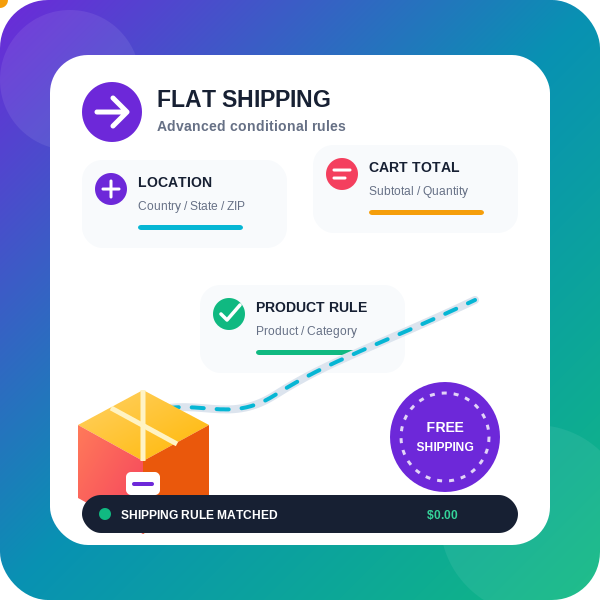
WooCommerce conditional shipping & WooCommerce Advanced shipping rates plugin to create Advanced Flat rate shipping or Free shipping method or tab …

By Dotstore
Allow you to set a minimum or maximum purchase quantity for the WooCommerce store.

By Burst Statistics B.V.
Simple, lightweight WordPress analytics with privacy-friendly visitor tracking. Cookieless and GDPR-ready. Setup in seconds, no cookie banner needed.
Powerful chat / chatbot / Fb chat and cart saver app for WordPress and WooCommerce, free as long as you want.

By NOUS Open Usefull & Simple
Hide Categories and Products for Woocommerce. This plugins requires WooCommerce to be installed and activated

By itthinx
Show coupon discount info using shortcodes. Allows to render coupon information and content conditionally, based on the validity of coupons.

By WPClever
It helps customers compare products with mighty AJAX, doesn't require opening a new page or iframe, and allows drag-and-drop functionality.
CHOOSE WHAT YOUR WEBSITE NEEDS
Start with the task you need to solve. Compare features, WordPress and PHP requirements, update history and the author’s documentation. Test changes on a private copy and avoid adding several plugins for the same job.
This independent directory displays plugin information on WebFulHost and links to the official source. Packages are not mirrored or installed here. A plugin can include paid extensions or services with separate terms from its author.