Hearald Publisher
By fatherearthdev
Automatically turns your articles into natural-voice audio editions. Publish the article — Hearald handles the audio.
0+ active installations
- Version
- 0.4.1
- WordPress
- 6.2+
- PHP
- 7.4+
- Updated
- 15 Sep 2026
WORDPRESS RESOURCES
Explore public plugin information from the official WordPress.org directory. Compare what a plugin does, its requirements and update history before adding it to your website.
Explore WordPress hosting →453 matching plugins reported by WordPress.org · Page 25 of 38
Source: WordPress.org
Data refreshed 28 Nov 2026 03:31 UTC
By fatherearthdev
Automatically turns your articles into natural-voice audio editions. Publish the article — Hearald handles the audio.
Add contextual product recommendations to your WordPress posts and publish an agent-readable product feed for AI shopping assistants.

The smartest product recommendations plugin for WooCommerce. Boost sales with upsells, cross-sells, related products & frequently bought together.

By Airton Vancin Junior
Your personal SEO assistant, providing competitive nudges based on real-time SERP analysis directly in your editor.

By caidance
See what AI says about your site — a free 60-second scan, a clear fix list, and one-click fixes applied with your approval.
Performance-first block library for WordPress. Build pages that load fast, look great, and stay yours.
By wpComet
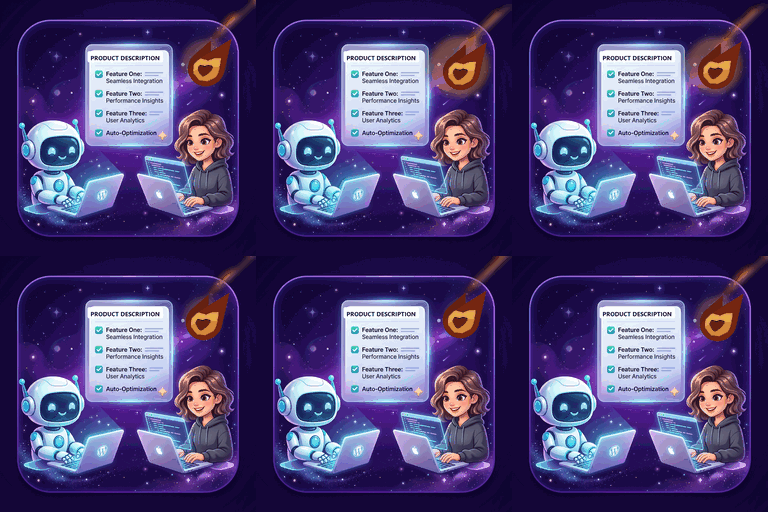
Generate contextual AI product descriptions on-the-fly and store them in custom fields without messing with your existing descriptions.

By markrussellwp
A Design tool for the Blockwright theme, plus adaptive blocks, dynamic content, 298 icons and a light/dark toggle for any block theme.

By abourri
Turn your website knowledge into helpful answers and guide visitors to relevant content.

By Randy Breland
Bible discipleship with 500 NIV lessons, memorization, Bible study tools, local public-domain Bibles, digests, and BYOK AI — all free.
Compare WooCommerce products side by side: Compare buttons, a sticky bar, a table that highlights differences, and swipeable mobile cards.

By brainstudioz
Organize WordPress media with folders, safely clean unused and duplicate files, replace attachments, optimize images, and track storage.
CHOOSE WHAT YOUR WEBSITE NEEDS
Start with the task you need to solve. Compare features, WordPress and PHP requirements, update history and the author’s documentation. Test changes on a private copy and avoid adding several plugins for the same job.
This independent directory displays plugin information on WebFulHost and links to the official source. Packages are not mirrored or installed here. A plugin can include paid extensions or services with separate terms from its author.