

Saddam Hossen WebP Optimizer
By Saddam Hossen
High-performance, zero-cost image optimization. Converts images to WebP locally without external APIs.
★ 5.0/5 (1)0+ active installations
- Version
- 1.1.0
- WordPress
- 5.0+
- PHP
- 7.4+
- Updated
- 8 Feb 2026
WORDPRESS RESOURCES
Explore public plugin information from the official WordPress.org directory. Compare what a plugin does, its requirements and update history before adding it to your website.
Explore WordPress hosting →1,494 matching plugins reported by WordPress.org · Page 27 of 50
Source: WordPress.org
Data refreshed 24 Nov 2026 19:48 UTC
By Saddam Hossen
High-performance, zero-cost image optimization. Converts images to WebP locally without external APIs.

By prowebport
Embed EXIF metadata directly into your WordPress images and automatically convert every upload to WebP at full quality.

By nxtweb
Next Watermark helps you easily add automatically text or/and image watermarks on your images (GIF, JPEG, PNG and WEBP formats supported)! Backup/rest …
Compress WordPress images, convert to WebP and AVIF, reduce file sizes, improve page speed, and boost Core Web Vitals.

By webandprint
Augmented Reality for WordPress lets you showcase 3D models in an interactive viewer and AR on iOS and Android, with no app downloads needed.

By watermelon-joy
Improve your images alt, title, captions and filenames for better SEO rankings. Free account: 10 images a month. Paid plans for more.

By nextxentech
A canvas-based product designer for WooCommerce. Let customers personalize products with text, images, and shapes before purchasing.

By webAufstieg GmbH
Generate AI alt text, image metadata and SEO filenames automatically or in bulk for WordPress and WooCommerce. Includes 50 free credits monthly.
By Tamas Rottenbacher
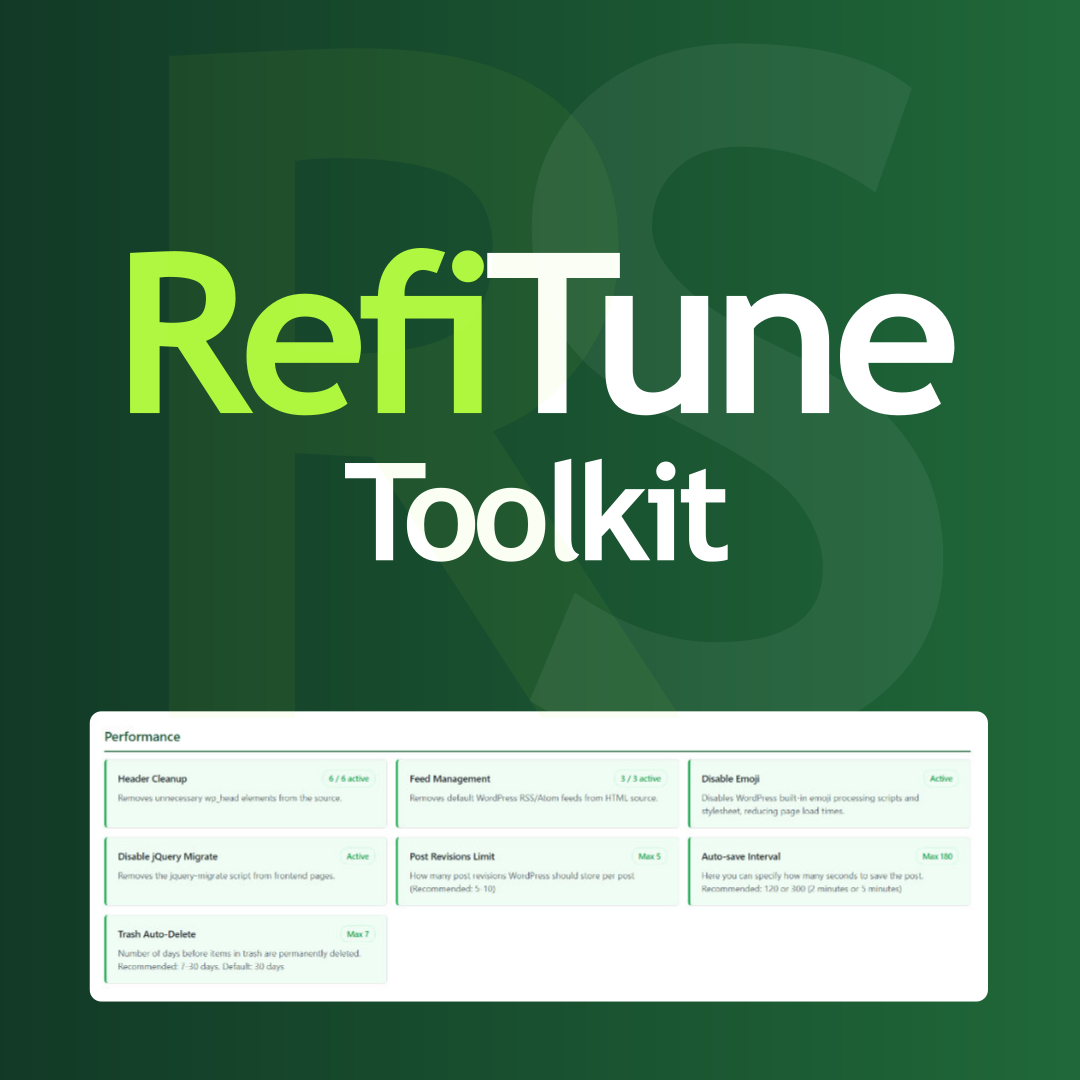
Take control of WordPress with smart performance tweaks, security enhancements, and usability improvements. RefiTune is an all-in-one toolkit.

By Wp Core Tools
Find and safely remove unused media files from your Media Library. Quarantine system, page builder and WooCommerce support included free.

By Mohamad Shukry
Bulk-select files from your WordPress Media Library and download them as a single ZIP — works in Grid and List view, zero setup required.

By Steve Truman
Bring your product pages and presentation alive with Dynamic Product Gallery for WooCommerce. Beautifully.
CHOOSE WHAT YOUR WEBSITE NEEDS
Start with the task you need to solve. Compare features, WordPress and PHP requirements, update history and the author’s documentation. Test changes on a private copy and avoid adding several plugins for the same job.
This independent directory displays plugin information on WebFulHost and links to the official source. Packages are not mirrored or installed here. A plugin can include paid extensions or services with separate terms from its author.
