Want to take a screenshot of any page in your admin Dashboard and share it with someone else? It couldn't be easier with Admin Screenshots!
★ 5.0/5 (1)10+ active installations
- Version
- 1.0.6
- WordPress
- 5.0+
- Updated
- 25 Aug 2026
View plugin details ↗Improve frontend performance by disabling Google Fonts. GDPR and DSGVO friendly.
★ 4.5/5 (46)100,000+ active installations
- Version
- 2.0.3
- WordPress
- 4.8+
- Updated
- 13 Sep 2026
View plugin details ↗Modular WordPress toolkit for security, performance, SMTP, WebP images, code snippets, redirects, administration and more.
★ 5.0/5 (28)5,000+ active installations
- Version
- 2.26.1
- WordPress
- 6.2.0+
- PHP
- 7.4+
- Updated
- 10 Nov 2026
View plugin details ↗Instant switching between user accounts in WordPress and WooCommerce.
★ 4.9/5 (238)200,000+ active installations
- Version
- 1.12.2
- WordPress
- 6.3+
- PHP
- 7.4+
- Updated
- 29 Aug 2026
View plugin details ↗A modern design and UI for the WooCommerce admin. Manage, search, and navigate orders faster. Make the WordPress admin dashboard ecommerce-focused.
★ 4.7/5 (12)800+ active installations
- Version
- 1.3.14
- WordPress
- 4.7+
- PHP
- 7.0+
- Updated
- 25 Jun 2025
View plugin details ↗Smooth Back To Top button with scroll progress indicator.
★ 4.9/5 (31)40,000+ active installations
- Version
- 1.3.2
- WordPress
- 4.8+
- PHP
- 7.4+
- Updated
- 6 Sep 2026
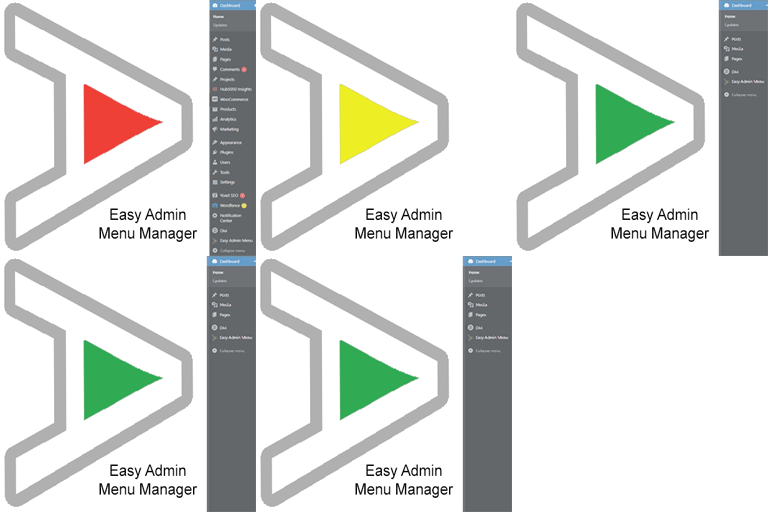
View plugin details ↗Take control of your Dashboard Menu with the Easy Admin Menu Manager. Remove the clutter without losing any functionality.
★ 5.0/5 (1)40+ active installations
- Version
- 2.2.0
- WordPress
- 6.0+
- PHP
- 7.3+
- Updated
- 15 Jul 2026
View plugin details ↗Enable SSL & HTTPS redirect with 1 click! Add SSL certificate & WP Force SSL to redirect site from HTTP to HTTPS & fix SSL errors.
★ 4.7/5 (179)80,000+ active installations
- Version
- 1.70
- WordPress
- 4.6+
- PHP
- 5.2+
- Updated
- 16 Aug 2026
View plugin details ↗Extend LearnDash with a variety of useful modules that make it even easier to build great learner experiences with LearnDash.
★ 4.8/5 (105)20,000+ active installations
- Version
- 3.8.3
- WordPress
- 6.3+
- PHP
- 7.4+
- Updated
- 29 Oct 2026
View plugin details ↗To the plugins admin table, adds a new column indicating the last time the plugin developer released an update.
★ 5.0/5 (9)500+ active installations
- Version
- 1.0.8
- WordPress
- 4.9.0+
- PHP
- 7.0+
- Updated
- 23 Sep 2026
View plugin details ↗Restaurant reservations made easy. Accept bookings online. Quickly confirm or reject reservations, send email notifications, set booking times and mor …
★ 4.7/5 (211)10,000+ active installations
- Version
- 2.9.1
- WordPress
- 6.0+
- PHP
- 8.0+
- Updated
- 26 Oct 2026
View plugin details ↗Organize thousands of WordPress media files in folders / categories with ease.
★ 4.7/5 (1,125)200,000+ active installations
- Version
- 6.5.9
- WordPress
- 3.0+
- PHP
- 7.4+
- Updated
- 13 Oct 2026
View plugin details ↗