

Simple Discount Rules for Woocommerce allows administrator to add and remove discount to products based on Category.
★ 4.6/5 (73)4,000+ active installations
- Version
- 5.19
- WordPress
- 6.0+
- Updated
- 16 Sep 2026
WORDPRESS RESOURCES
Explore public plugin information from the official WordPress.org directory. Compare what a plugin does, its requirements and update history before adding it to your website.
Explore WordPress hosting →10,000 matching plugins reported by WordPress.org · Page 27 of 50
Source: WordPress.org
Data refreshed 28 Nov 2026 14:20 UTC
Simple Discount Rules for Woocommerce allows administrator to add and remove discount to products based on Category.

By wptools
A divi product carousel module to create a slide-show with WooCommerce product items.

By WPClever
WPC Product Table helps you show selected products as a table on the page.
By PI Web Solution
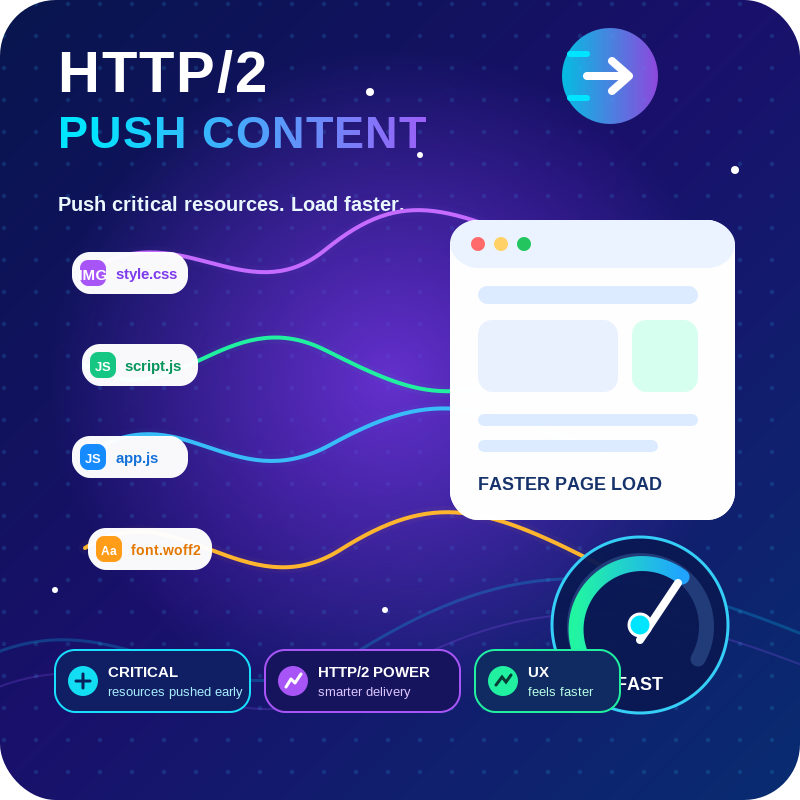
HTTP2 Server push, Async JavaScript, Defer Render Blocking CSS, with fine rule set to control js and css on different page types,
Modern Bulk Editor for WooCommerce products, create and edit hundreds of products in a spreadsheet inside wp-admin. No need to export/import
The #1 eCommerce plugin to sell digital products & subscriptions. Accept payments with Stripe & PayPal. Sell ebooks, software & more.
Speed up your site with 10Web Booster. Pass Core Web Vitals by optimizing HTML / CSS / JavaScript, Image Optimization, Lazy Loading, Cache, Google Fon …

By Piyush Jangid
Allows only one product in the WooCommerce cart at a time. When a new product is added, it replaces the existing product without any warning.
Replace the default WooCommerce related products with a responsive, dynamic slider to boost product engagement and conversions.

By WP Hosting AS
Official Vipps MobilePay payment plugin for WooCommerce.
Customize your WooCommerce thank you page. Redirect customers after purchase based on products, categories, payment methods & more.
Create sales reports and order exports for WooCommerce with product analytics, order fulfillment data, filtering, charts, and 15+ templates.
CHOOSE WHAT YOUR WEBSITE NEEDS
Start with the task you need to solve. Compare features, WordPress and PHP requirements, update history and the author’s documentation. Test changes on a private copy and avoid adding several plugins for the same job.
This independent directory displays plugin information on WebFulHost and links to the official source. Packages are not mirrored or installed here. A plugin can include paid extensions or services with separate terms from its author.





