

Empower your website with AI chatbots that know your business — no code needed, and built to scale. Answer customer questions instantly.
0+ active installations
- Version
- 2.0
- WordPress
- 5.0+
- PHP
- 7.0+
- Updated
- 21 Aug 2025
WORDPRESS RESOURCES
Explore public plugin information from the official WordPress.org directory. Compare what a plugin does, its requirements and update history before adding it to your website.
Explore WordPress hosting →535 matching plugins reported by WordPress.org · Page 28 of 45
Source: WordPress.org
Data refreshed 24 Nov 2026 20:06 UTC
Empower your website with AI chatbots that know your business — no code needed, and built to scale. Answer customer questions instantly.
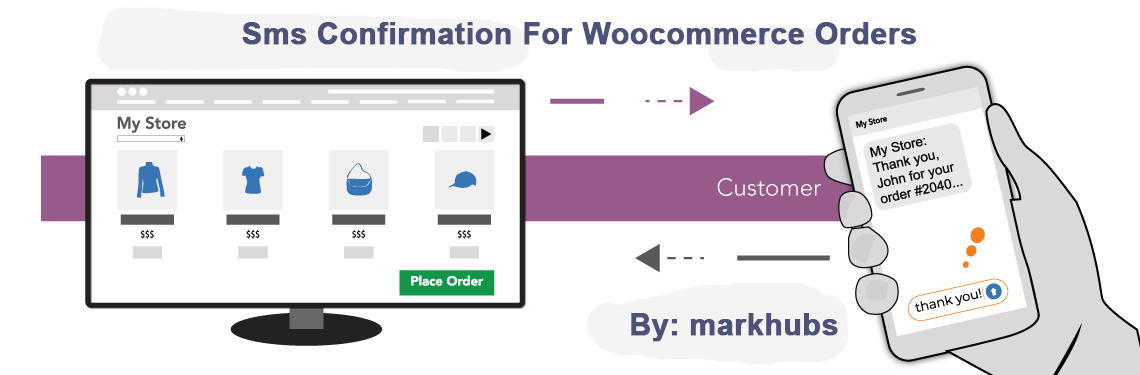
By Nayan Ray
Send SMS notifications when WooCommerce orders are completed using SMS.net.bd, ensuring real-time updates and better customer engagement.

By subhamt411
A customizable testimonials slider to showcase customer reviews with an easy dashboard and simple shortcode.

By Zamzamcoders
Sell more by bundling related products — Easy Frequently Bought Together for WooCommerce lets customers buy together with smart discounts.

By ELEXtensions
Allow WooCommerce customers to select preferred delivery or pickup dates at checkout with lead time controls, working hours, and holidays.

By submitninja
NPS & CSAT feedback widget for WordPress. Page-level targeting, shortcodes, async loading. From $9/mo, free tier available.

By loicm
Améliorez l'expérience client en créant votre programme de parrainage, un programme de fidélité, des enquêtes NPS et badge d'avis sur votre …

By stoyan123
A modern barber booking system for WordPress with Stripe payments, worker schedules, time slot management, and easy appointment control.

By Prabhakar kumar
The Box shipping helps to find the suitable and best boxes for the cart items.

By demfilz
A complete help desk for WordPress: front-end ticket portal, departments, agents, canned replies, attachments, SLA targets and reports.

Boost sales with dynamic pricing, bulk tiered discounts, BOGO deals, free gifts, mix & match bundles, and smart cart discount rules for WooCommerce.

By Acewebx
A sleek, responsive, and highly customizable WordPress plugin to showcase client testimonials and customer reviews in a beautiful slider format.
CHOOSE WHAT YOUR WEBSITE NEEDS
Start with the task you need to solve. Compare features, WordPress and PHP requirements, update history and the author’s documentation. Test changes on a private copy and avoid adding several plugins for the same job.
This independent directory displays plugin information on WebFulHost and links to the official source. Packages are not mirrored or installed here. A plugin can include paid extensions or services with separate terms from its author.