Personizely is a Conversion Optimization Toolkit that helps you boost engagement and sales through A/B testing, website personalization, and popups.
★ 4.8/5 (25)300+ active installations
- Version
- 0.13
- WordPress
- 3.1+
- PHP
- 5.3+
- Updated
- 19 Oct 2026
View plugin details ↗Image hotspot lets you easily add custom tooltips to your images and add hotspot when highlighting them. Furthermore, you have the option of setting c …
★ 4.9/5 (22)3,000+ active installations
- Version
- 3.8
- WordPress
- 6.1+
- PHP
- 7.0+
- Updated
- 2 Oct 2026
View plugin details ↗Create and review AI-assisted articles, images and SEO metadata on your WordPress website using your own OpenAI API key.
★ 5.0/5 (1)70+ active installations
- Version
- 2.0.10
- WordPress
- 6.5+
- PHP
- 8.2+
- Updated
- 22 Nov 2026
View plugin details ↗Lightweight conditional widget visibility. Show or hide widgets by page, URL, post type, category, user role, login status, device and schedule.
★ 5.0/5 (6)300+ active installations
- Version
- 1.6.0
- WordPress
- 6.2+
- PHP
- 7.4+
- Updated
- 6 Nov 2026
View plugin details ↗Dark mode for the whole WordPress admin, both editors and, if you want, your website. 26 themes, a schedule and a visitor switch.
★ 5.0/5 (1)40+ active installations
- Version
- 0.13.0
- WordPress
- 6.0+
- PHP
- 7.4+
- Updated
- 13 Nov 2026
View plugin details ↗Powerful WordPress accessibility checker plugin to detect and fix common accessibility issues, and support WCAG, ADA, EAA, and Section 508 compliance.
★ 4.8/5 (5)1,000+ active installations
- Version
- 2.2.2
- WordPress
- 5.0+
- PHP
- 5.6+
- Updated
- 30 Oct 2026
View plugin details ↗Easily customize the WordPress login page with your own logo, background image, and custom colors — no coding required.
★ 5.0/5 (1)50+ active installations
- Version
- 1.0.2
- WordPress
- 6.0+
- PHP
- 7.4+
- Updated
- 16 Sep 2026
View plugin details ↗Easily manage WooCommerce shipping & payment methods by cart, user roles, address & more. Enhance checkout with conditional shipping & payments.
★ 5.0/5 (2)200+ active installations
- Version
- 1.0.7
- WordPress
- 6.2.0+
- PHP
- 7.4.3+
- Updated
- 30 Sep 2026
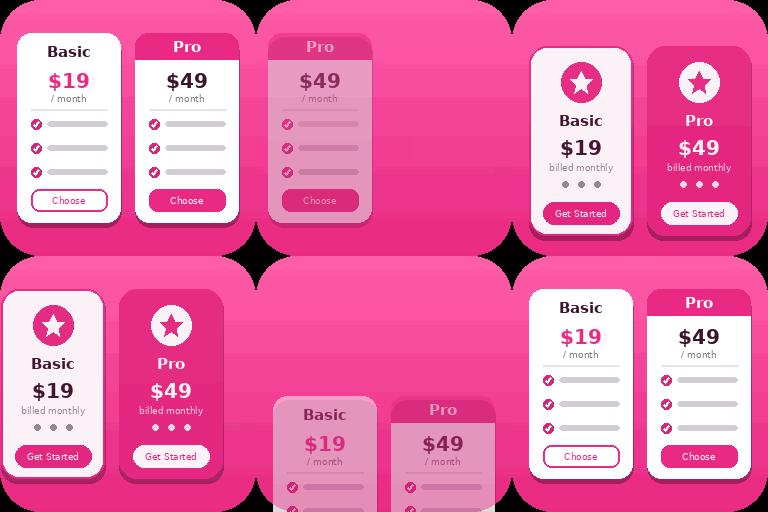
View plugin details ↗Create responsive WordPress pricing tables in Gutenberg with customizable plans, feature lists, CTA buttons, and clear pricing comparisons.
★ 5.0/5 (2)200+ active installations
- Version
- 1.2.0
- WordPress
- 6.5+
- PHP
- 7.4+
- Updated
- 25 Nov 2026
View plugin details ↗Easily use MachForm forms on your WordPress site!
★ 5.0/5 (4)300+ active installations
- Version
- 1.6.1
- WordPress
- 5.0+
- PHP
- 7.4+
- Updated
- 18 Aug 2026
View plugin details ↗The plugin integrates ClickUp into admin for streamlined task management. Add API key for full access: create tasks, leave comments, view priority.
★ 5.0/5 (2)30+ active installations
- Version
- 1.3.1
- WordPress
- 5.3+
- PHP
- 7.4+
- Updated
- 21 Aug 2026
View plugin details ↗This plugin fully removes comments, trackbacks and all related features from your WordPress site.
★ 5.0/5 (1)40+ active installations
- Version
- 1.0.2
- WordPress
- 6.7+
- PHP
- 7.4+
- Updated
- 13 Jan 2026
View plugin details ↗