

Responsive pricing tables and comparison tables with a drag-and-drop builder. Templates, badges, icons and buttons included.
★ 4.1/5 (288)10,000+ active installations
- Version
- 1.13.0
- WordPress
- 5.9+
- PHP
- 7.3+
- Updated
- 17 Nov 2026
WORDPRESS RESOURCES
Explore public plugin information from the official WordPress.org directory. Compare what a plugin does, its requirements and update history before adding it to your website.
Explore WordPress hosting →10,000 matching plugins reported by WordPress.org · Page 3 of 50
Source: WordPress.org
Data refreshed 20 Nov 2026 03:19 UTC
Responsive pricing tables and comparison tables with a drag-and-drop builder. Templates, badges, icons and buttons included.

By Farhan Noor
No more old static tables, make your HTML tables sortable.

Visually build any type of table in WordPress data tables, WooCommerce product tables, and post tables from scratch or use table templates.

By Saiful Islam
Helps you to display your products in a searchable table layout with filters.
Add a table of contents to posts and pages automatically. Easy onboarding wizard, themes with dark mode, and advanced customization.

By Suplugins
Responsive & SEO Optimized tables. Get your Google Featured Snippets. Different table designs, table shortcodes & lightweight code.

By Mykola Lukin
Bulk and quantity discounts, wholesale and B2B prices, and cart rules for WooCommerce. Show tiered prices as tables, blocks or options.
By wpbranddigital
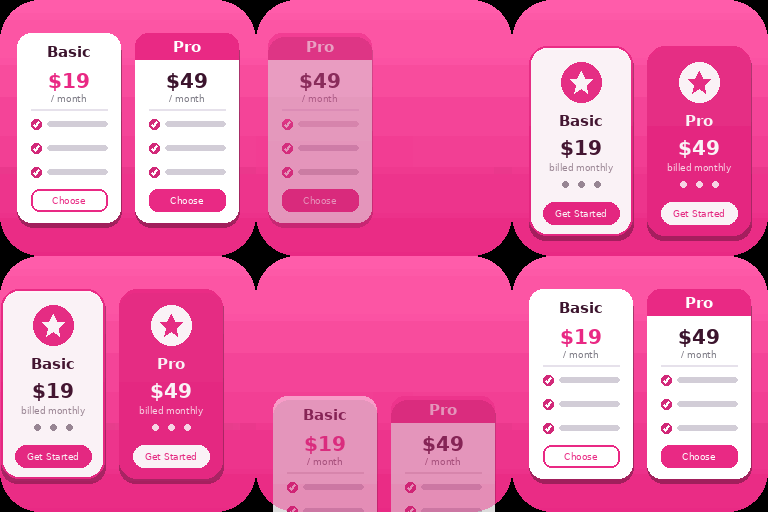
Create responsive WordPress pricing tables in Gutenberg with customizable plans, feature lists, CTA buttons, and clear pricing comparisons.

By WP Titan Labs
Create WooCommerce product tables that are searchable, sortable, filterable and mobile responsive. Help customers find and buy products much faster.
Elementor table plugin to build responsive tables in Elementor with drag & drop: merge cells, colspan, rowspan, striped rows and full styling.
Elementor addon: 120+ widgets & templates — Elementor Gallery, Mega Menu, Slider, Form, Post Grid, Accordion, Header Footer Builder & WooCommerce.

By andy_moyle
Organise and communicate church life, with associated Android and iOS app for your congregation.
CHOOSE WHAT YOUR WEBSITE NEEDS
Start with the task you need to solve. Compare features, WordPress and PHP requirements, update history and the author’s documentation. Test changes on a private copy and avoid adding several plugins for the same job.
This independent directory displays plugin information on WebFulHost and links to the official source. Packages are not mirrored or installed here. A plugin can include paid extensions or services with separate terms from its author.


