

WP Before After Image & Video Slider for WordPress - Create Stunning Interactive Comparisons in Minutes. Lightweight, Responsive, No Coding Needed.
★ 5.0/5 (2)1,000+ active installations
- Version
- 2.3.2
- WordPress
- 6.0+
- PHP
- 7.4+
- Updated
- 9 Jun 2026
WORDPRESS RESOURCES
Explore public plugin information from the official WordPress.org directory. Compare what a plugin does, its requirements and update history before adding it to your website.
Explore WordPress hosting →591 matching plugins reported by WordPress.org · Page 3 of 50
Source: WordPress.org
Data refreshed 26 Nov 2026 22:35 UTC
WP Before After Image & Video Slider for WordPress - Create Stunning Interactive Comparisons in Minutes. Lightweight, Responsive, No Coding Needed.

By Olly Campion
Adds powerful customizer options to modify all aspects of the default WordPress theme Twenty Seventeen.

By Qode
Qi Addons for Elementor is a comprehensive library of 60+ custom, flexible & easily styled Elementor widgets developed by Qode Interactive.
Post and Page Builder is a standalone plugin which adds functionality to the existing TinyMCE Editor.
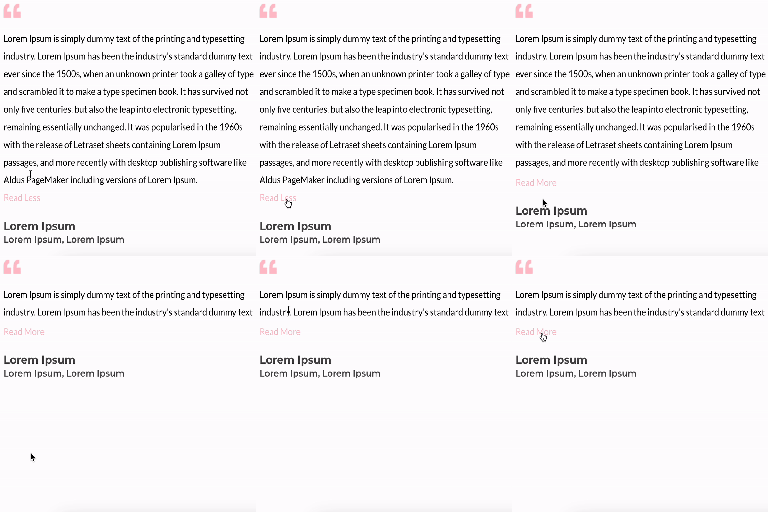
By FullStackWP
Unfold Text is a straightforward yet powerful add-on for Elementor that allows you to expand and collapse text with ease.

By loftocean
An easy to use plugin to add an animated preloader to your website with fully customisations.

By YellowPencil
Style your WordPress site visually. Discover the most popular front-end design plugin! Try live demo.

By Brainstorm Force
The Read Meter plugin displays the estimated reading time for blog posts along with a progress bar.
HappyAddons packs Header Footer Builder, Megamenu, Single Post, Archive Page, & 500+ Ready Templates into one powerful Elementor Addons plugin.
Audio Player for Elementor – the go-to plugin for adding MP3s, podcasts & playlists. Fully customizable, WooCommerce-ready, and mobile-friendly.

By veks
A version of your site for the visually impaired: a settings panel, Gutenberg blocks, a shortcode and a widget.

By Olly Campion
Adds powerful customizer options to modify all aspects of the default WordPress theme Twenty Twenty-One.
CHOOSE WHAT YOUR WEBSITE NEEDS
Start with the task you need to solve. Compare features, WordPress and PHP requirements, update history and the author’s documentation. Test changes on a private copy and avoid adding several plugins for the same job.
This independent directory displays plugin information on WebFulHost and links to the official source. Packages are not mirrored or installed here. A plugin can include paid extensions or services with separate terms from its author.


