

MB Custom Post Types & Custom Taxonomies
By Anh Tran
Create and manage custom post types and custom taxonomies with an easy-to-use UI in WordPress.
★ 4.7/5 (13)10,000+ active installations
- Version
- 2.13.1
- WordPress
- 6.7+
- PHP
- 7.4+
- Updated
- 12 Nov 2026
WORDPRESS RESOURCES
Explore public plugin information from the official WordPress.org directory. Compare what a plugin does, its requirements and update history before adding it to your website.
Explore WordPress hosting →391 matching plugins reported by WordPress.org · Page 3 of 33
Source: WordPress.org
Data refreshed 20 Nov 2026 03:36 UTC
By Anh Tran
Create and manage custom post types and custom taxonomies with an easy-to-use UI in WordPress.

By NerdPress
One-click database optimization with precise revision cleanup and flexible scheduling. Speeding up sites since 2011!
JetHost Total Care simplifies WordPress management by consolidating features like security, site enhancements and performance into a single plugin.

By Sikander Jafar
Bulk delete product reviews, comments, failed and cancelled orders, and database leftovers in safe batches, with filters and manual selection.
AI maps for WordPress. Turn one prompt into interactive SVG maps, image maps, floor plans or Google Maps.
Build a business directory or member directory on WordPress, complete with a listing manager and directory website builder. No developer needed.
All-in-One Authorship Solution: Seamless Author Box, Guest Authors, and Co-Authors to enhance your site's authority, credibility, engagement, and SEO.
Replace 50+ WordPress Plugins: Free SEO, Theme Builder, Code Snippets, Image Optimizer (WebP/AVIF), SMTP Email, Security, Performance & More

By deadko
Database cleanup for wp_options, orphan metadata, revisions, and unused tables. Includes backups. English, Spanish, and Catalan.
Find and delete unused media files in your WordPress media library. Smart scanning, safe cleanup, and storage optimization — completely free.

By discounly
Finds unused Media Library images in minutes, even on very large sites. Check them yourself 10 at a time, then move them to the Trash.
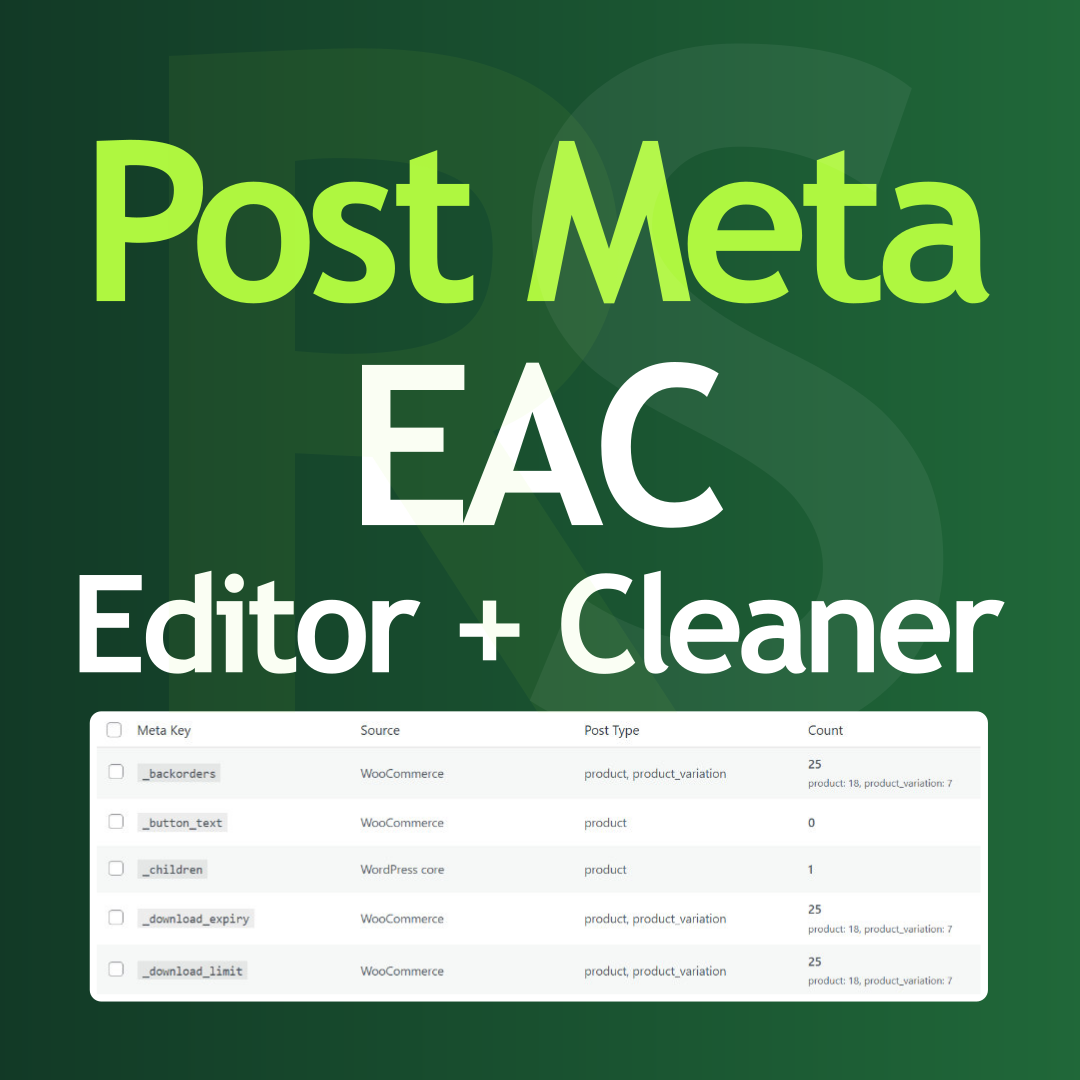
By Tamas Rottenbacher
Post Meta bulk editor to delete unused data, overwrite values, run search and replace, and clean your database directly from the admin panel.
CHOOSE WHAT YOUR WEBSITE NEEDS
Start with the task you need to solve. Compare features, WordPress and PHP requirements, update history and the author’s documentation. Test changes on a private copy and avoid adding several plugins for the same job.
This independent directory displays plugin information on WebFulHost and links to the official source. Packages are not mirrored or installed here. A plugin can include paid extensions or services with separate terms from its author.





