

M7tawa Impact Monitor
By Ayman Abdullah
Monitor measurable extension impact on WordPress without deleting or changing site data.
0+ active installations
- Version
- 2.8.3
- WordPress
- 6.5+
- PHP
- 7.4+
- Updated
- 22 Sep 2026
WORDPRESS RESOURCES
Explore public plugin information from the official WordPress.org directory. Compare what a plugin does, its requirements and update history before adding it to your website.
Explore WordPress hosting →91 matching plugins reported by WordPress.org · Page 3 of 8
Source: WordPress.org
Data refreshed 24 Nov 2026 14:44 UTC
By Ayman Abdullah
Monitor measurable extension impact on WordPress without deleting or changing site data.
Launch and grow your email marketing effortlessly with Hostinger Reach. Collect contacts, sync subscribers, and send emails – all in one, AI powered.

By Remy Perona
Change wp-login.php to anything you want.

By Jörg Liwa
Shows which options load on every page request and cleans up expired transients and old revisions, always with a preview first.

By Frank Bueltge
Enhance Multisite for Network Admins with different topics
Inspect, clean and maintain your WordPress database with tools for revisions, metadata, transients, options, cron jobs and database tables.
This Anti-Malware scanner searches for Malware, Viruses, and other security threats and vulnerabilities on your server and it helps you fix them.

By robbsie
Shows why WordPress loads slowly: which plugin costs the load time, autoload size with the plugin responsible, database bloat, and the state of object …

By bsha100
Find what's breaking or slowing your site: grouped PHP errors, a change timeline, database, cron, plugin, mail and hosting checks. Read-only.

By devfixture
Record, compare, and safely restore revision history for selected WordPress options.
By Tamas Rottenbacher
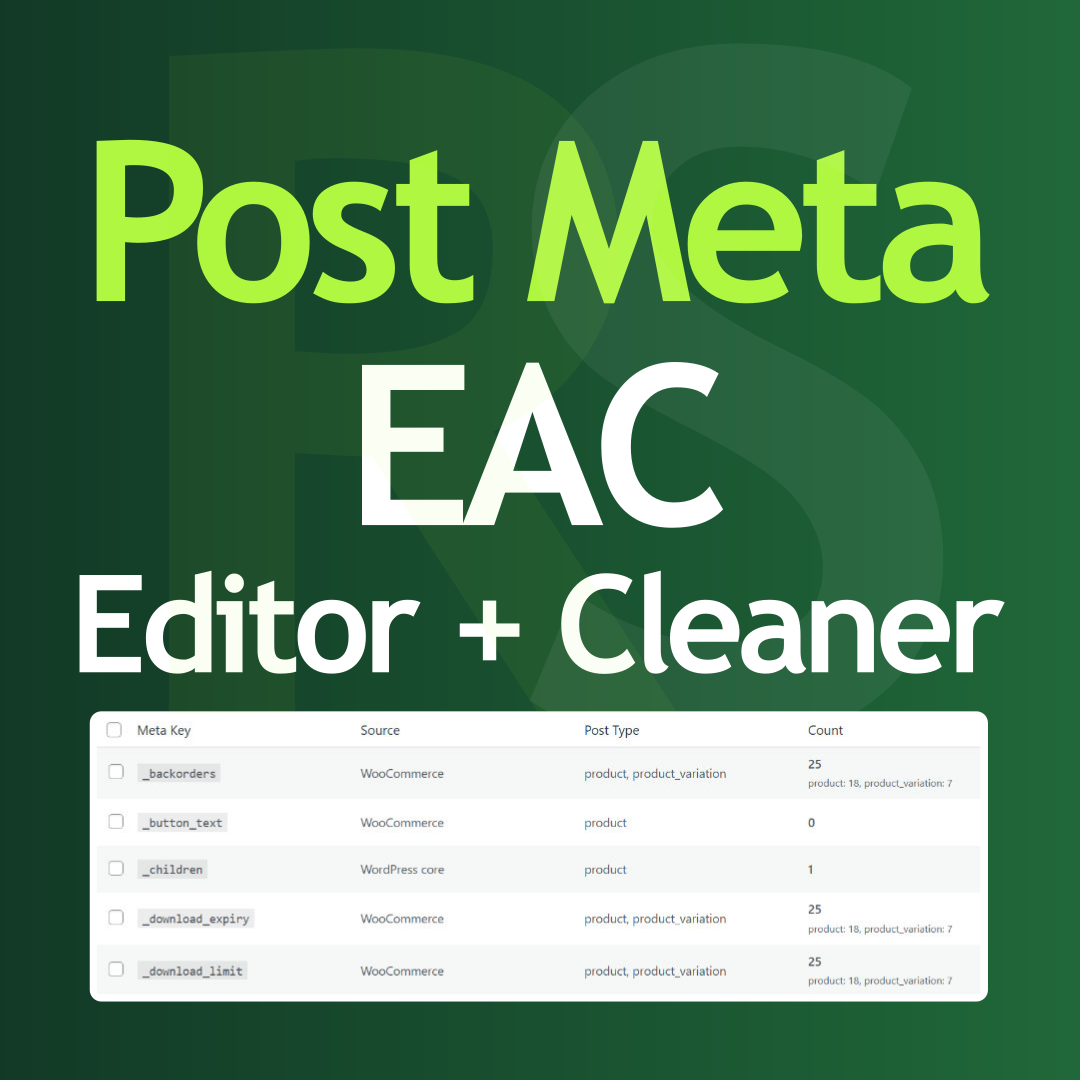
Post Meta bulk editor to delete unused data, overwrite values, run search and replace, and clean your database directly from the admin panel.

By Anh Tran
Create and manage custom post types and custom taxonomies with an easy-to-use UI in WordPress.
CHOOSE WHAT YOUR WEBSITE NEEDS
Start with the task you need to solve. Compare features, WordPress and PHP requirements, update history and the author’s documentation. Test changes on a private copy and avoid adding several plugins for the same job.
This independent directory displays plugin information on WebFulHost and links to the official source. Packages are not mirrored or installed here. A plugin can include paid extensions or services with separate terms from its author.


