

Connect ChatGPT, Claude, or another AI agent to your site. Plus backup, malware scan, firewall, stats, CDN, and SEO tools in one plugin.
★ 3.8/5 (2,415)3,000,000+ active installations
- Version
- 16.4
- WordPress
- 7.0+
- PHP
- 7.4+
- Updated
- 3 Nov 2026
WORDPRESS RESOURCES
Explore public plugin information from the official WordPress.org directory. Compare what a plugin does, its requirements and update history before adding it to your website.
Explore WordPress hosting →2,731 matching plugins reported by WordPress.org · Page 3 of 50
Source: WordPress.org
Data refreshed 26 Nov 2026 03:26 UTC
Connect ChatGPT, Claude, or another AI agent to your site. Plus backup, malware scan, firewall, stats, CDN, and SEO tools in one plugin.
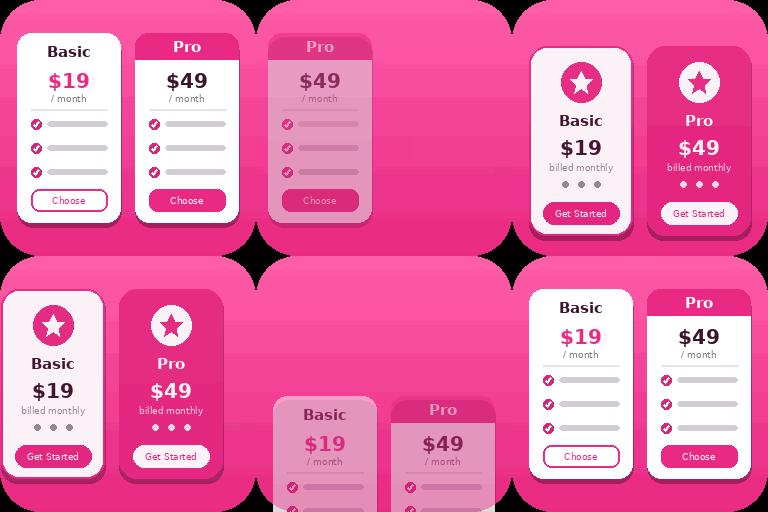
By wpbranddigital
Create responsive WordPress pricing tables in Gutenberg with customizable plans, feature lists, CTA buttons, and clear pricing comparisons.

By tychesoftwares
Set WooCommerce product prices in multiple currencies with flexible cart and checkout options and per-product currency settings.

By YayCommerce
Your all-in-one WooCommerce dynamic pricing toolkit. From Buy X Get Y to tiered and bundle discounts, create powerful rules that boost sales with ease …

By Brainstorm Force
Lightweight SEO assistant for meta tags, schema and structured data, XML sitemaps, Open Graph previews, robots.txt, and Search Console.
Set WooCommerce opening hours, block checkout when closed, and add full-day holiday closures.

By WooCommerce
PayPal's latest payment processing solution. Accept PayPal, Pay Later, credit/debit cards, alternative digital wallets and bank accounts.
Three table types in one plugin: Excel-like data tables with formulas, WooCommerce product tables and pricing tables. Responsive and searchable.
Records every WooCommerce price change, shows a price history chart, and displays the lowest price from the last 30 days.
The #1 eCommerce plugin to sell digital products & subscriptions. Accept payments with Stripe & PayPal. Sell ebooks, software & more.
Unlock advanced dynamic/tiered pricing strategies with quantity-based discounts. Optimize bulk pricing for increased savings and customer satisfaction

By Aslam Doctor
Boost WooCommerce sales with the Rearrange Products for WooCommerce plugin. Easily reorder products with a simple drag-and-drop tool!
CHOOSE WHAT YOUR WEBSITE NEEDS
Start with the task you need to solve. Compare features, WordPress and PHP requirements, update history and the author’s documentation. Test changes on a private copy and avoid adding several plugins for the same job.
This independent directory displays plugin information on WebFulHost and links to the official source. Packages are not mirrored or installed here. A plugin can include paid extensions or services with separate terms from its author.



