Conditional Discount Rules For WooCommerce Checkout Plugin will help you to create and manage complex discount rules based on your requirement.
★ 4.0/5 (13)600+ active installations
- Version
- 2.5.6
- WordPress
- 5.0+
- PHP
- 7.2+
- Updated
- 29 Oct 2026
WORDPRESS RESOURCES
Explore public plugin information from the official WordPress.org directory. Compare what a plugin does, its requirements and update history before adding it to your website.
Explore WordPress hosting →649 matching plugins reported by WordPress.org · Page 3 of 50
Source: WordPress.org
Data refreshed 20 Nov 2026 08:30 UTC
Conditional Discount Rules For WooCommerce Checkout Plugin will help you to create and manage complex discount rules based on your requirement.

By add-ons.org
The Repeater Fields for Gravity Forms allow you to create one or more sets of fields that can be repeated.

By VillaTheme
Make your WooCommerce emails become professional.

By XplodedThemes
A modern Floating Cart / Side Cart for WooCommerce that will improve customer buying experience and increase conversions.
By PI Web Solution
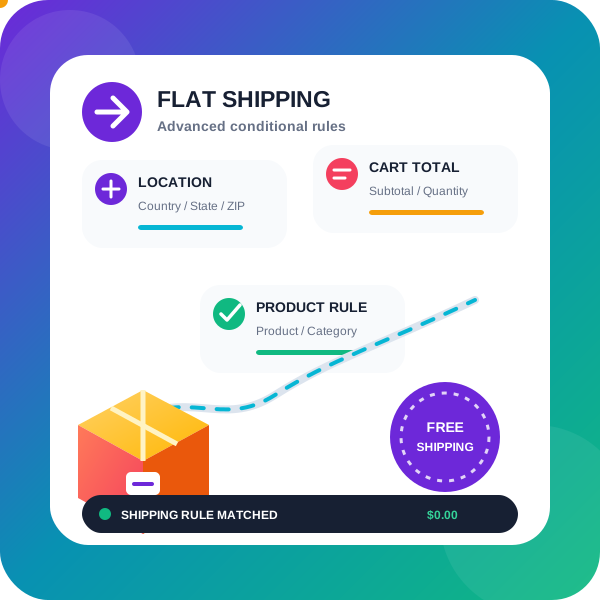
WooCommerce conditional shipping & WooCommerce Advanced shipping rates plugin to create Advanced Flat rate shipping or Free shipping method or tab …

WooCommerce discount rules plugin to create automatic product and cart discounts, bulk pricing, BOGO deals, and dynamic pricing without coupon codes.

By PI Web Solution
Add conditional cart fee / Payment processing fee / Extra cost / Extra fees plugin for WooCommerce / Additional fees / Service charge at checkout for …
Add, edit, hide and reorder WooCommerce checkout fields. 11 field types for Block Checkout and 20 for Classic Checkout, free. No code needed.

By PI Web Solution
Disable payment method for WooCommerce, Charge WooCommerce Payment processing fees, Take Partial payment for Order, Advance COD or Partial payment for …
Additional functionality for WooCommerce Coupons: Allow discounts to be automatically applied, applying coupons via url, etc...
A flexible discount system for WooCommerce. Create tiered coupons, conditional promotions, and user-specific discounts with ease.

By Nabil Lemsieh
Hide, disable, customize, or replace the WooCommerce Add to Cart button using conditional rules based on user role, cart content, country, and more.
CHOOSE WHAT YOUR WEBSITE NEEDS
Start with the task you need to solve. Compare features, WordPress and PHP requirements, update history and the author’s documentation. Test changes on a private copy and avoid adding several plugins for the same job.
This independent directory displays plugin information on WebFulHost and links to the official source. Packages are not mirrored or installed here. A plugin can include paid extensions or services with separate terms from its author.