

Transfer data from AliExpress products to WooCommerce effortlessly and fulfill WooCommerce orders to AliExpress automatically.
★ 3.7/5 (138)8,000+ active installations
- Version
- 2.2.8
- WordPress
- 6.2+
- PHP
- 7.4+
- Updated
- 20 Nov 2026
WORDPRESS RESOURCES
Explore public plugin information from the official WordPress.org directory. Compare what a plugin does, its requirements and update history before adding it to your website.
Explore WordPress hosting →3,159 matching plugins reported by WordPress.org · Page 30 of 50
Source: WordPress.org
Data refreshed 29 Nov 2026 19:18 UTC
Transfer data from AliExpress products to WooCommerce effortlessly and fulfill WooCommerce orders to AliExpress automatically.
Draw local delivery zones on a map or set a radius around your store, and give each WooCommerce delivery area its own shipping price.

By Techeshta
Launch stunning websites in minutes — 30+ professionally crafted Divi layouts, one-click import, zero coding required.

By Ecwid by Lightspeed Ecommerce Shopping Cart
Powerful, easy to use ecommerce shopping cart for WordPress. Sell on Facebook and Instagram. iPhone & Android apps. Superb support.

By Buckaroo B.V.
Accept iDEAL | Wero, Bancontact, cards, Klarna, PayPal and more in your WooCommerce checkout, all through one Buckaroo account.
WooCommerce product gallery plugin with slider, zoom, video, variation images, lightbox & AI-powered setup.
By YITHEMES
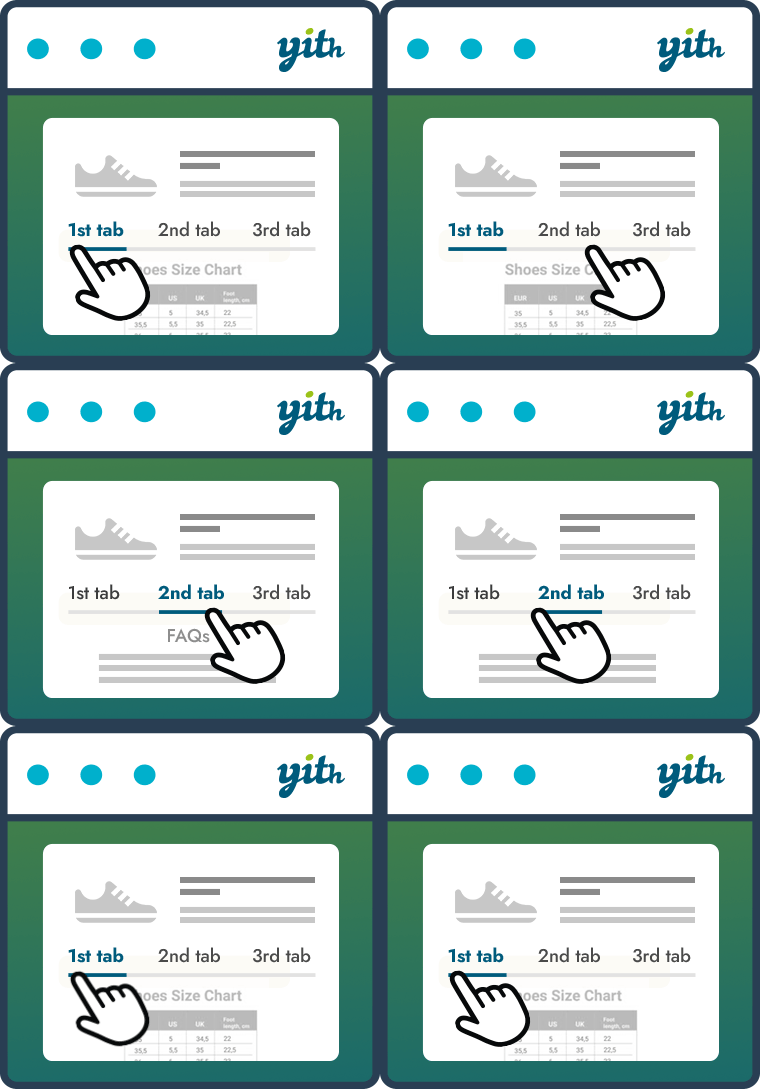
Improve your WooCommerce product pages by adding custom tabs and ad hoc content for your customers

By manojsprinix
Displays WooCommerce product categories as a collapsible accordion list or a dropdown filter, as a sidebar widget or shortcode.

By PluginUs.NET
WooCommerce Active Products Tables (former name WOOT) - is the WooCommerce Products Table plugin displaying shop products in table format

By datafeedr
Import products from the Datafeedr API into your WooCommerce store.
Sales booster for WooCommerce with BOGO, upsells, order bumps, direct checkout, quick view and side cart. Lift AOV without extra plugins.
Ever Compare is a WordPress plugin for product compare, is a powerful tool that helps you to enable compare button for WooCommerce product.
CHOOSE WHAT YOUR WEBSITE NEEDS
Start with the task you need to solve. Compare features, WordPress and PHP requirements, update history and the author’s documentation. Test changes on a private copy and avoid adding several plugins for the same job.
This independent directory displays plugin information on WebFulHost and links to the official source. Packages are not mirrored or installed here. A plugin can include paid extensions or services with separate terms from its author.



