

Qi Blocks
By Qode
Qi Blocks is the largest collection of Gutenberg blocks developed by Qode Interactive.
★ 5.0/5 (5)60,000+ active installations
- Version
- 1.5.5
- WordPress
- 6.3+
- PHP
- 7.4+
- Updated
- 24 Nov 2026
WORDPRESS RESOURCES
Explore public plugin information from the official WordPress.org directory. Compare what a plugin does, its requirements and update history before adding it to your website.
Explore WordPress hosting →3,726 matching plugins reported by WordPress.org · Page 32 of 50
Source: WordPress.org
Data refreshed 29 Nov 2026 20:31 UTC
By Qode
Qi Blocks is the largest collection of Gutenberg blocks developed by Qode Interactive.

By Omnisend
Email Marketing, Newsletter, Email Automation, Forms, Pop Up, SMS, Abandoned Cart made easy for WordPress & WooCommerce by Omnisend

By CodePopular
Short Description: Add essential Elementor addons to boost your website functionality with product grids, lists, and WooCommerce features.

By HT Plugins
The HT Slider is an Elementor slider plugin that enables you to add advanced sliders to your WordPress website.

By A WP Life
An easy-to-use album gallery for Photo & Video display. Works seamlessly with Gutenberg Blocks and Elementor Page Builder.

By Really Simple Plugins
Simply add a booking calendar to your site to schedule bookings, reservations, appointments and to collect payments.
By YITHEMES
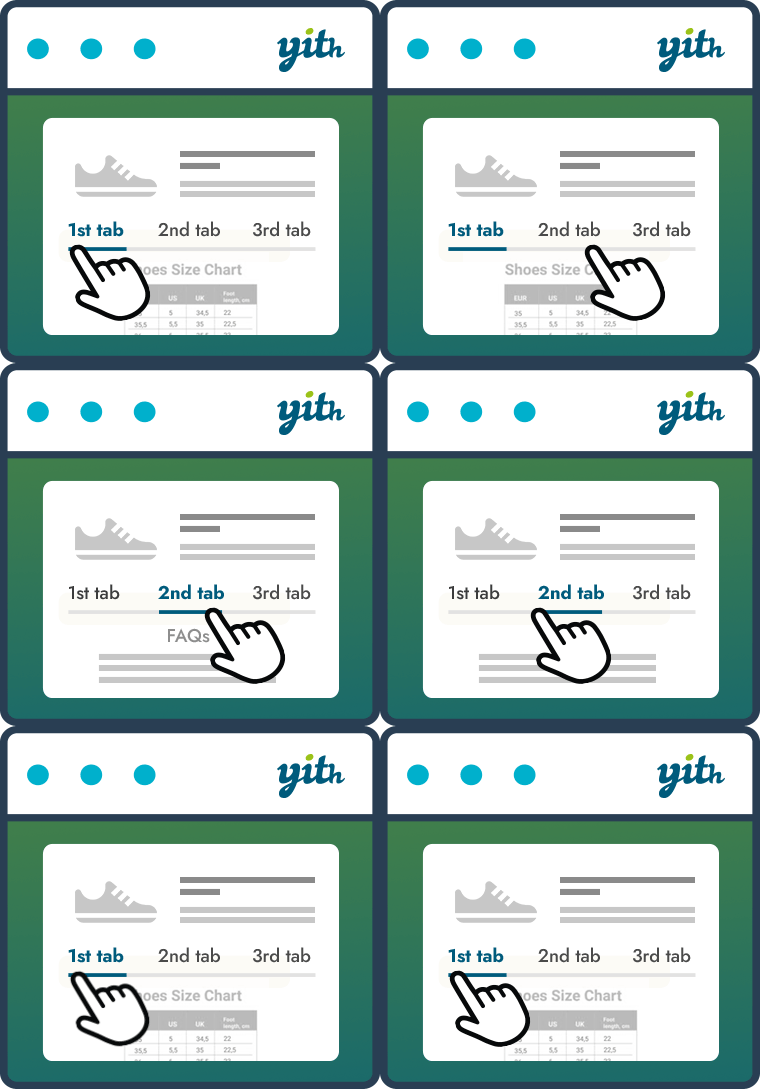
Improve your WooCommerce product pages by adding custom tabs and ad hoc content for your customers

By Anh Tran
A lightweight solution for creating relationships between posts, terms, users and custom table models in WordPress.
Events calendar plugin for event registration, event tickets, bookings, RSVP, recurring and virtual events with WooCommerce and Zoom (AI-powered).

By WP All Import
Drag & drop to export orders to CSV, Excel, or XML files of any format. Supports customer data, line items, date range filtering, and more with po …

By Addonify
Addonify WooCommerce Quick View plugin adds functionality to have a quick preview of WooCommerce product on a popup modal.
An easy way to sell digital products and manage licenses with WooCommerce.
CHOOSE WHAT YOUR WEBSITE NEEDS
Start with the task you need to solve. Compare features, WordPress and PHP requirements, update history and the author’s documentation. Test changes on a private copy and avoid adding several plugins for the same job.
This independent directory displays plugin information on WebFulHost and links to the official source. Packages are not mirrored or installed here. A plugin can include paid extensions or services with separate terms from its author.

