
External Links in New Window / New Tab
By WebFactory
Open external links in a new window or new tab. SEO optimized and XHTML Strict compliant.
★ 4.5/5 (77)30,000+ active installations
- Version
- 1.45
- WordPress
- 4.0+
- PHP
- 5.2+
- Updated
- 16 Aug 2026
WORDPRESS RESOURCES
Explore public plugin information from the official WordPress.org directory. Compare what a plugin does, its requirements and update history before adding it to your website.
Explore WordPress hosting →2,506 matching plugins reported by WordPress.org · Page 32 of 50
Source: WordPress.org
Data refreshed 22 Nov 2026 15:30 UTC
By WebFactory
Open external links in a new window or new tab. SEO optimized and XHTML Strict compliant.

By ThemeBoy
SportsPress is an extendable all-in-one sports data plugin that helps sports clubs set up and manage a league or club site quickly and easily.

By Gerald G.
See where every image is used — and find the ones that are not. Delete unused images safely: live re-check first, and a trash you can restore from.

By Lucas Ferraz SEO
Automate technical SEO, image optimization and webp creation, security, unused media cleanup, sitemaps, find broken links, and more.

By Brainstorm Force
Improve SEO, elevate rankings and Boost CTR. Supports different types of content and works well with Google, Bing, Yahoo, and Facebook.

By YOOPixel
Modern WordPress admin workspace with Studio Hub, security tools, Focus Mode, notifications, branded login, and advanced appearance controls.
Find and delete unused images and media files, fix broken entries, with a trash to undo anything. A lighter, faster WordPress! 💕

By VillaTheme
Engage customers with a fun spin-the-wheel game! Collect emails and reward them with discount coupons instantly.

By MakeCommerce.net
Payments and shipping for WooCommerce stores in Estonia, Latvia, Lithuania and Finland. One contract, one bank account, all major banks and cards.
The best invoicing plugin for WordPress. See how you can get paid faster without those hidden service fees.
A modular, high-performance carousel block for WordPress, powered by the Interactivity API and Embla Carousel.
By Tamas Rottenbacher
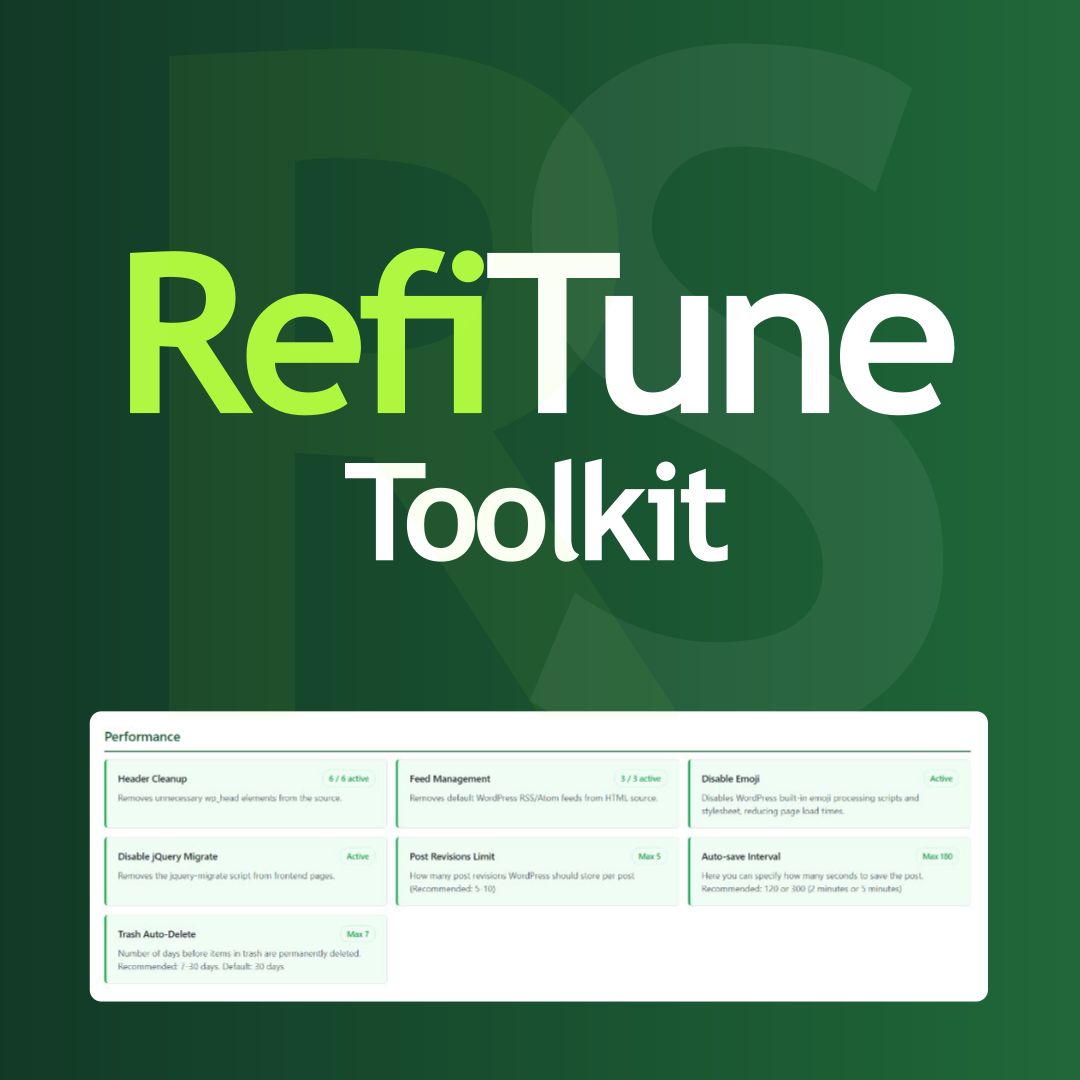
Take control of WordPress with smart performance tweaks, security enhancements, and usability improvements. RefiTune is an all-in-one toolkit.
CHOOSE WHAT YOUR WEBSITE NEEDS
Start with the task you need to solve. Compare features, WordPress and PHP requirements, update history and the author’s documentation. Test changes on a private copy and avoid adding several plugins for the same job.
This independent directory displays plugin information on WebFulHost and links to the official source. Packages are not mirrored or installed here. A plugin can include paid extensions or services with separate terms from its author.