Sender is an all-in-one email & SMS marketing platform designed keeping the challenges of ecommerce and small businesses in mind.
★ 4.8/5 (84)6,000+ active installations
- Version
- 2.12.1
- WordPress
- 4.7.0+
- PHP
- 7.1+
- Updated
- 20 Nov 2026
WORDPRESS RESOURCES
Explore public plugin information from the official WordPress.org directory. Compare what a plugin does, its requirements and update history before adding it to your website.
Explore WordPress hosting →2,607 matching plugins reported by WordPress.org · Page 33 of 50
Source: WordPress.org
Data refreshed 21 Nov 2026 22:20 UTC
Sender is an all-in-one email & SMS marketing platform designed keeping the challenges of ecommerce and small businesses in mind.
Easily create & manage documentation. Reduce support tickets & scale your customer support workload. This simple plugin works with any theme.

Embed secure, responsive iFrames in WordPress with Elementor or Gutenberg. Supports lazy loading, auto-height, and dynamic URLs. No coding required.
Allows you to easily customize the email templates sent to your customers in WooCommerce
The CRM, Sales, and Marketing WordPress plugin to grow your business better. Capture and engage web visitors with free live chat, forms, CRM, email ma …
Complete drag & drop page builder for landing pages, dynamic templates & custom designs. Clean code output. SEO-friendly. No coding required.
Create custom post types in WordPress with custom fields, taxonomies, and meta fields. AI-powered WordPress metadata plugin.
Collect and manage event registrations with customizable forms, attendee management, and email templates. Start collecting registrations in minutes.
Build responsive sliders and carousels in the block editor - image, video, post, testimonial, logo and before-after slider blocks.

By Dan Kirshner
Create quizzes and flashcard decks using an interactive WYSIWYG editor; record scores
Automatically share and schedule your WordPress content on top social platforms like Facebook, Instagram, LinkedIn, TikTok, and more.
By YITHEMES
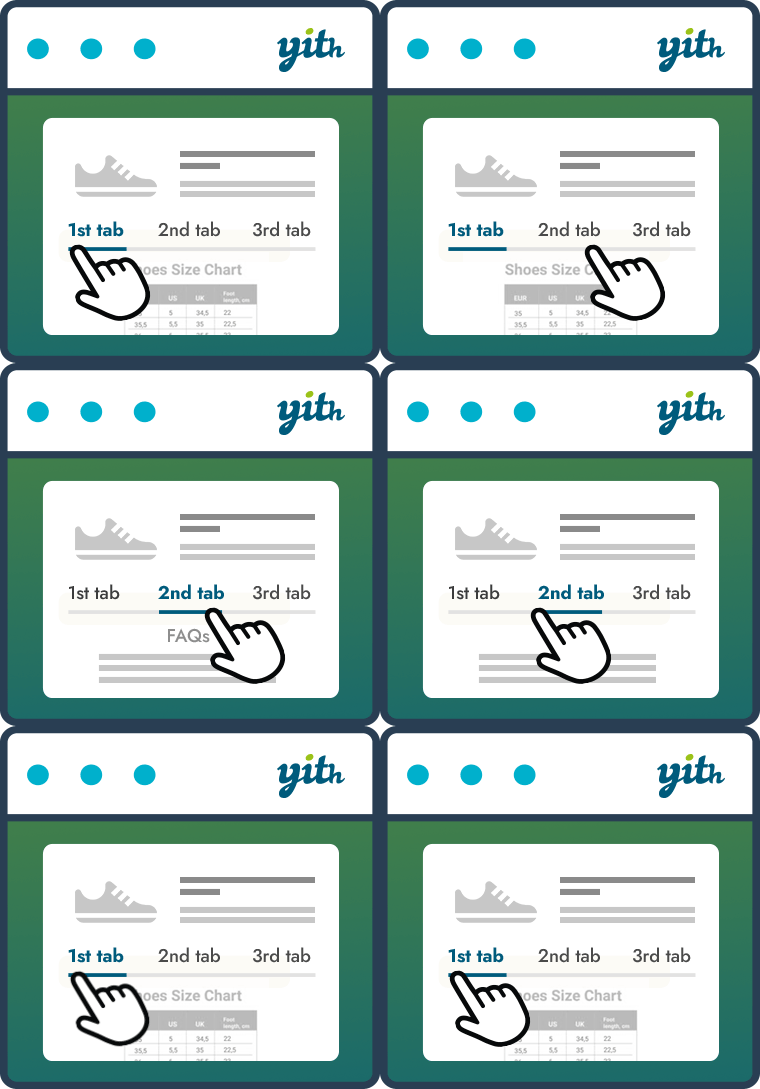
Improve your WooCommerce product pages by adding custom tabs and ad hoc content for your customers
CHOOSE WHAT YOUR WEBSITE NEEDS
Start with the task you need to solve. Compare features, WordPress and PHP requirements, update history and the author’s documentation. Test changes on a private copy and avoid adding several plugins for the same job.
This independent directory displays plugin information on WebFulHost and links to the official source. Packages are not mirrored or installed here. A plugin can include paid extensions or services with separate terms from its author.