

Create responsive Elementor sliders for hero sections, posts, products and more with powerful Elementor addons and ready-to-use Elementor templates.
★ 4.5/5 (82)100,000+ active installations
- Version
- 5.1.7
- WordPress
- 6.8+
- PHP
- 7.4+
- Updated
- 26 Nov 2026
WORDPRESS RESOURCES
Explore public plugin information from the official WordPress.org directory. Compare what a plugin does, its requirements and update history before adding it to your website.
Explore WordPress hosting →6,720 matching plugins reported by WordPress.org · Page 34 of 50
Source: WordPress.org
Data refreshed 29 Nov 2026 17:03 UTC
Create responsive Elementor sliders for hero sections, posts, products and more with powerful Elementor addons and ready-to-use Elementor templates.

By ShapedPlugin LLC
Image carousel, slider, and slideshow blocks with AI and ready patterns. Photo gallery, video slider, post and WooCommerce product carousels.

Visually build any type of table in WordPress data tables, WooCommerce product tables, and post tables from scratch or use table templates.

By WPWeb Infotech
Automatically add watermarks to WooCommerce product images to protect your store visuals and maintain brand identity.

By averta
Build Stunning Slider and Popup. Exit intent Popup, Image slider carousel, video slider carousel, post slider carousel, product slider, promote popup
By YITHEMES
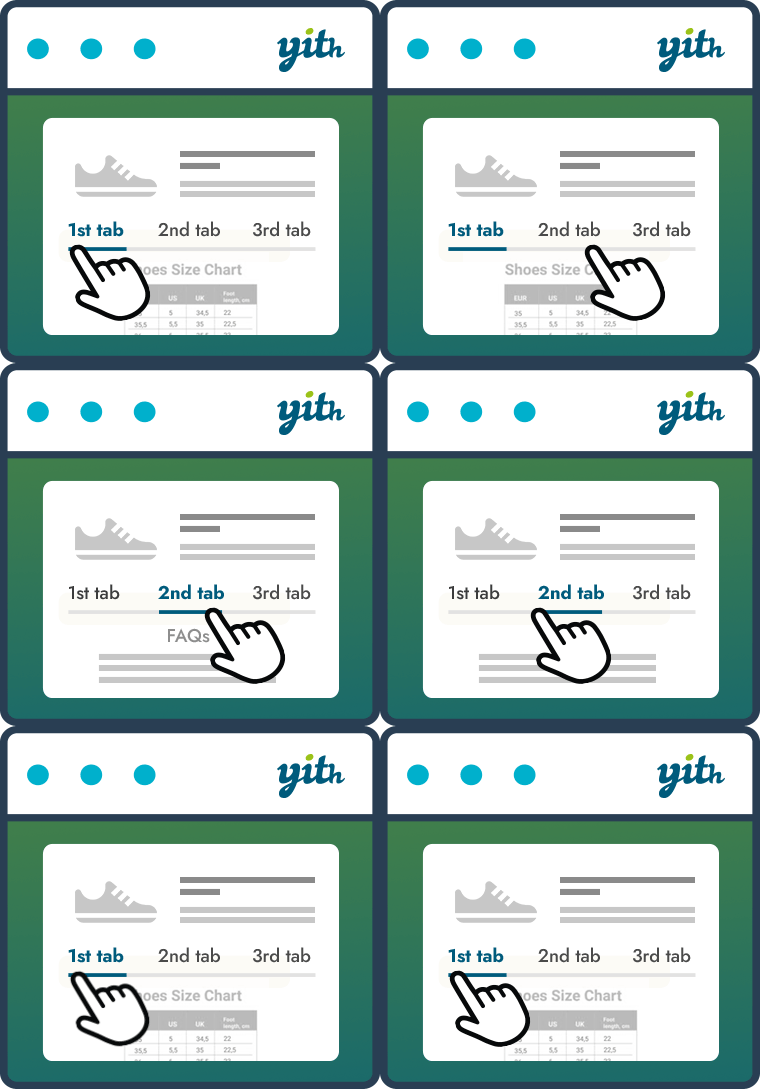
Improve your WooCommerce product pages by adding custom tabs and ad hoc content for your customers

By BeRocket
With Currency Exchange for WooCommerce you can easily setup exchange to any currencies in WooCommerce.

By PixelYourSite
Add Meta Pixel with Conversion API, Google Analytics (GA4) + Consent Mode, Google Tag Manager, OpenAI Pixel & API, and Head & Footer scripts.
Automatically sets the descriptive alt text of your images. Boosts your SEO and accessibility.
Increase loyalty & sales by letting customers create, manage & share multiple wishlists on your WooCommerce store.

Sell event tickets with WooCommerce. Event registration, recurring events, RSVP, attendee management & event calendar — free.

By Scott Paterson
Before After Image with a draggable handle. Works with Elementor, WooCommerce, and shortcode.
CHOOSE WHAT YOUR WEBSITE NEEDS
Start with the task you need to solve. Compare features, WordPress and PHP requirements, update history and the author’s documentation. Test changes on a private copy and avoid adding several plugins for the same job.
This independent directory displays plugin information on WebFulHost and links to the official source. Packages are not mirrored or installed here. A plugin can include paid extensions or services with separate terms from its author.

