Pay. Payment Methods for WooCommerce
By Webshop Pay
This plugin adds the Pay. Payment Methods to your WooCommerce installation.
★ 3.7/5 (3)3,000+ active installations
- Version
- 4.2.0
- WordPress
- 6.1.0+
- PHP
- 8.1+
- Updated
- 11 Nov 2026
WORDPRESS RESOURCES
Explore public plugin information from the official WordPress.org directory. Compare what a plugin does, its requirements and update history before adding it to your website.
Explore WordPress hosting →3,831 matching plugins reported by WordPress.org · Page 34 of 50
Source: WordPress.org
Data refreshed 21 Nov 2026 02:36 UTC
By Webshop Pay
This plugin adds the Pay. Payment Methods to your WooCommerce installation.

By Cupid Chakma
Swift Switcher is a powerful yet lightweight plugin that makes it incredibly easy to migrate posts from one post type to another — including custom po …

By Stylemix
WP Cost Calculator is a simple and powerful tool that lets you create price estimation forms. Easily give your clients information about your services …
Add extra product options and product addons to WooCommerce: 30 custom fields, swatches, file uploads, conditional logic and dynamic pricing.

By WPFactory
Manage currencies for WooCommerce payment gateways. Beautifully.
Add the TikTok Pixel to WordPress without editing code, so TikTok Ads can measure your campaigns and build audiences from your visitors.

Create smooth Elementor marquee sliders, logo marquees, news tickers, image box & icon box, post scrollers, testimonials & WooCommerce marquees.
Simple 301 Redirects provides an easy method of redirecting requests to another page on your site or elsewhere on the web.

By Krzysztof Planeta
Set up consent management and tracking tools in minutes instead of days. Integrations with Google Analytics, Google Ads, Meta Pixel, GTM, and more.

By Riaan K.
Replace the default WooCommerce Thank You page (order received page) with a custom Thank You page.

By Sergiu Cazac
Personizely is a Conversion Optimization Toolkit that helps you boost engagement and sales through A/B testing, website personalization, and popups.
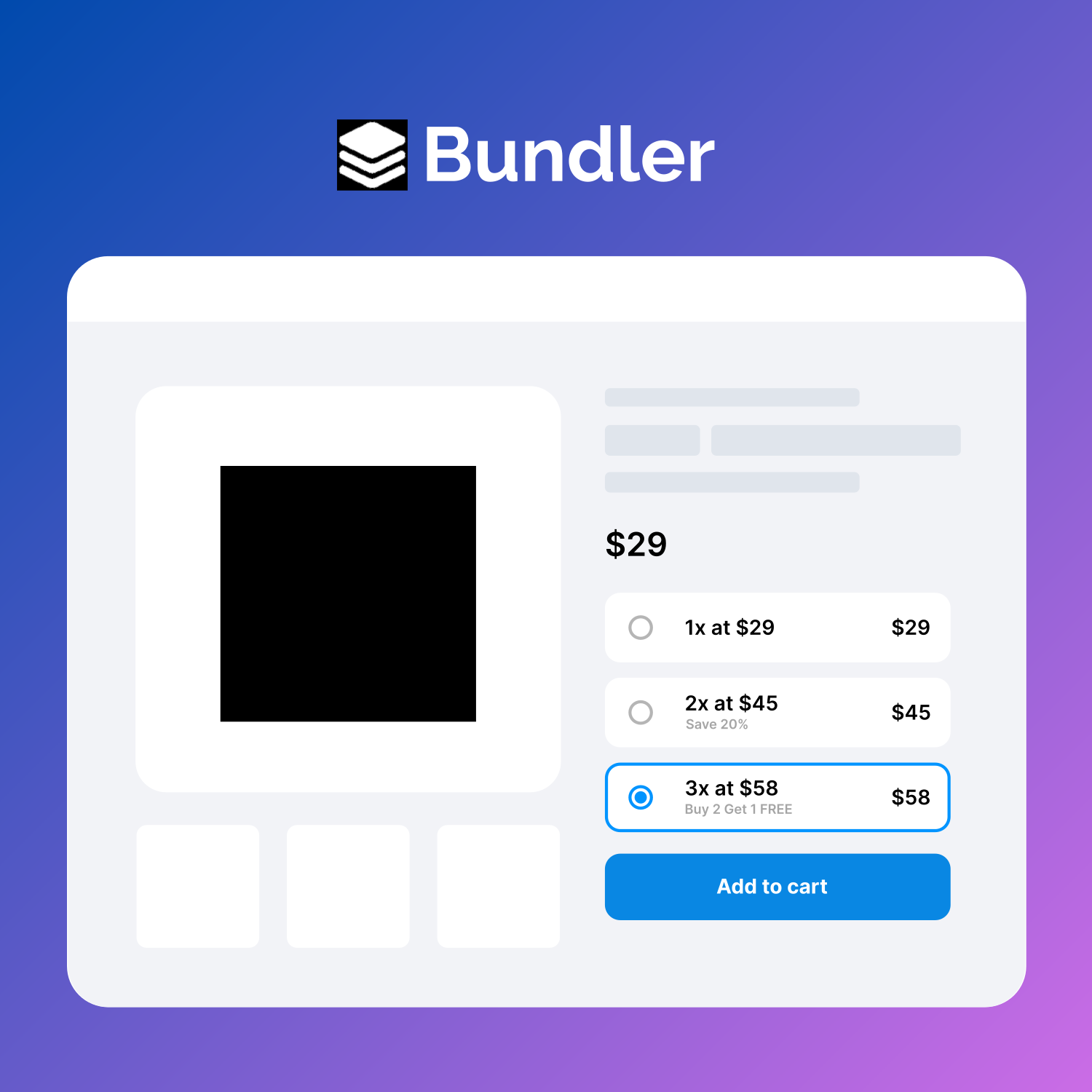
🚀 Boost your Woocommerce sales with Quantity Discounts, Quantity Breaks, Product Bundles, Volume Discounts and Dynamic Pricing.
CHOOSE WHAT YOUR WEBSITE NEEDS
Start with the task you need to solve. Compare features, WordPress and PHP requirements, update history and the author’s documentation. Test changes on a private copy and avoid adding several plugins for the same job.
This independent directory displays plugin information on WebFulHost and links to the official source. Packages are not mirrored or installed here. A plugin can include paid extensions or services with separate terms from its author.