Optimize Scripts & Styles combines scripts and styles on your site, minifies them and provides cachable versions for improved site performance.
★ 5.0/5 (2)50+ active installations
- Version
- 1.9.7
- WordPress
- 6.1+
- PHP
- 7.4+
- Updated
- 20 Apr 2026
View plugin details ↗Backup, restore & migrate WordPress in one click. Full site backup (files + database), AES-256 encryption, WP-CLI — never times out on shared hosting.
★ 5.0/5 (1)30+ active installations
- Version
- 2.3.3
- WordPress
- 5.6+
- PHP
- 7.4+
- Updated
- 6 Nov 2026
View plugin details ↗Flushes and deactivates cache and optimization plugins, enables debug mode, and provides maintenance mode for WordPress development.
★ 5.0/5 (4)10+ active installations
- Version
- 4.2.2
- WordPress
- 5.5+
- PHP
- 7.4+
- Updated
- 28 Aug 2026
View plugin details ↗Turn your QA checklist into AI agents that review every change to your site. Your team approves, your client signs off from a link.
★ 5.0/5 (1)20+ active installations
- Version
- 1.0.0
- WordPress
- 3.1.0+
- PHP
- 5.6+
- Updated
- 16 Sep 2026
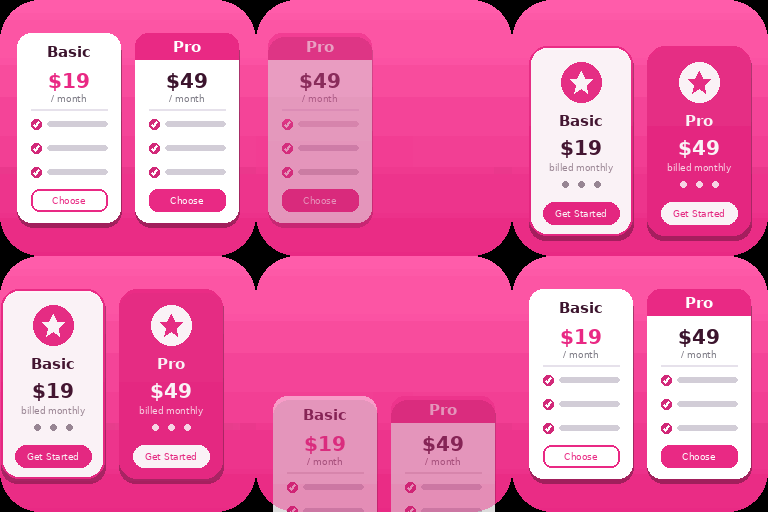
View plugin details ↗Create responsive WordPress pricing tables in Gutenberg with customizable plans, feature lists, CTA buttons, and clear pricing comparisons.
★ 5.0/5 (1)200+ active installations
- Version
- 1.2.0
- WordPress
- 6.5+
- PHP
- 7.4+
- Updated
- 8 Nov 2026
View plugin details ↗Warm your WordPress cache with scheduled crawling, cache preloading, URL source control, logs, diagnostics, and WP-CLI.
★ 4.3/5 (8)90+ active installations
- Version
- 3.0.2
- WordPress
- 5.0+
- PHP
- 7.3.5+
- Updated
- 10 Jun 2026
View plugin details ↗Integrate NMI with WooCommerce for secure, PCI-compliant payments. Accept credit cards and ACH for smooth WooCommerce transactions.
★ 5.0/5 (1)80+ active installations
- Version
- 1.0.7
- WordPress
- 6.0+
- PHP
- 7.4+
- Updated
- 29 Oct 2026
View plugin details ↗Inspect PHP variables on a central dashboard in wp-admin for convenient debugging.
★ 5.0/5 (5)100+ active installations
- Version
- 2.7.1
- WordPress
- 4.8+
- PHP
- 5.6+
- Updated
- 22 May 2026
View plugin details ↗Automatically deactivates plugins that cause fatal errors to prevent site crashes and keep your WordPress site running smoothly.
★ 5.0/5 (2)100+ active installations
- Version
- 1.5.1
- WordPress
- 5.3+
- PHP
- 7.0+
- Updated
- 18 Aug 2026
View plugin details ↗Hide prices & 'Add to Cart' button. Replace with a 'Call For Price' button, text, or quote form. Ideal for catalog mode, B2B & variable pricing.
★ 4.7/5 (11)1,000+ active installations
- Version
- 1.5.2
- WordPress
- 5.8+
- PHP
- 7.2+
- Updated
- 4 Jul 2025
View plugin details ↗Let your customers checkout in seconds. The simplest way to increase your sales.
★ 5.0/5 (2)40+ active installations
- Version
- 1.5.5
- WordPress
- 5.1+
- PHP
- 7.4+
- Updated
- 6 Nov 2026
View plugin details ↗Download installed plugins, themes, and WordPress core files directly from your dashboard. Ideal for backups, migration, and development.
★ 5.0/5 (1)40+ active installations
- Version
- 1.0.1
- WordPress
- 5.0+
- PHP
- 7.4+
- Updated
- 23 May 2026
View plugin details ↗