

Show customer testimonials and reviews with photos, star ratings and company details in a testimonial slider or grid. No coding needed.
★ 4.3/5 (35)1,000+ active installations
- Version
- 3.3.11
- WordPress
- 6.0+
- PHP
- 7.4+
- Updated
- 12 Nov 2026
WORDPRESS RESOURCES
Explore public plugin information from the official WordPress.org directory. Compare what a plugin does, its requirements and update history before adding it to your website.
Explore WordPress hosting →1,382 matching plugins reported by WordPress.org · Page 34 of 50
Source: WordPress.org
Data refreshed 21 Nov 2026 03:09 UTC
Show customer testimonials and reviews with photos, star ratings and company details in a testimonial slider or grid. No coding needed.
Let users record and send voice feedback on your WordPress site. A simple voice recorder plugin with playback, re-record, and admin voice library.

By BeautifulPlugins
Automatically generate featured images and post thumbnails for your WordPress posts, and pages.
By Tamas Rottenbacher
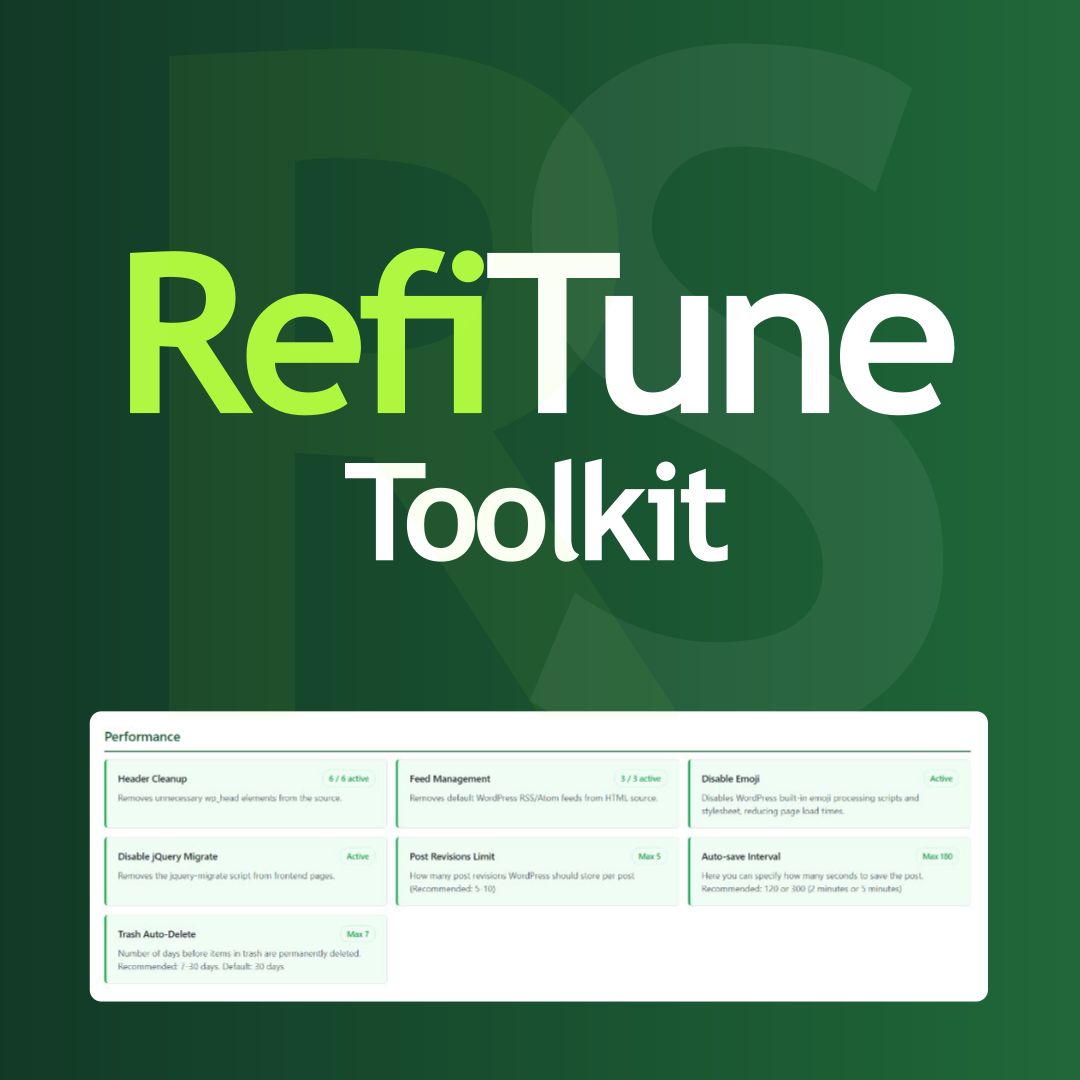
Take control of WordPress with smart performance tweaks, security enhancements, and usability improvements. RefiTune is an all-in-one toolkit.

By AgizoAI.com
Prepare WordPress for AI agents with an agentic readiness dashboard, llms.txt, WebMCP-style form metadata, read-only discovery tools, accessibility ch …

By MD. Ziaul Hasan
Generate SEO-friendly alt tags automatically using OpenAI, Google Gemini, Anthropic Claude, Qwen, or smart pre-defined categories.

By Katsushi Kawamori
Generate static site.
Page cache, WebP, lazy load, CSS/JS optimization and local Google Fonts for WordPress and Elementor, with a setup wizard.

By Imran Tauqeer
CubeWP Forms is a 100% free drag-and-drop builder for creating contact forms, lead gen forms, appointment request forms, and newsletter signup forms.
Free WordPress AI writer with blog drafts, SEO content analysis, FAQ generation and optional AI images. Use your own OpenAI API key.

By iajay
Convert WordPress posts and pages into beautiful, print-ready PDFs using a simple shortcode or auto-insert button.
WordPress optimization plugin and all-in-one toolkit for performance, security, SEO, content, media, users, and site management.
CHOOSE WHAT YOUR WEBSITE NEEDS
Start with the task you need to solve. Compare features, WordPress and PHP requirements, update history and the author’s documentation. Test changes on a private copy and avoid adding several plugins for the same job.
This independent directory displays plugin information on WebFulHost and links to the official source. Packages are not mirrored or installed here. A plugin can include paid extensions or services with separate terms from its author.


