

Publish kintone data
By Takashi Hosoya
The data of kintone can be reflected on WordPress.
★ 5.0/5 (4)60+ active installations
- Version
- 1.16.4
- WordPress
- 4.9+
- PHP
- 7.4+
- Updated
- 23 Oct 2026
WORDPRESS RESOURCES
Explore public plugin information from the official WordPress.org directory. Compare what a plugin does, its requirements and update history before adding it to your website.
Explore WordPress hosting →4,015 matching plugins reported by WordPress.org · Page 34 of 50
Source: WordPress.org
Data refreshed 20 Nov 2026 16:55 UTC
By Takashi Hosoya
The data of kintone can be reflected on WordPress.

By PublishPress
The best link manager for WordPress. Your links are brandable, trackable, and can have custom view permissions.

By vendidero
Germanized extends WooCommerce to become a legally compliant shop for the german market. Must Have for every german WooCommerce shop owner.

By AllAccessible
Agentic AI accessibility tools for WordPress: auto-fix alt text, ARIA & HTML for WCAG/ADA. Per-page & site scores, TTS, disability profiles.

By Clearscope Support
Embed the Clearscope Optimize experience directly in your WordPress Gutenberg or Classic editor sidebar.

By nuggetsol
Automate your WordPress Editorial Workflow with Oasis Workflow. Simple, intuitive drag and drop workflow builder to streamline your editorial process.

By Qode
Qi Blocks is the largest collection of Gutenberg blocks developed by Qode Interactive.

By Smackcoders Inc.,
The best WordPress Import Export plugin. Easily import and export posts, pages, CPTs, WooCommerce products, users and more using CSV, XML and Excel.

By ulfben
Choose your own upload folders using post titles, categories, dates and more. Keep files easy to find when browsing your server.

By Maira Foresto
Free AI SEO tools for WordPress: generate metadata, image alt text, social previews and content improvements while you stay in control.

By Braintum
Create, organize, and display FAQs with AI-powered answers, one-click FAQ groups, WooCommerce, and a floating chat assistant.
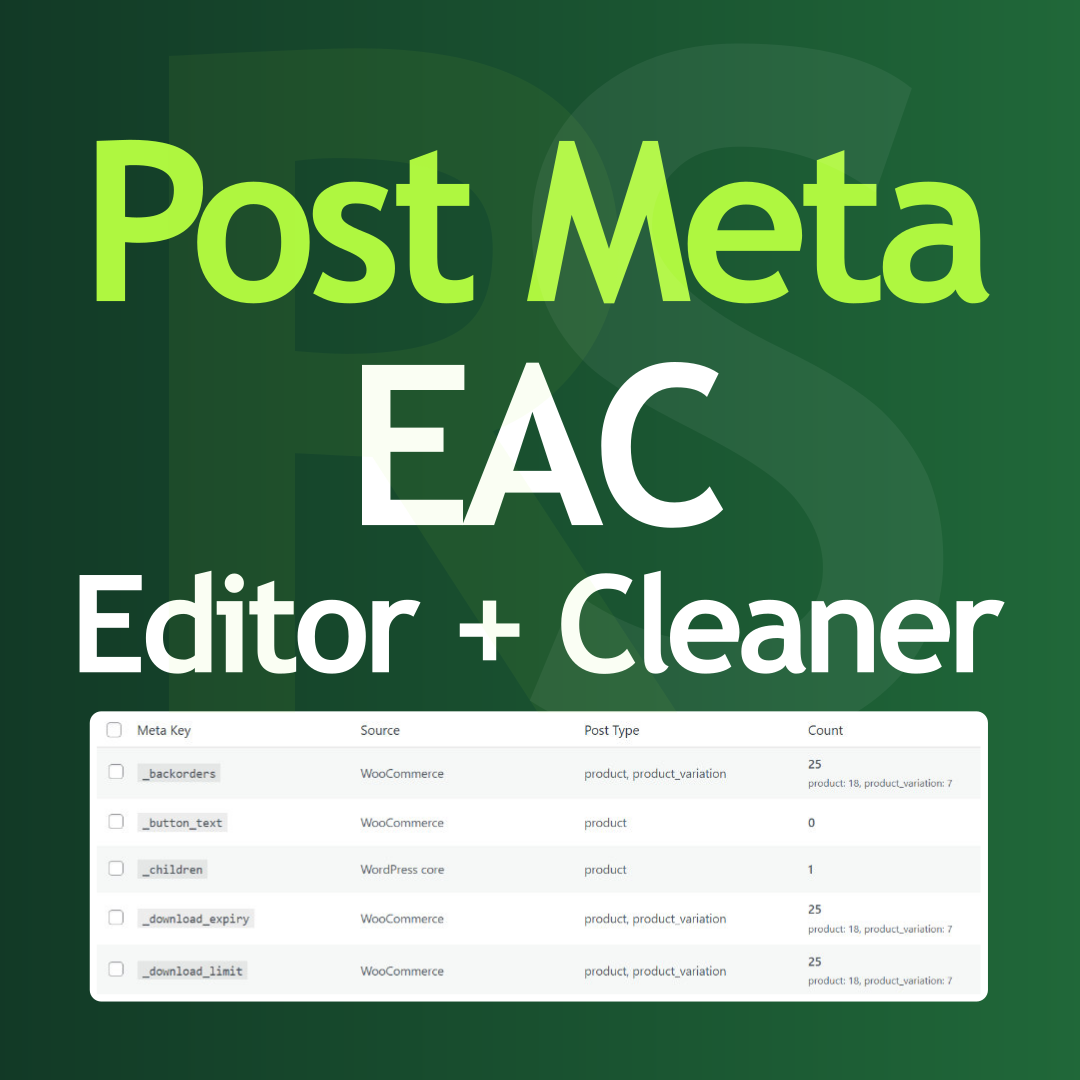
By Tamas Rottenbacher
Post Meta bulk editor to delete unused data, overwrite values, run search and replace, and clean your database directly from the admin panel.
CHOOSE WHAT YOUR WEBSITE NEEDS
Start with the task you need to solve. Compare features, WordPress and PHP requirements, update history and the author’s documentation. Test changes on a private copy and avoid adding several plugins for the same job.
This independent directory displays plugin information on WebFulHost and links to the official source. Packages are not mirrored or installed here. A plugin can include paid extensions or services with separate terms from its author.