

Bulk and quantity discounts, wholesale and B2B prices, and cart rules for WooCommerce. Show tiered prices as tables, blocks or options.
★ 4.7/5 (104)10,000+ active installations
- Version
- 8.4.6
- WordPress
- 6.4+
- PHP
- 7.4+
- Updated
- 24 Nov 2026
WORDPRESS RESOURCES
Explore public plugin information from the official WordPress.org directory. Compare what a plugin does, its requirements and update history before adding it to your website.
Explore WordPress hosting →9,740 matching plugins reported by WordPress.org · Page 35 of 50
Source: WordPress.org
Data refreshed 24 Nov 2026 22:54 UTC
Bulk and quantity discounts, wholesale and B2B prices, and cart rules for WooCommerce. Show tiered prices as tables, blocks or options.

By David Gwyer
Build a responsive HTML sitemap in the block editor with live preview, flexible sorting, tabs, and shortcode support.
8 powerful Gutenberg blocks: Animated Headline, Gradient Text, Typewriter, Spoiler, Drop Cap, Highlight Marker & more.
Add stunning image hover effects to WordPress. 500+ CSS3 animations, 10 effect modules. Native Elementor widget, Gutenberg block & WPBakery widget.

By PluginEver
Showcase WooCommerce product categories in sliders, grids, or blocks with styling control, responsive layouts, and shortcode support

By wpbranddigital
Gutenberg logo carousel block. Show client & partner logos with slider, grid, masonry, multi-row layouts, tooltips, and full style controls.
Organize WordPress content into responsive tabbed sections with a Gutenberg block – multiple themes, icons, shortcodes, and advanced tab layouts.
Darkify Dark Mode adds dark mode and night mode to WordPress websites and admin dashboards using a fast, lightweight, customizable dark mode toggle.

By HeroThemes
Heroic Table of Contents is the easiest way to add a table of contents to your site.

By wpbranddigital
Create responsive team member showcases in Gutenberg with modern layouts, profile cards, social icons, and customizable staff sections.
By wpbranddigital
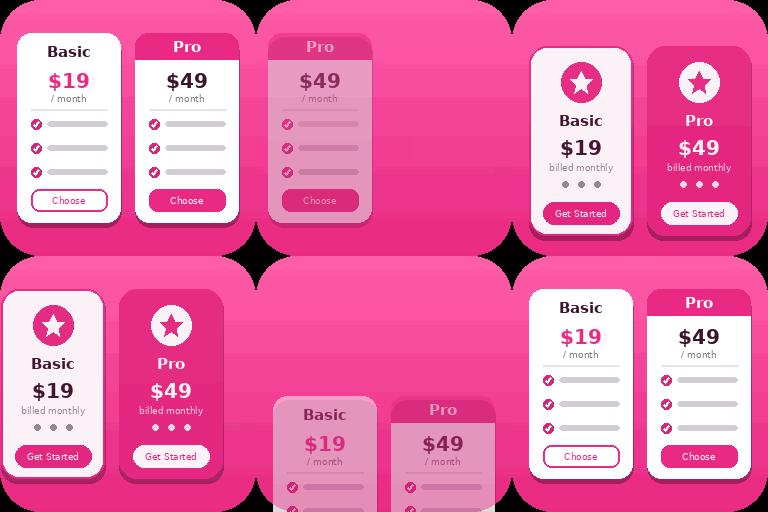
Create responsive WordPress pricing tables in Gutenberg with customizable plans, feature lists, CTA buttons, and clear pricing comparisons.

By CodeManas
Easily manage and customize popups on your website with a user-friendly interface, enhancing engagement without sacrificing page speed.
CHOOSE WHAT YOUR WEBSITE NEEDS
Start with the task you need to solve. Compare features, WordPress and PHP requirements, update history and the author’s documentation. Test changes on a private copy and avoid adding several plugins for the same job.
This independent directory displays plugin information on WebFulHost and links to the official source. Packages are not mirrored or installed here. A plugin can include paid extensions or services with separate terms from its author.



