Create and manage repeatable content blocks with Elementor, WPBakery or WP Blocks. Insert them via shortcode or widget. Flexible and easy to use.
★ 5.0/5 (2)70+ active installations
- Version
- 1.2.1
- WordPress
- 6.4+
- PHP
- 7.4+
- Updated
- 28 Oct 2026
View plugin details ↗Create responsive portfolios in Gutenberg with grid, masonry, filters, lightbox, slider, and customizable project layouts.
★ 5.0/5 (2)800+ active installations
- Version
- 2.2.1
- WordPress
- 6.5+
- PHP
- 7.1+
- Updated
- 26 Nov 2026
View plugin details ↗Gallery Showcase plugin allows you to manage, edit, design and create new galleries showcases or teasers.
★ 5.0/5 (1)100+ active installations
- Version
- 2.0
- WordPress
- 6.0+
- PHP
- 7.4+
- Updated
- 23 Sep 2026
View plugin details ↗Add cost of goods (COGS) to WooCommerce products and see real profit, profit margin and profit reports by product, order, customer and category.
★ 3.5/5 (4)200+ active installations
- Version
- 3.4.7
- WordPress
- 5.0+
- PHP
- 7.4+
- Updated
- 17 Oct 2026
View plugin details ↗Live search that sells: visitors see products instantly and add to cart right from the search results. Built for WooCommerce stores.
★ 5.0/5 (2)60+ active installations
- Version
- 1.1.8
- WordPress
- 4.7+
- PHP
- 7.4+
- Updated
- 12 Jul 2026
View plugin details ↗All-in-one WooCommerce booster with 18+ powerful extensions to skyrocket conversions: Pre-Orders, Badges, Quick View, Buy Now, Trust Badges & more.
★ 5.0/5 (2)10+ active installations
- Version
- 0.1.5
- WordPress
- 6.2+
- PHP
- 7.4+
- Updated
- 14 Aug 2026
View plugin details ↗All-in-one tool for Black Friday, Cyber Monday, and any other special sales event.
★ 3.5/5 (6)100+ active installations
- Version
- 2.13
- WordPress
- 4.5+
- PHP
- 7.4+
- Updated
- 12 Nov 2026
View plugin details ↗Feature Rich and Super Fast Support and Customer Ticketing System for WordPress.
★ 4.6/5 (69)10,000+ active installations
- Version
- 2.5.1
- WordPress
- 5.6+
- PHP
- 7.4+
- Updated
- 20 Nov 2026
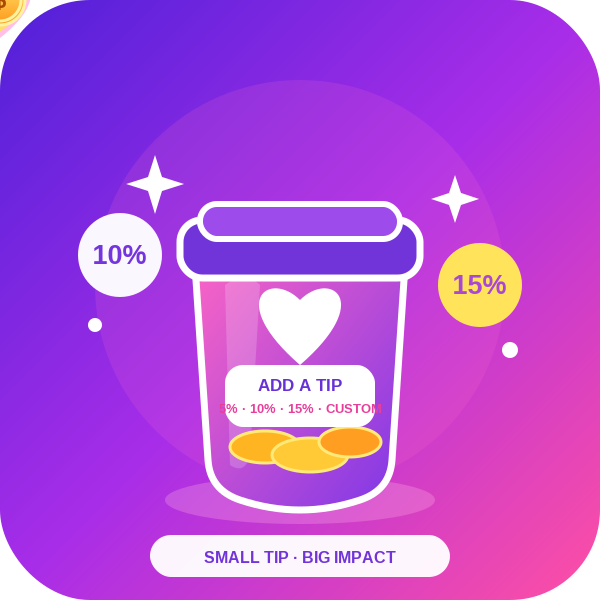
View plugin details ↗Order Tip for WooCommerce adds an option for customer service tips, tips for waitresses, in WooCommerce.
★ 5.0/5 (2)300+ active installations
- Version
- 1.0.66
- PHP
- 7.2+
- Updated
- 19 Nov 2026
View plugin details ↗Set Custom Permalink Editor on a per-post, per-tag per-page, and per-category basis.
★ 5.0/5 (2)4,000+ active installations
- Version
- 1.0.6
- WordPress
- 5.4+
- PHP
- 7.4+
- Updated
- 13 Jan 2026
View plugin details ↗Grow your traffic with AI-powered SEO, local listings, review management, social media & Google Ads — all inside WordPress.
★ 4.0/5 (4)30,000+ active installations
- Version
- 1.3.12
- WordPress
- 6.5+
- PHP
- 8.0+
- Updated
- 25 Nov 2026
View plugin details ↗WooCommerce trade-in and buyback with reversed payments, prepaid EasyPost shipping labels, and automated recommerce workflows.
★ 5.0/5 (1)10+ active installations
- Version
- 1.6.7
- WordPress
- 5.9+
- PHP
- 8.1+
- Updated
- 18 Nov 2026
View plugin details ↗