

Tinnirello Media Anonymizer
By Filippo Tinnirello
Pixelate images in the Media Library to anonymize faces, documents, or other sensitive content, right on your server.
0+ active installations
- Version
- 1.0.2
- WordPress
- 5.8+
- PHP
- 7.4+
- Updated
- 26 Nov 2026
WORDPRESS RESOURCES
Explore public plugin information from the official WordPress.org directory. Compare what a plugin does, its requirements and update history before adding it to your website.
Explore WordPress hosting →1,353 matching plugins reported by WordPress.org · Page 39 of 50
Source: WordPress.org
Data refreshed 29 Nov 2026 09:15 UTC
By Filippo Tinnirello
Pixelate images in the Media Library to anonymize faces, documents, or other sensitive content, right on your server.

By Storm Rockwell
AI alt text and tagging, focal-point cropping that sticks, and image CDN delivery through your own accounts.

By Hawaii Interactive Sàrl
A developer toolkit for WordPress themes — ACF blocks, custom post types, taxonomies, REST API, and utility services.

By Alexandr Melyakin
Find media files your site does not use and free up space safely: a scan on your own server and a quarantine you can restore from.

By Riandre van der Voorden
Automatically optimize WordPress media, create modern image formats, and deliver faster pages with Convertly.
Filter-only WordPress image optimization. AVIF + WebP. AI alt-text in 30+ languages. Free, forever. Pro from €9.95/mo.

By Moowa® Studios
Protect selected media and review unused media before permanent deletion.

By matuqo
Upload photos, add text and create drafts. Import galleries from photo ZIPs or prepared packages with small MP4 videos.
By Tamas Rottenbacher
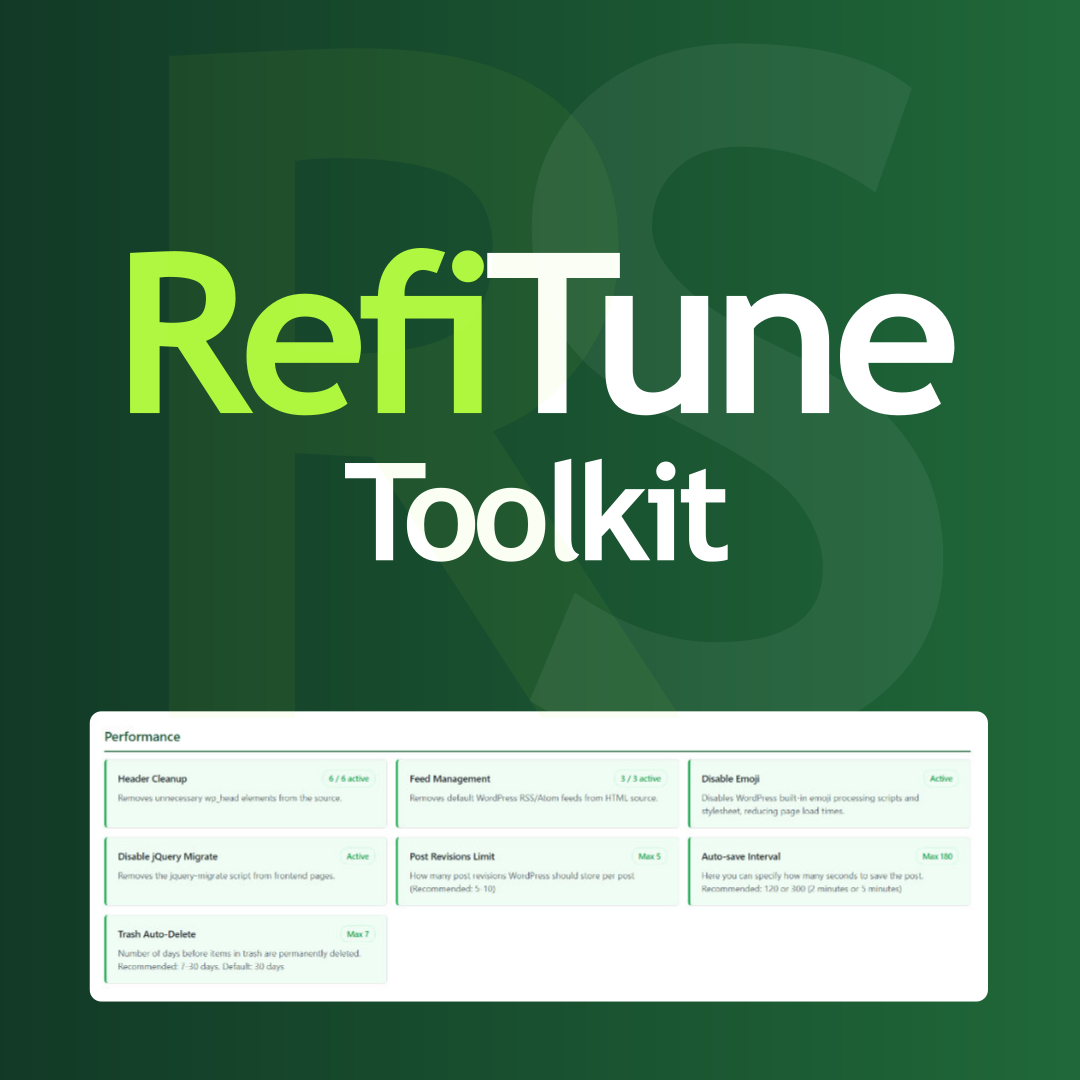
Take control of WordPress with smart performance tweaks, security enhancements, and usability improvements. RefiTune is an all-in-one toolkit.

By Krishna Sagar
Replace any image directly from the WordPress Media Library without navigating to the specific page or post where the image is used.

By JaJaSolutions
Premium gallery with customizable hero grid, WebP optimization and immersive fullscreen view for modern websites.

By PUJI Design
Manage media with folders, auto-renamed uploads, custom image sizes, and Retina (2×) support.
CHOOSE WHAT YOUR WEBSITE NEEDS
Start with the task you need to solve. Compare features, WordPress and PHP requirements, update history and the author’s documentation. Test changes on a private copy and avoid adding several plugins for the same job.
This independent directory displays plugin information on WebFulHost and links to the official source. Packages are not mirrored or installed here. A plugin can include paid extensions or services with separate terms from its author.
