

Breadcrumb based on URL
By Dear
This Breadcrumb will show the permalink url, also clickable all part
★ 5.0/5 (2)300+ active installations
- Version
- 2.0
- WordPress
- 6.0+
- PHP
- 7.4+
- Updated
- 2 Jun 2026
WORDPRESS RESOURCES
Explore public plugin information from the official WordPress.org directory. Compare what a plugin does, its requirements and update history before adding it to your website.
Explore WordPress hosting →252 matching plugins reported by WordPress.org · Page 4 of 21
Source: WordPress.org
Data refreshed 22 Nov 2026 05:37 UTC
By Dear
This Breadcrumb will show the permalink url, also clickable all part

By Mortgage Calculator
Display a random number anywhere with a shortcode. Set a min/max range, choose number formatting and get a fresh value on every page load.
A lightweight social sharing plugin for showing social networks when users highlight text, share images, headlines, or use Click to Share.
By YITHEMES
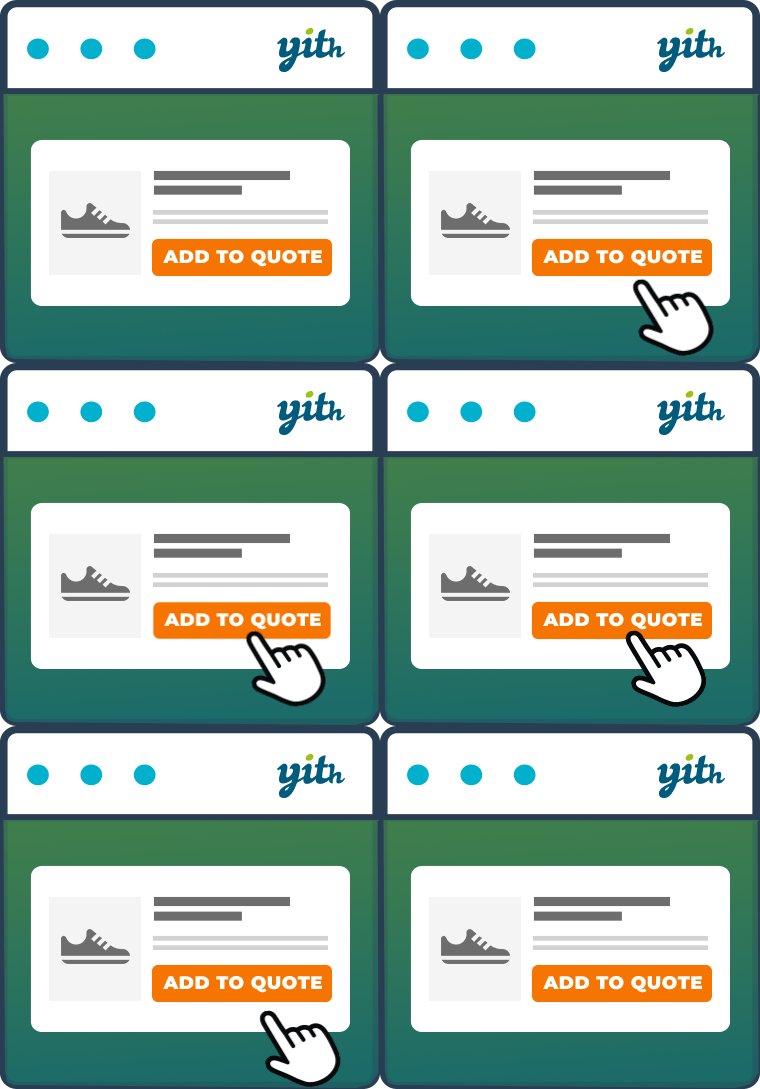
The YITH Request a Quote for WooCommerce plugin lets your customers ask for an estimate of a list of products they are interested into.

By Steve Truman
Beautifully lightweight, mobile & tablet responsive Product Widget Slider for WooCommerce plugin that packs a powerful marketing punch

By peachpay
Display random related products in a slider based on product category, tag, or attribute on every product page.

By Norbert Preining
Embed Google Maps (with your own API key) or OpenStreetMap/Leaflet maps via shortcode or Gutenberg block.

By Kiran Potphode
Turn a table of numbers into a clear, interactive chart. 12 chart types, a Chart block, a shortcode, and a data table for every chart.

By Rouergue Création
Personnalisez la palette de couleurs Gutenberg,la typographie,les blocs natifs, l'éditeur et l’administration WordPress,sans blocs propriétaires.
Add albums, photo, audio/video upload, privacy, sharing, front-end uploads & more. All this works on mobile/tablets devices.
Display client logos, partner logos, and sponsor logos in a responsive logo carousel or logo grid. Build it with AI or start from a Ready Pattern.

By Dear
Add ◄ and ► button anywhere in website matching theme color and style. Check the Live Preview first, then Install.
CHOOSE WHAT YOUR WEBSITE NEEDS
Start with the task you need to solve. Compare features, WordPress and PHP requirements, update history and the author’s documentation. Test changes on a private copy and avoid adding several plugins for the same job.
This independent directory displays plugin information on WebFulHost and links to the official source. Packages are not mirrored or installed here. A plugin can include paid extensions or services with separate terms from its author.


