

Beautiful image and video gallery slider for WooCommerce products.
★ 5.0/5 (2)700+ active installations
- Version
- 2.4
- WordPress
- 5.0+
- PHP
- 7.4+
- Updated
- 17 Oct 2026
WORDPRESS RESOURCES
Explore public plugin information from the official WordPress.org directory. Compare what a plugin does, its requirements and update history before adding it to your website.
Explore WordPress hosting →1,226 matching plugins reported by WordPress.org · Page 4 of 50
Source: WordPress.org
Data refreshed 20 Nov 2026 13:35 UTC
Beautiful image and video gallery slider for WooCommerce products.
Supercharge the WordPress block editor with enhanced core blocks, hundreds of block patterns, professional starter sites, and portfolio tools.

By WPMU DEV - Your All-in-One WordPress Platform
Setup email optin forms, popups, newsletter forms & subscription forms to generate email leads with the best marketing popup builder

Get a fast contact form plugin. Create advanced forms using drag and drop form builder with all smart features.
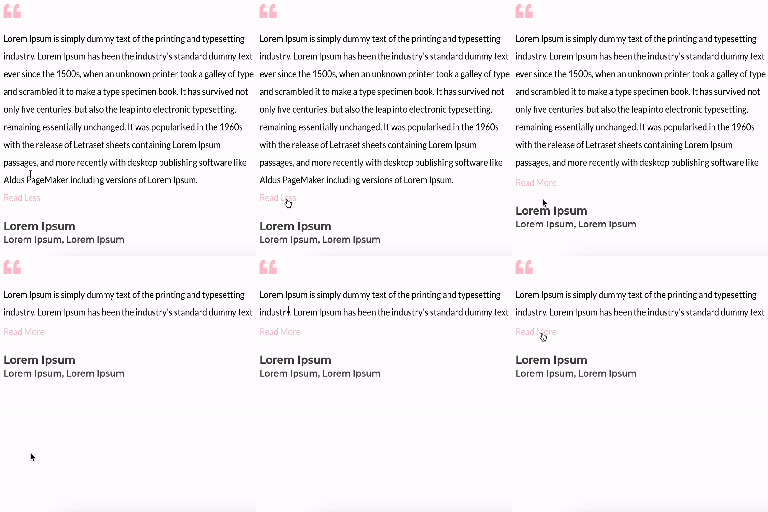
By FullStackWP
Unfold Text is a straightforward yet powerful add-on for Elementor that allows you to expand and collapse text with ease.

By Harshad Dhale
A smooth, infinitely-scrolling Image Marquee widget for Elementor. Perfect for logo strips, partner sliders, and portfolio tickers.

By ShapedPlugin LLC
Create responsive image, photo and video galleries with justified, grid and masonry layouts, one-click Ready Patterns and a built-in lightbox.

By POSIMYTH
The original Elementor sticky header & sticky menu plugin. Transparent, fixed & scroll effects (blur, shrink, hide) on Elementor Free or Pro.

By Andras Tovishati
Advanced image editor plugin for WordPress media images. Add filters, adjust brightness and contrast, crop and resize images, add text, and much more.
20+ Gutenberg Blocks with endless options, enabling top-notch efficiency for high-performance dynamic website creation.

By Phi Phan
Display an SVG image as a block, which can be used for displaying images, icons, dividers, buttons

By UjW0L
Create refined masonry galleries in Gutenberg with hover enlargement, custom shadows, and a full-screen image viewer.
CHOOSE WHAT YOUR WEBSITE NEEDS
Start with the task you need to solve. Compare features, WordPress and PHP requirements, update history and the author’s documentation. Test changes on a private copy and avoid adding several plugins for the same job.
This independent directory displays plugin information on WebFulHost and links to the official source. Packages are not mirrored or installed here. A plugin can include paid extensions or services with separate terms from its author.

