

Create responsive charts and tables manually or let the built-in AI build them from a text prompt. Supports multiple chart types and flexible data.
★ 4.4/5 (228)20,000+ active installations
- Version
- 4.0.11
- WordPress
- 5.2+
- PHP
- 7.4+
- Updated
- 15 Nov 2026
WORDPRESS RESOURCES
Explore public plugin information from the official WordPress.org directory. Compare what a plugin does, its requirements and update history before adding it to your website.
Explore WordPress hosting →10,000 matching plugins reported by WordPress.org · Page 4 of 50
Source: WordPress.org
Data refreshed 22 Nov 2026 10:53 UTC
Create responsive charts and tables manually or let the built-in AI build them from a text prompt. Supports multiple chart types and flexible data.

Visually build any type of table in WordPress data tables, WooCommerce product tables, and post tables from scratch or use table templates.

By PluginUs.NET
WooCommerce Active Products Tables (former name WOOT) - is the WooCommerce Products Table plugin displaying shop products in table format
Disable Source(Ctrl+U), Disable Right click, Disable F12 functional key, and Disable save the page(Ctrl+S) and Content Protection of your WordPress We …
Elementor templates, Header footer builder, Elementor Post Grid, Woocommerce Grid builder, Slider, Forms, Gallery, Nav menu addons, Elementor widgets.

By Saiful Islam
Helps you to display your products in a searchable table layout with filters.
Join millions who empower their websites with ElementsKit Elementor Addons. Get templates, & 100+ widgets like header-footer, mega menu, custom widget

By Farhan Noor
No more old static tables, make your HTML tables sortable.

By Jeremy Green
Display random content anywhere on your WordPress site. Rotate testimonials, banners, CTAs, and more with a simple shortcode or widget.
By wpbranddigital
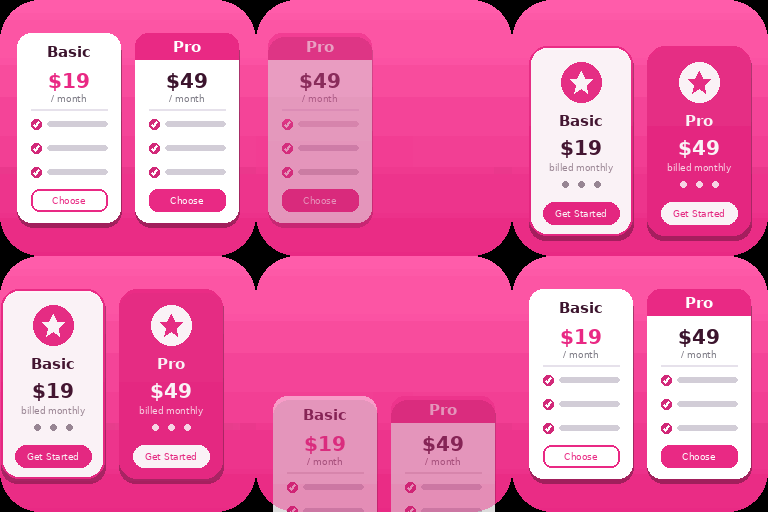
Create responsive WordPress pricing tables in Gutenberg with customizable plans, feature lists, CTA buttons, and clear pricing comparisons.

By WP Titan Labs
Create WooCommerce product tables that are searchable, sortable, filterable and mobile responsive. Help customers find and buy products much faster.

By Code Snippets Pro
Manage custom WordPress code in one dashboard. Create PHP and HTML snippets, preview code, track snippet totals and reuse code across sites.
CHOOSE WHAT YOUR WEBSITE NEEDS
Start with the task you need to solve. Compare features, WordPress and PHP requirements, update history and the author’s documentation. Test changes on a private copy and avoid adding several plugins for the same job.
This independent directory displays plugin information on WebFulHost and links to the official source. Packages are not mirrored or installed here. A plugin can include paid extensions or services with separate terms from its author.


