

Admin Bar & Dashboard Access Control
By Collins Agbonghama
Disable admin bar and control users access to WordPress dashboard.
★ 4.7/5 (18)3,000+ active installations
- Version
- 1.2.9
- WordPress
- 6.0+
- PHP
- 5.4+
- Updated
- 4 Dec 2025
WORDPRESS RESOURCES
Explore public plugin information from the official WordPress.org directory. Compare what a plugin does, its requirements and update history before adding it to your website.
Explore WordPress hosting →5,452 matching plugins reported by WordPress.org · Page 4 of 50
Source: WordPress.org
Data refreshed 23 Nov 2026 11:49 UTC
By Collins Agbonghama
Disable admin bar and control users access to WordPress dashboard.
Create high-converting popups, floating hello bars, slide-ins, opt-in forms & CTAs in minutes. Unlimited campaigns, no pageview limits & no coding.

By Jose Mortellaro
Top Bar Links allows you to add custom links to your admin top bar.
Elementor templates, Header footer builder, Elementor Post Grid, Woocommerce Grid builder, Slider, Forms, Gallery, Nav menu addons, Elementor widgets.
Elementor addon: 120+ widgets & templates — Elementor Gallery, Mega Menu, Slider, Form, Post Grid, Accordion, Header Footer Builder & WooCommerce.

By Nexcess
The Events Calendar: #1 calendar plugin for WordPress. Create/manage events (virtual too!) on your site with the free plugin.
By Gemini Labs
Black Bar is an unobtrusive Debug Bar for WordPress developers that attaches itself to the bottom of the browser window.

Display a notification bar, banner at the top or bottom of your website. Display amazing discount announcement and create urgency among site visitors.
Create unlimited notifications, announcements, or notices for your visitors
By mendibass
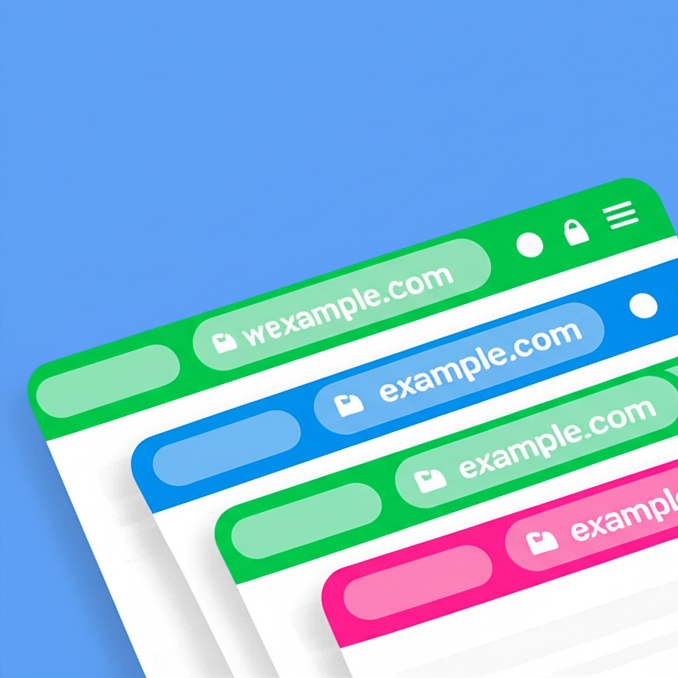
Customize your mobile browsing experience by setting theme colors for the address bar of your pages on your WordPress site

By averta
Build Stunning Slider and Popup. Exit intent Popup, Image slider carousel, video slider carousel, post slider carousel, product slider, promote popup
Floating Buttons let you easily create sticky, fixed, and floating action buttons
CHOOSE WHAT YOUR WEBSITE NEEDS
Start with the task you need to solve. Compare features, WordPress and PHP requirements, update history and the author’s documentation. Test changes on a private copy and avoid adding several plugins for the same job.
This independent directory displays plugin information on WebFulHost and links to the official source. Packages are not mirrored or installed here. A plugin can include paid extensions or services with separate terms from its author.




