

Fullscreen Menu
By Samuel Silva
Boost user engagement with a fullscreen menu on your website.
★ 4.7/5 (14)1,000+ active installations
- Version
- 3.0.5
- WordPress
- 5.0+
- PHP
- 7.4+
- Updated
- 22 Sep 2026
WORDPRESS RESOURCES
Explore public plugin information from the official WordPress.org directory. Compare what a plugin does, its requirements and update history before adding it to your website.
Explore WordPress hosting →8,939 matching plugins reported by WordPress.org · Page 4 of 50
Source: WordPress.org
Data refreshed 25 Nov 2026 23:55 UTC
By Samuel Silva
Boost user engagement with a fullscreen menu on your website.
Create interactive floating bubble menus to enhance site navigation and boost user engagement effortlessly.

By Simple Plugins
Modern, mobile friendly slideout menus: off-canvas, hamburger and full-screen panels built from your WordPress menus, with a visual live editor.
HT Menu is a Elementor page builder addon to create menu and mega menu for WordPress websites. It allows to add Elementor templates to build coloumn a …
Join millions who empower their websites with ElementsKit Elementor Addons. Get templates, & 100+ widgets like header-footer, mega menu, custom widget
Elementor addon: 120+ widgets & templates — Elementor Gallery, Mega Menu, Slider, Form, Post Grid, Accordion, Header Footer Builder & WooCommerce.
Provides new WooCommerce type attributes (color,label,image) for creating beautiful variations
Robo Gallery is a powerful image gallery and photo gallery plugin with advanced features to create responsive galleries with a beautiful lightbox
By mendibass
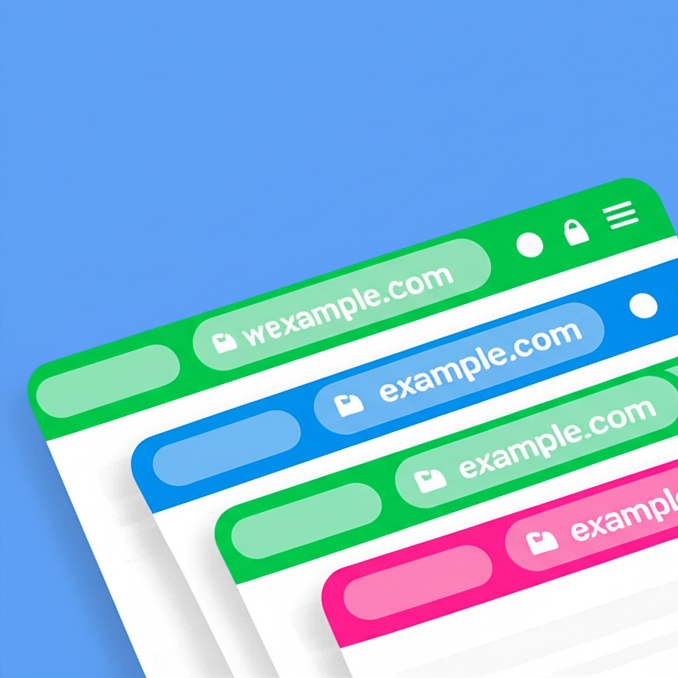
Customize your mobile browsing experience by setting theme colors for the address bar of your pages on your WordPress site

By wpdevart
WordPress Responsive Vertical menu plugin is an nice and handy plugin for showing your menu in widget. It's very simple to use.
The complete Elementor addons plugin: 55+ widgets for Elementor, Mega Menu Builder, Popup Builder, Widget Builder & Elementor Template Kits.

By Rui Guerreiro
Adds an image or icon in the menu items. You can choose the position of the image (after, before, above, below) or even hide the menu item title.
CHOOSE WHAT YOUR WEBSITE NEEDS
Start with the task you need to solve. Compare features, WordPress and PHP requirements, update history and the author’s documentation. Test changes on a private copy and avoid adding several plugins for the same job.
This independent directory displays plugin information on WebFulHost and links to the official source. Packages are not mirrored or installed here. A plugin can include paid extensions or services with separate terms from its author.






