

Heroic Table of Contents
By HeroThemes
Heroic Table of Contents is the easiest way to add a table of contents to your site.
★ 4.7/5 (10)5,000+ active installations
- Version
- 1.3.2
- WordPress
- 6.7+
- PHP
- 8.0+
- Updated
- 14 Sep 2026
WORDPRESS RESOURCES
Explore public plugin information from the official WordPress.org directory. Compare what a plugin does, its requirements and update history before adding it to your website.
Explore WordPress hosting →1,420 matching plugins reported by WordPress.org · Page 4 of 50
Source: WordPress.org
Data refreshed 20 Nov 2026 12:11 UTC
By HeroThemes
Heroic Table of Contents is the easiest way to add a table of contents to your site.

By BeRocket
Fast and flexible AJAX product filters for WooCommerce. Filter by categories, attributes, price, tags, rating, and more. No page reloads.

By WordPress Performance Team
Provides a framework for leveraging real user metrics to detect optimizations for improving page performance.

By Brainstorm Force
Variation Swatches for WooCommerce replaces dropdowns with color, image & size swatches, helping shoppers decide faster and buy with confidence.
By PI Web Solution
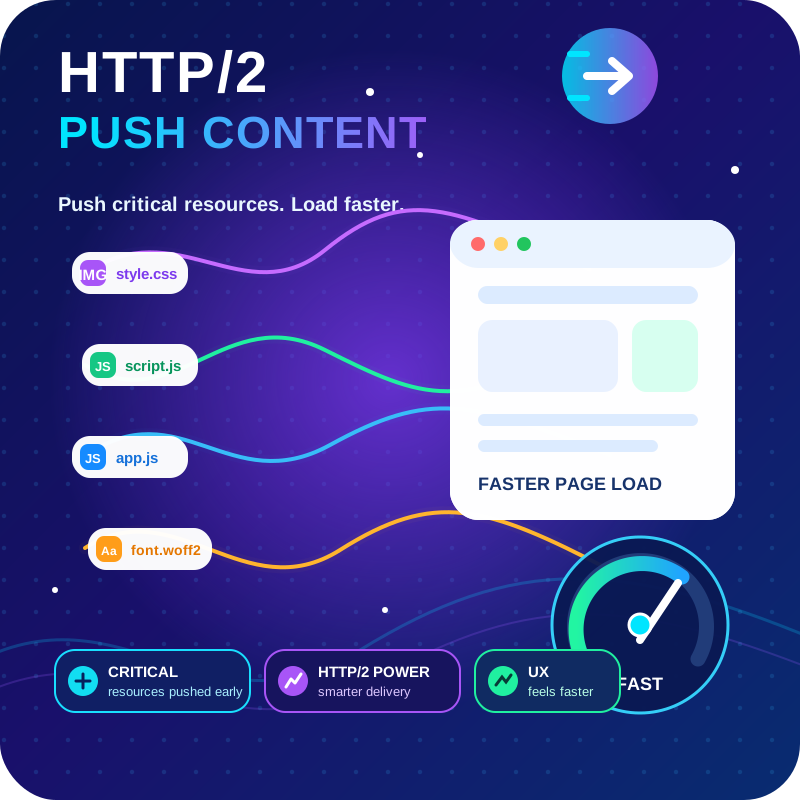
HTTP2 Server push, Async JavaScript, Defer Render Blocking CSS, with fine rule set to control js and css on different page types,

By WPMU DEV - Your All-in-One WordPress Platform
Setup email optin forms, popups, newsletter forms & subscription forms to generate email leads with the best marketing popup builder

By Tom
A small collection of lightweight WordPress blocks that can accomplish nearly anything.

By Nikolay Nikolov
Automatically makes the HTML tables in your posts and pages responsive (mobile-friendly).

By add-ons.org
The plugin helps you in creating a country drop-down list with country flag.
Showcase team members or any list with Flipbox - Awesome Flip Boxes Image Overlay. A clean, responsive, and professional way to display your team.
Load plugins only where you need them. No bloat, no conflicts, more speed. Deactivate plugins where they don't add anything useful.

AIOSEO is the WordPress SEO plugin. Boost SEO rankings with AI SEO tools, schema, meta descriptions, XML sitemaps & rank tracking.
CHOOSE WHAT YOUR WEBSITE NEEDS
Start with the task you need to solve. Compare features, WordPress and PHP requirements, update history and the author’s documentation. Test changes on a private copy and avoid adding several plugins for the same job.
This independent directory displays plugin information on WebFulHost and links to the official source. Packages are not mirrored or installed here. A plugin can include paid extensions or services with separate terms from its author.

