A simple and lightweight plugin to completely disable comments, pingbacks, and trackbacks across your WordPress site.
★ 5.0/5 (2)20+ active installations
- Version
- 1.0.1
- WordPress
- 5.0+
- Updated
- 14 Apr 2026
View plugin details ↗Built to run on EVERY WordPress install, selfish fresh start removes unneeded admin and html meta clutter.
★ 4.0/5 (5)20+ active installations
- Version
- 1.3.0
- WordPress
- 7.0+
- PHP
- 7.4+
- Updated
- 20 Aug 2026
View plugin details ↗Security and anti-spam without CAPTCHA. Blocks bots on forms, comments and logins, limits login attempts and hardens WordPress. No outside service.
★ 4.6/5 (213)10,000+ active installations
- Version
- 3.7.0
- WordPress
- 6.5+
- PHP
- 7.4+
- Updated
- 14 Nov 2026
View plugin details ↗The most complete website protection plugin for WordPress. Block IPs, disable right-click, prevent copy-paste, block countries, stop spam comments, an …
★ 3.8/5 (5)200+ active installations
- Version
- 11.1
- WordPress
- 5.0+
- PHP
- 7.4+
- Updated
- 12 May 2026
View plugin details ↗The complete toolkit to disable, hide or clean up WordPress comments – everywhere with one click, or only where you want.
90+ active installations
- Version
- 2.0.0
- WordPress
- 4.9+
- PHP
- 5.6+
- Updated
- 7 Nov 2026
View plugin details ↗Selectively disable WordPress features to improve performance, security, and cleanliness. Toggle each feature individually from a single settings page …
30+ active installations
- Version
- 1.1.2
- WordPress
- 5.8+
- PHP
- 7.4+
- Updated
- 24 Aug 2026
View plugin details ↗Clean, optimize and manage your database: revisions, spam, transients and leftovers. Edit options and meta, tune autoload, optimize tables.
★ 5.0/5 (3)100+ active installations
- Version
- 2.2.0
- WordPress
- 6.0+
- PHP
- 7.4+
- Updated
- 10 Oct 2026
View plugin details ↗Disable unused WordPress features and remove bloat. 120 switches for performance, security and WooCommerce — pure PHP, no .htaccess, no upsell.
★ 5.0/5 (6)200+ active installations
- Version
- 1.14.2
- WordPress
- 5.0+
- PHP
- 7.4+
- Updated
- 19 Nov 2026
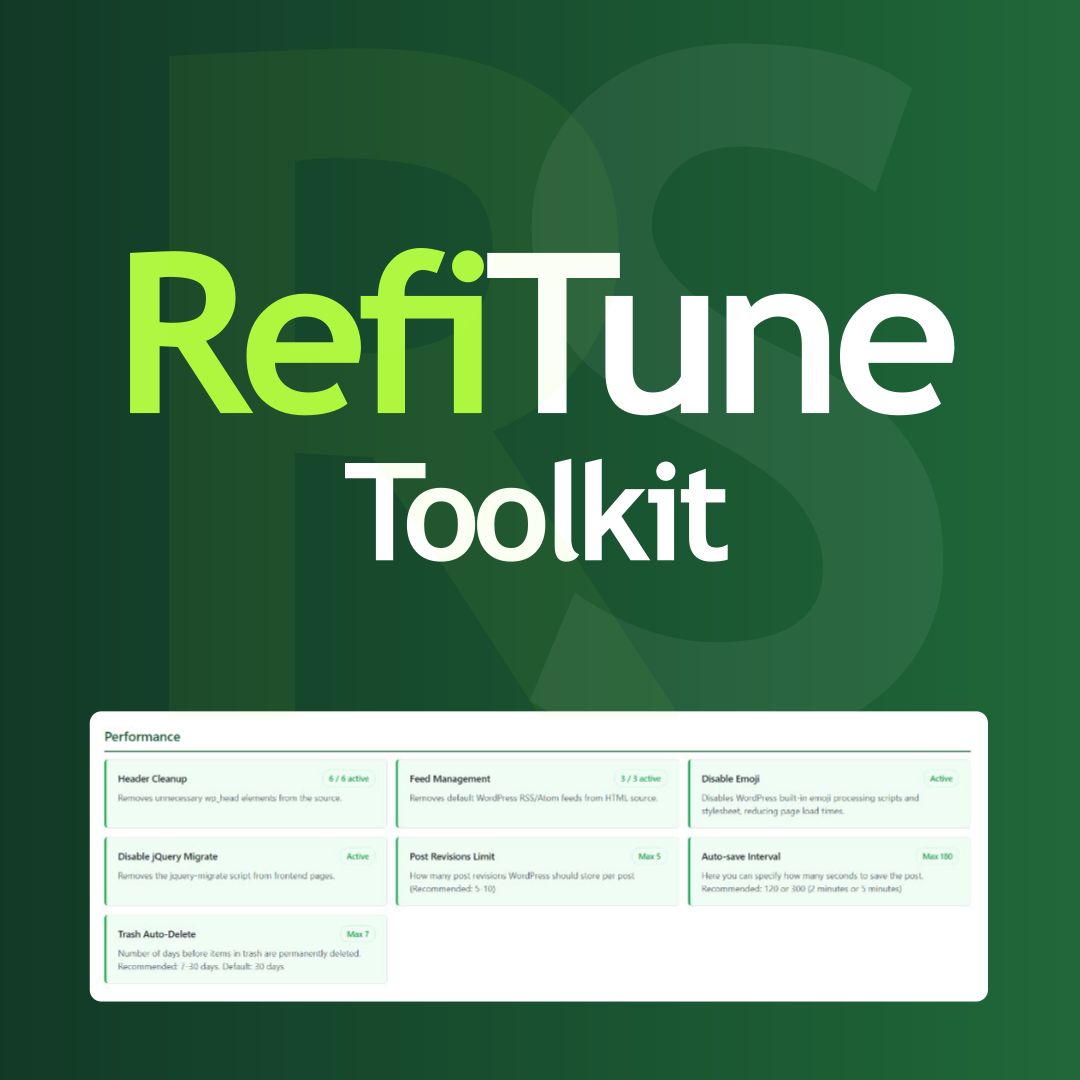
View plugin details ↗Take control of WordPress with smart performance tweaks, security enhancements, and usability improvements. RefiTune is an all-in-one toolkit.
★ 5.0/5 (1)30+ active installations
- Version
- 1.4.0
- WordPress
- 6.2+
- PHP
- 7.4+
- Updated
- 3 Oct 2026
View plugin details ↗
By Marco Andrei Kichalowsky
A WordPress plugin that deactivates and hides all comments interface parts and features.
80+ active installations
- Version
- 1.0
- WordPress
- 5.0+
- PHP
- 7.0+
- Updated
- 3 Apr 2025
View plugin details ↗Lightweight WordPress hardening — file integrity monitoring, two-factor authentication, login protection, security headers and privacy.
★ 5.0/5 (1)30+ active installations
- Version
- 1.11.0
- WordPress
- 5.7+
- PHP
- 7.4+
- Updated
- 2 Oct 2026
View plugin details ↗Free firewall, malware scanner, limit login attempts, hide login, 2FA and anti-spam, plus an attack simulation that proves each protection works.
★ 5.0/5 (2)10+ active installations
- Version
- 0.2.35
- WordPress
- 6.2+
- PHP
- 7.4+
- Updated
- 13 Nov 2026
View plugin details ↗