Elementor addon: 120+ widgets & templates — Elementor Gallery, Mega Menu, Slider, Form, Post Grid, Accordion, Header Footer Builder & WooCommerce.
★ 4.9/5 (4,133)1,000,000+ active installations
- Version
- 6.8.9
- WordPress
- 5.3+
- PHP
- 7.0+
- Updated
- 15 Nov 2026
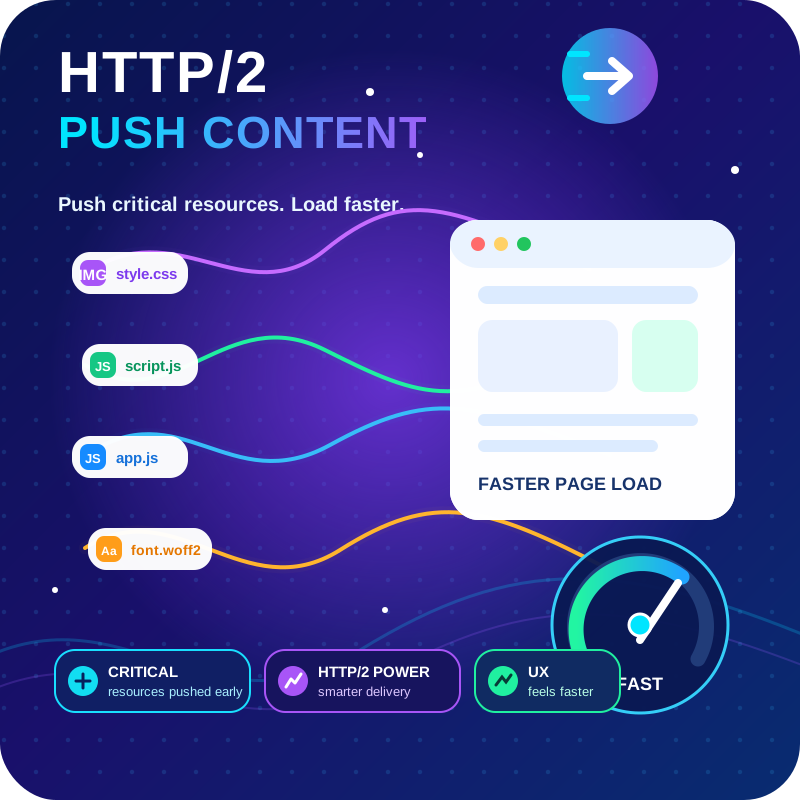
View plugin details ↗HTTP2 Server push, Async JavaScript, Defer Render Blocking CSS, with fine rule set to control js and css on different page types,
★ 4.7/5 (64)6,000+ active installations
- Version
- 1.10.61
- WordPress
- 4.0+
- PHP
- 7.4+
- Updated
- 27 Oct 2026
View plugin details ↗AI Content Writer helps you automatically generate high-quality, SEO-optimized content for your blog or website.
★ 5.0/5 (2)100+ active installations
- Version
- 2.5.5
- WordPress
- 5.3+
- PHP
- 7.4+
- Updated
- 16 Nov 2026
View plugin details ↗Enables journalistic outlets already approved by Apple News to send content directly to the app.
★ 3.8/5 (25)4,000+ active installations
- Version
- 2.9.2
- WordPress
- 6.3+
- PHP
- 8.3+
- Updated
- 13 Nov 2026
View plugin details ↗The best drag-and-drop Popup Builder for WordPress. Create Popups, exit-intent popups, slide-ins, and lead generation forms & Woocommerce popups i …
★ 4.8/5 (209)20,000+ active installations
- Version
- 0.8.9
- WordPress
- 5.2+
- PHP
- 7.2.24+
- Updated
- 28 Oct 2026
View plugin details ↗The best WordPress contact form plugin. Drag & Drop form builder to create beautiful contact forms, payment forms, & other custom forms.
★ 4.8/5 (14,395)5,000,000+ active installations
- Version
- 2.0.5.1
- WordPress
- 5.5+
- PHP
- 7.2+
- Updated
- 19 Nov 2026
View plugin details ↗Customer Reviews for WooCommerce plugin helps you get more sales with social proof. Set up automated review reminders and increase conversion rate.
★ 4.8/5 (1,541)80,000+ active installations
- Version
- 5.129.0
- WordPress
- 4.5+
- PHP
- 7.4+
- Updated
- 15 Nov 2026
View plugin details ↗A complete WordPress LMS plugin to create any eLearning website easily.
★ 4.4/5 (592)90,000+ active installations
- Version
- 4.2.1
- WordPress
- 5.3+
- PHP
- 7.4+
- Updated
- 9 Nov 2026
View plugin details ↗Advanced antispam for comments, registrations & contact forms. No CAPTCHA, plus email validation and honeypot. We catch spam others miss!
★ 4.8/5 (3,229)200,000+ active installations
- Version
- 6.92
- WordPress
- 4.7+
- PHP
- 7.2+
- Updated
- 16 Nov 2026
View plugin details ↗Simple, lightweight WordPress analytics with privacy-friendly visitor tracking. Cookieless and GDPR-ready. Setup in seconds, no cookie banner needed.
★ 4.9/5 (189)200,000+ active installations
- Version
- 3.7.5
- WordPress
- 6.6+
- PHP
- 8.0+
- Updated
- 12 Nov 2026
View plugin details ↗Protect your content, build memberships, and control who sees what on your WordPress site, without writing a single line of code.
★ 5.0/5 (3)2,000+ active installations
- Version
- 1.4.2
- WordPress
- 6.6+
- PHP
- 7.4+
- Updated
- 20 Nov 2026
View plugin details ↗Find text in WordPress posts, pages, Elementor, Site Editor templates, patterns, navigation, and custom post types.
★ 5.0/5 (1)70+ active installations
- Version
- 1.0.2
- WordPress
- 7.0+
- PHP
- 8.0+
- Updated
- 29 Sep 2026
View plugin details ↗