See your WordPress sites on WPCore.com with their versions, plugins and themes, and install the plugins of the collections assigned to each site.
★ 4.8/5 (32)9,000+ active installations
- Version
- 2.1.0
- WordPress
- 6.4+
- PHP
- 7.4+
- Updated
- 30 Oct 2026
View plugin details ↗Google Analytics or Google Tag Manager for WordPress without tracking your own visits.
★ 4.8/5 (20)10,000+ active installations
- Version
- 1.11.6
- WordPress
- 4.9+
- PHP
- 7.3+
- Updated
- 20 Aug 2026
View plugin details ↗Permalink Manager extends WordPress’s native permalink settings, giving you more control over URL structures for custom post types and taxonomies.
★ 4.8/5 (176)100,000+ active installations
- Version
- 2.6.2
- WordPress
- 5.3.0+
- PHP
- 5.4+
- Updated
- 4 Nov 2026
View plugin details ↗Adds a debug menu to the admin bar that shows query, cache, and other helpful debugging information.
★ 4.1/5 (69)20,000+ active installations
- Version
- 1.2.0
- WordPress
- 3.4+
- PHP
- 5.4.0+
- Updated
- 15 Oct 2026
View plugin details ↗Disable plugins without deleting them. Archive in one click, restore any time, and keep the archive hidden and blocked from the web.
★ 5.0/5 (11)300+ active installations
- Version
- 3.3.3
- WordPress
- 6.6+
- PHP
- 7.4+
- Updated
- 4 Nov 2026
View plugin details ↗Simple 301 Redirects provides an easy method of redirecting requests to another page on your site or elsewhere on the web.
★ 3.9/5 (161)100,000+ active installations
- Version
- 2.1.2
- WordPress
- 5.3+
- PHP
- 7.4+
- Updated
- 19 Oct 2026
View plugin details ↗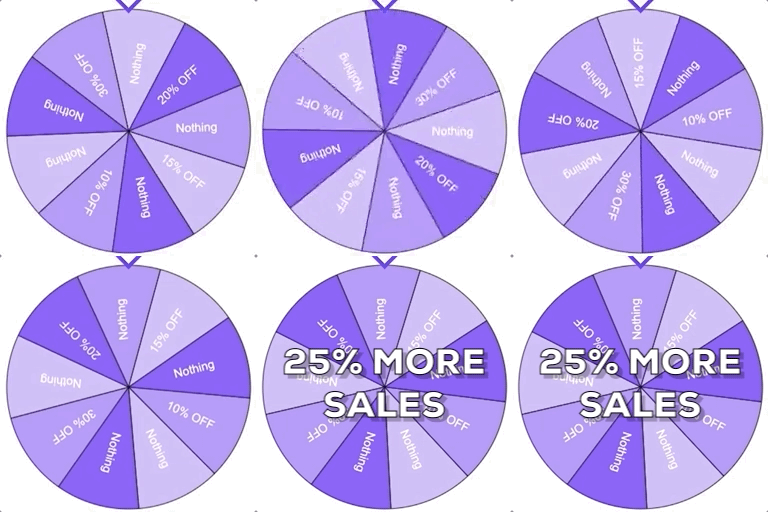
By Erez Hadas-Sonnenschein
Allow customers to spin the lucky wheel and convert them to leads
★ 4.7/5 (3)100+ active installations
- Version
- 1.8
- WordPress
- 3.0.1+
- PHP
- 5.2.4+
- Updated
- 30 Jun 2026
View plugin details ↗Keep visitors on your site longer with intelligent, fast-loading, contextually related posts. Block, shortcode, custom post type and widget ready.
★ 4.8/5 (201)50,000+ active installations
- Version
- 4.5.7
- WordPress
- 6.9+
- PHP
- 7.4+
- Updated
- 21 Nov 2026
View plugin details ↗Search and replace text, images, URLs, footer credits, code blocks or jQuery-Ajax content in real time or in Database, easy user-interface
★ 4.6/5 (172)40,000+ active installations
- Version
- 2.0.2
- WordPress
- 5.2+
- PHP
- 7.2+
- Updated
- 18 Nov 2026
View plugin details ↗Add PDFs from your WordPress uploads folder to Yoast SEO's XML sitemap so search engines can discover them.
★ 5.0/5 (2)300+ active installations
- Version
- 1.2
- WordPress
- 6.7+
- PHP
- 7.4+
- Updated
- 17 Nov 2026
View plugin details ↗A free, fast, and friendly way to accept donations and memberships (recurring payments) from your visitors.
★ 3.8/5 (18)6,000+ active installations
- Version
- 4.4.11
- WordPress
- 3.0.1+
- PHP
- 5.2+
- Updated
- 20 Nov 2026
View plugin details ↗Instant switching between user accounts in WordPress and WooCommerce.
★ 4.9/5 (238)200,000+ active installations
- Version
- 1.12.2
- WordPress
- 6.3+
- PHP
- 7.4+
- Updated
- 29 Aug 2026
View plugin details ↗