Rectus Content Access for MCP
By Rectus Inc.
Connect MCP clients to WordPress posts, pages, custom post types, taxonomies, and media with configurable access.
40+ active installations
- Version
- 1.7.2
- WordPress
- 6.9+
- PHP
- 7.4+
- Updated
- 6 Oct 2026
WORDPRESS RESOURCES
Explore public plugin information from the official WordPress.org directory. Compare what a plugin does, its requirements and update history before adding it to your website.
Explore WordPress hosting →946 matching plugins reported by WordPress.org · Page 40 of 50
Source: WordPress.org
Data refreshed 22 Nov 2026 19:06 UTC
By Rectus Inc.
Connect MCP clients to WordPress posts, pages, custom post types, taxonomies, and media with configurable access.

By Khushal Tank
Secure, lightweight, offline image inspection for the WordPress Media Library.
Timeout-free database cleanup built for shared hosting — clean revisions, transients, orphaned data and spam in safe, resumable batches.

By videowhisper
Build your own video sharing site with uploads, playlists, responsive discovery, playback and optional membership integrations.
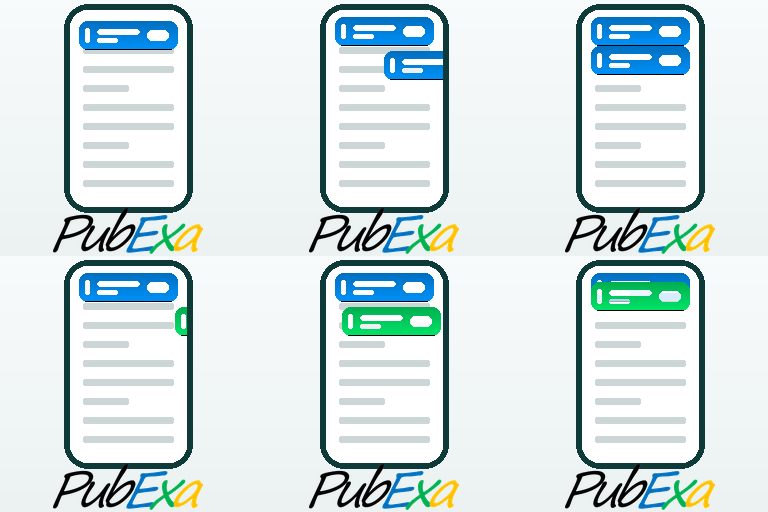
Ad manager and ad inserter for WordPress, plus an ad network that pays you. Monetize your site with scroll-in mobile ad tabs. AdSense alternative.

By joeyoungblood
AI-powered WordPress SEO plugin with Google Analytics integration, smart meta titles, descriptions, schema markup, sitemaps, and OpenAI & Google G …

By WP Ultimate Security
Security for the AI era: 2FA, login protection, vulnerability scans, prompt injection scan and AI bot tracking. Free, 3-minute setup.

By solutiontechcl
Enterprise WordPress security suite: Micro-WAF, MU-Plugin shield, FIM quarantine, WebAuthn Passkeys, 2FA, CVE scanner, GeoIP, and executive reports.

By Priya Rangtan
Page cache, CSS, script and image optimization, plus SEO, site health and QA checks. Every change is tested first and can be undone.

By Valentin Constantinescu
All-in-one WordPress cache cleaner: object cache, transients, database, files, OPcache, APCu, sessions and rewrite rules — from one dashboard.

By Bilal Mahmood
WordPress database health inspector — scan table sizes, autoloaded bloat, and clean up database waste with one click.

By Coysh Digital
Cookieless website analytics in your WordPress dashboard. No third-party service, no IP addresses stored, no per-visitor rows.
CHOOSE WHAT YOUR WEBSITE NEEDS
Start with the task you need to solve. Compare features, WordPress and PHP requirements, update history and the author’s documentation. Test changes on a private copy and avoid adding several plugins for the same job.
This independent directory displays plugin information on WebFulHost and links to the official source. Packages are not mirrored or installed here. A plugin can include paid extensions or services with separate terms from its author.