The easiest and most secure way to collect payments with WooCommerce via Razorpay (Cards, NetBanking, UPI, Wallets, QR Code, Apple Pay).
★ 4.8/5 (18)900+ active installations
- Version
- 2.4.0
- WordPress
- 5.0+
- PHP
- 7.2+
- Updated
- 2 Nov 2026
View plugin details ↗Allow logged-in WooCommerce customers to manage multiple addresses in an address book and select them easily during checkout.
★ 5.0/5 (8)90+ active installations
- Version
- 1.0.15
- WordPress
- 5.6+
- PHP
- 7.4+
- Updated
- 3 Jul 2026
View plugin details ↗Add an invoice payment gateway to your WooCommerce website - Give customers the alternative to making immediate payments. B2B Invoice Payment Method f …
★ 5.0/5 (4)100+ active installations
- Version
- 1.2.2
- WordPress
- 4.5.0+
- PHP
- 7.0+
- Updated
- 16 Jul 2026
View plugin details ↗Connect Google Analytics to WordPress in a few clicks. Track key WooCommerce & WordPress events with a GA4 dashboard built into wp-admin.
★ 5.0/5 (30)1,000+ active installations
- Version
- 3.2.0
- WordPress
- 5.7+
- PHP
- 7.4+
- Updated
- 15 Oct 2026
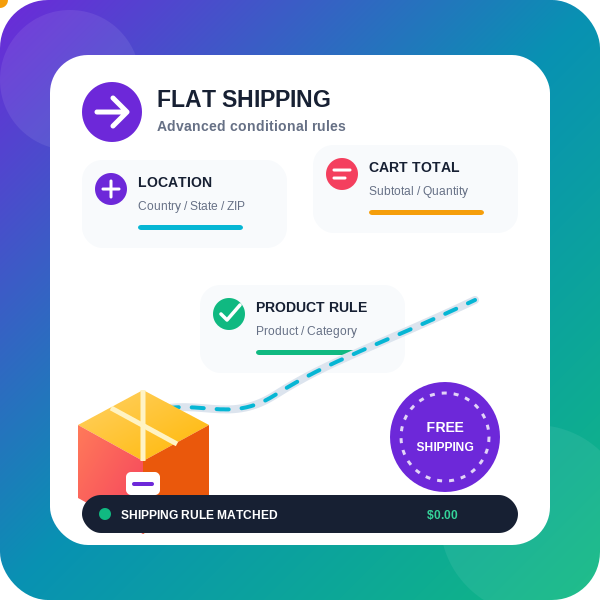
View plugin details ↗WooCommerce conditional shipping & WooCommerce Advanced shipping rates plugin to create Advanced Flat rate shipping or Free shipping method or tab …
★ 4.9/5 (59)2,000+ active installations
- Version
- 1.6.6.23
- WordPress
- 5.6+
- Updated
- 26 Nov 2026
View plugin details ↗WooCommerce and GoPay payment gateway integration
★ 2.6/5 (10)1,000+ active installations
- Version
- 1.0.38
- WordPress
- 5.8+
- PHP
- 8.1+
- Updated
- 16 Nov 2026
View plugin details ↗Use one plugin to automate repeat orders, product subscriptions, and scheduled deliveries for your WooCommerce subscriptions products.
★ 4.6/5 (37)100+ active installations
- Version
- 2.18.2
- WordPress
- 4.6+
- PHP
- 7.4+
- Updated
- 19 Nov 2026
View plugin details ↗Prepare your WooCommerce store for AI-powered shopping. Comprehensive readiness checker and XML feed generator for OpenAI's ChatGPT shopping features.
10+ active installations
- Version
- 1.0.7
- WordPress
- 6.3+
- PHP
- 8.0+
- Updated
- 23 Oct 2026
View plugin details ↗This plugin allows you to set a flat delivery rate per States, Countries or World Regions on WooCommerce.
★ 4.3/5 (35)1,000+ active installations
- Version
- 3.2
- WordPress
- 5.4+
- PHP
- 7.0+
- Updated
- 2 Aug 2026
View plugin details ↗Integrates the open-source mailing list tool listmonk with WordPress/WooCommerce so users can subscribe to your mailing list.
★ 5.0/5 (1)100+ active installations
- Version
- 1.4.3
- WordPress
- 6.4+
- PHP
- 7.4+
- Updated
- 30 Sep 2026
View plugin details ↗Login with Vipps and MobilePay is the easiest way to sign in and create an account. No need to worry about usernames and passwords.
★ 5.0/5 (4)900+ active installations
- Version
- 1.5.9
- WordPress
- 6.4.0+
- PHP
- 7.2+
- Updated
- 27 Nov 2026
View plugin details ↗Protect your WooCommerce PayPal checkout from bot attacks, card-testing, and fake failed orders.
20+ active installations
- Version
- 1.0
- WordPress
- 5.8+
- PHP
- 7.4+
- Updated
- 19 Dec 2025
View plugin details ↗