

WP Show Posts
By Tom
Add posts to your website from any post type using a simple shortcode.
★ 4.7/5 (80)60,000+ active installations
- Version
- 1.1.6
- WordPress
- 4.5+
- Updated
- 16 Apr 2024
WORDPRESS RESOURCES
Explore public plugin information from the official WordPress.org directory. Compare what a plugin does, its requirements and update history before adding it to your website.
Explore WordPress hosting →1,408 matching plugins reported by WordPress.org · Page 41 of 50
Source: WordPress.org
Data refreshed 22 Nov 2026 09:07 UTC
By Tom
Add posts to your website from any post type using a simple shortcode.

By Nagaoka Design
Display current template file and directory name on screen for WordPress development.

By hlebautko
Add a Booksy online booking popup button anywhere on your WordPress site with a simple shortcode. No coding required.
By wpbranddigital
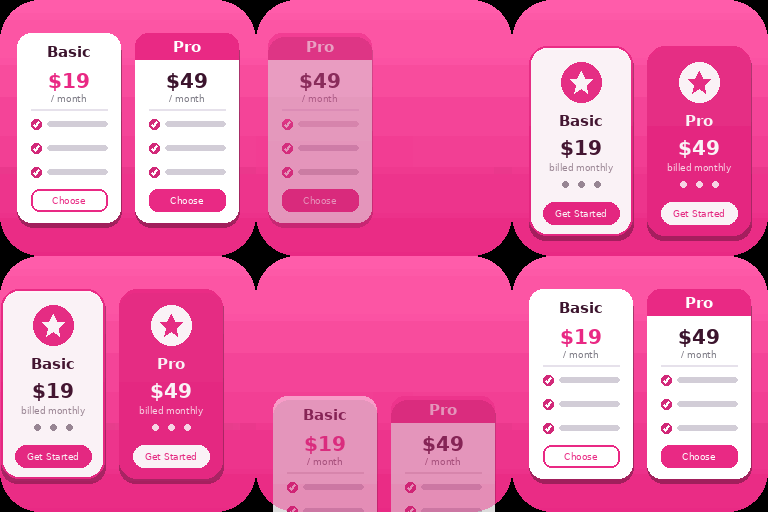
Create responsive WordPress pricing tables in Gutenberg with customizable plans, feature lists, CTA buttons, and clear pricing comparisons.

By Garaiburu
A tiled mosaic gallery widget for Elementor with aspect-ratio-driven layout, full style controls, and hover overlays.

By Plugincy
Dynamic AJAX Product Filters allow shoppers to quickly filter WooCommerce products by categories, attributes, prices, and more.

By Jose Varghese
Makes your site's header or menu sticky on scroll with auto-detection, animations, scroll direction control, and breakpoints. No coding required.

By Promith Karmakar
Image Alt & Accessibility Checker helper: auto alt text, contrast checks, form scan, and WCAG guidance.
Turn your homepage into a scene from a film. Add a background video that plays as visitors scroll — with your headline over it. No code.
Self-hosted appointment scheduling with personalized booking links and QR codes. Embed the booking calendar in any page with a block or shortcode.

By Pixelfic
Want to show comparison of two images on your WooCommerce Store? Easily create before and after image slider for WooCommerce and add it on your single …
The most advanced WordPress PDF Viewer and 3D Flipbook plugin. Embed PDFs seamlessly with Elementor support, secure watermarking, and anti-copy.
CHOOSE WHAT YOUR WEBSITE NEEDS
Start with the task you need to solve. Compare features, WordPress and PHP requirements, update history and the author’s documentation. Test changes on a private copy and avoid adding several plugins for the same job.
This independent directory displays plugin information on WebFulHost and links to the official source. Packages are not mirrored or installed here. A plugin can include paid extensions or services with separate terms from its author.


