Purge Varnish cache from the WordPress admin: automatic purge on content changes, exclusions, manual tools and full cache purge.
20+ active installations
- Version
- 1.0.0
- WordPress
- 5.6+
- PHP
- 7.0+
- Updated
- 15 Jun 2026
View plugin details ↗Build TutorLMS course catalogs, filters, student dashboards, and instructor directories in Elementor—with AJAX, dynamic tags, and schema markup.
70+ active installations
- Version
- 1.0.2
- WordPress
- 6.0+
- PHP
- 7.4+
- Updated
- 7 Aug 2026
View plugin details ↗Video Gallery plugin to create responsive video galleries, WooCommerce product videos & HLS streaming with YouTube, Bunny Stream and 10+ video sou …
★ 5.0/5 (5)40+ active installations
- Version
- 1.7.6
- WordPress
- 5.9.0+
- PHP
- 7.4+
- Updated
- 21 Aug 2026
View plugin details ↗Display your WordPress Photo Directory photos as a shortcode or Gutenberg block gallery.
★ 5.0/5 (1)0+ active installations
- Version
- 1.0
- WordPress
- 5.8+
- PHP
- 7.4+
- Updated
- 14 Feb 2026
View plugin details ↗AI comment replies via OpenAI, Claude, or Gemini. Rules, sentiment, scheduling, analytics, WooCommerce, multisite — all free.
0+ active installations
- Version
- 1.1.1
- WordPress
- 7.0+
- PHP
- 7.4+
- Updated
- 27 Aug 2026
View plugin details ↗Extend Yoast SEO with precise Schema.org types, Google-aware fields and optional real visitor ratings in its existing JSON-LD graph.
10+ active installations
- Version
- 1.3.1
- WordPress
- 6.5+
- PHP
- 7.4+
- Updated
- 22 Oct 2026
View plugin details ↗A lightweight plugin that allows editors to add a custom article author name displayed below the post title.
10+ active installations
- Version
- 1.0.0
- WordPress
- 5.5+
- PHP
- 7.2+
- Updated
- 10 Feb 2026
View plugin details ↗Lightweight WordPress forms with conditional logic, multi-step, SMTP, webhooks, Brevo & Mailchimp sync, file uploads, spam protection, and inbox.
★ 5.0/5 (3)100+ active installations
- Version
- 1.12.5
- WordPress
- 6.0+
- PHP
- 7.4+
- Updated
- 12 Nov 2026
View plugin details ↗Display Amazon book reviews with customizable layouts, affiliate tracking, OCR import, and analytics. Perfect for book bloggers and authors.
20+ active installations
- Version
- 1.4.1
- WordPress
- 6.0+
- PHP
- 7.4+
- Updated
- 12 Feb 2026
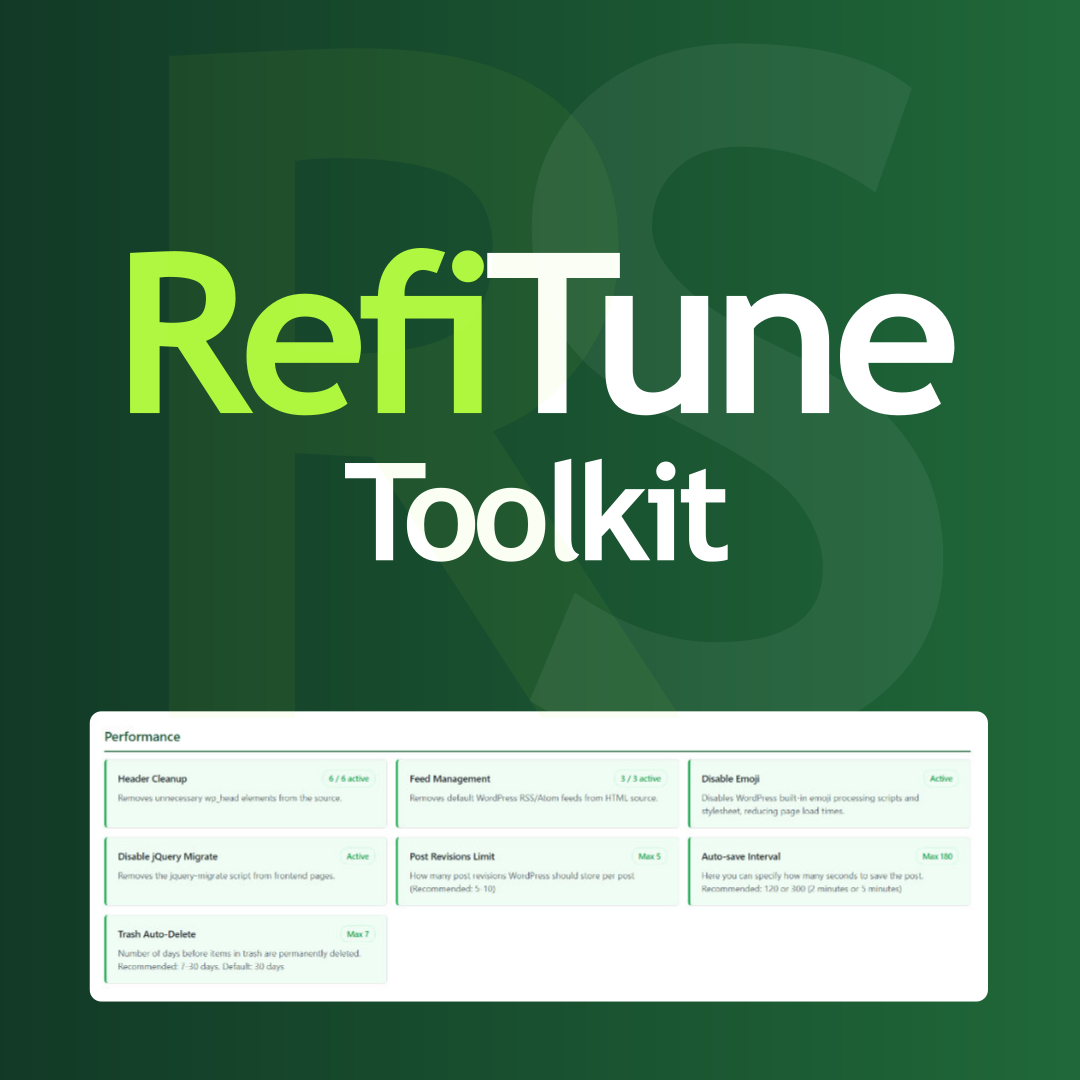
View plugin details ↗Take control of WordPress with smart performance tweaks, security enhancements, and usability improvements. RefiTune is an all-in-one toolkit.
★ 5.0/5 (1)20+ active installations
- Version
- 1.4.0
- WordPress
- 6.2+
- PHP
- 7.4+
- Updated
- 3 Oct 2026
View plugin details ↗License your WordPress content to AI companies: set your terms, publish them in a machine-readable standard, and get paid when your work is used.
10+ active installations
- Version
- 0.4.4
- WordPress
- 6.4+
- PHP
- 8.2+
- Updated
- 16 Nov 2026
View plugin details ↗Rank higher in search and get cited by AI assistants: meta tags, schema, sitemaps, redirects, content analysis and AI crawler tracking.
0+ active installations
- Version
- 1.2.2
- WordPress
- 6.2+
- PHP
- 7.4+
- Updated
- 5 Nov 2026
View plugin details ↗