Easily reorder posts, pages, custom post types, and taxonomies with intuitive drag-and-drop sorting in the WordPress admin.
★ 4.8/5 (590)300,000+ active installations
- Version
- 2.8.12
- WordPress
- 6.2+
- PHP
- 7.4+
- Updated
- 3 Nov 2026
View plugin details ↗Sell WooCommerce gift cards in minutes. Customers choose an amount, email it to a recipient, and redeem the balance at checkout.
★ 4.7/5 (196)20,000+ active installations
- Version
- 2.57
- WordPress
- 4.5+
- PHP
- 7.4+
- Updated
- 16 Nov 2026
View plugin details ↗Recover lost revenue with Cart Abandonment Recovery for WooCommerce. Increase retention with Post Purchase Follow-Up Emails.
★ 5.0/5 (349)20,000+ active installations
- Version
- 3.9.0.2
- WordPress
- 6.5+
- PHP
- 7.4+
- Updated
- 20 Nov 2026
View plugin details ↗Catch Infinite Scroll is a WordPress plugin that allows you to add the magic of infinite scrolling with several customization options on your website …
★ 4.3/5 (21)10,000+ active installations
- Version
- 2.2
- WordPress
- 5.9+
- Updated
- 21 May 2026
View plugin details ↗Disables the WP REST API for visitors not logged into WordPress.
★ 4.8/5 (36)30,000+ active installations
- Version
- 2.6.9
- WordPress
- 4.7+
- PHP
- 5.6.20+
- Updated
- 10 Aug 2026
View plugin details ↗Generate PDF files and print WordPress posts/pages. Customize document header/footer styles and appearance.
★ 3.9/5 (102)9,000+ active installations
- Version
- 2.4.7
- WordPress
- 6.2+
- Updated
- 26 Apr 2026
View plugin details ↗Quickly select custom and add-on CSS classes.
★ 5.0/5 (8)4,000+ active installations
- Version
- 1.1.1
- WordPress
- 3.0.1+
- Updated
- 8 Oct 2026
View plugin details ↗Very customizable plugin to list posts by category (or tag, author and more) in a post, page or widget. Uses the [catlist] shortcode to select posts.
★ 4.7/5 (254)70,000+ active installations
- Version
- 0.96.0
- WordPress
- 3.3+
- PHP
- 5.6+
- Updated
- 7 Jul 2026
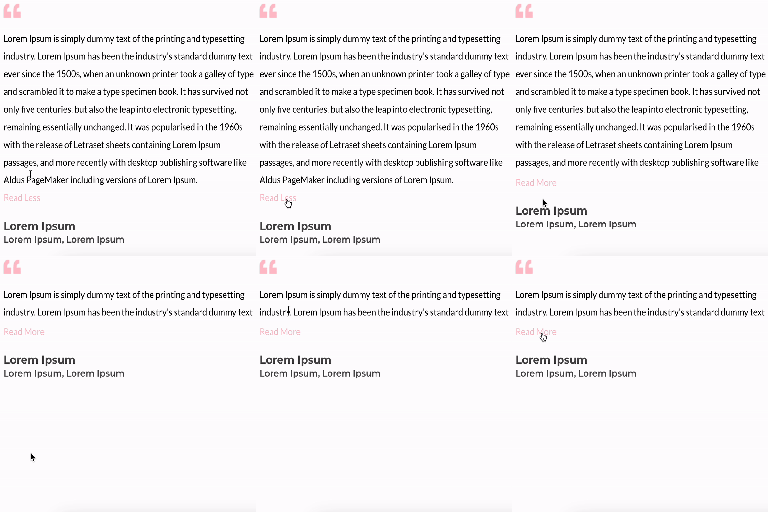
View plugin details ↗Unfold Text is a straightforward yet powerful add-on for Elementor that allows you to expand and collapse text with ease.
★ 4.6/5 (7)3,000+ active installations
- Version
- 1.2.1
- WordPress
- 6.0+
- PHP
- 7.0+
- Updated
- 8 Jul 2026
View plugin details ↗Replace 50+ WordPress Plugins: Free SEO, Theme Builder, Code Snippets, Image Optimizer (WebP/AVIF), SMTP Email, Security, Performance & More
★ 4.7/5 (13)10,000+ active installations
- Version
- 4.9.1
- WordPress
- 5.9+
- PHP
- 7.4+
- Updated
- 18 Nov 2026
View plugin details ↗Display WordPress posts in beautiful grid, list, slider, and filter layouts. Works with Gutenberg, Elementor, Divi, and Shortcodes.
★ 4.8/5 (265)100,000+ active installations
- Version
- 7.9.11
- WordPress
- 4.5+
- PHP
- 7.4+
- Updated
- 11 Nov 2026
View plugin details ↗Use ACF repeater fields inside Elementor loop items and add smart dynamic dropdown taxonomy filters to the Elementor Loop Grid widget.
★ 5.0/5 (9)1,000+ active installations
- Version
- 1.2.2
- WordPress
- 6.5+
- PHP
- 7.4+
- Updated
- 16 Nov 2026
View plugin details ↗