Get clients to quickly book a meeting with you by Zoom, GoogleMeet, phone or at your office
★ 4.7/5 (50)1,000+ active installations
- Version
- 2.7.7
- WordPress
- 5.5+
- PHP
- 7.4+
- Updated
- 24 May 2026
View plugin details ↗Create high-converting popups, email opt-ins, exit-intent popups & WooCommerce popups to boost leads, subscribers and sales.
★ 5.0/5 (15)1,000+ active installations
- Version
- 1.0.22
- WordPress
- 5.2+
- PHP
- 7.3+
- Updated
- 18 Jan 2026
View plugin details ↗A plugin to migrate categories, articles, news, and images from SPIP to WordPress
★ 4.9/5 (32)100+ active installations
- Version
- 3.38.0
- WordPress
- 4.5+
- PHP
- 5.6+
- Updated
- 14 Oct 2026
View plugin details ↗Real-time private messaging, group chat, chat rooms, video and audio calls, AI chat bots and mobile apps for WordPress, BuddyPress and BuddyBoss.
★ 4.8/5 (142)10,000+ active installations
- Version
- 3.3.0
- WordPress
- 5.9.0+
- PHP
- 7.4+
- Updated
- 14 Nov 2026
View plugin details ↗Auto Location Google For WP Job Manager allow to add location autocomplete by location search.
★ 3.0/5 (2)100+ active installations
- Version
- 1.1
- Updated
- 19 Jul 2026
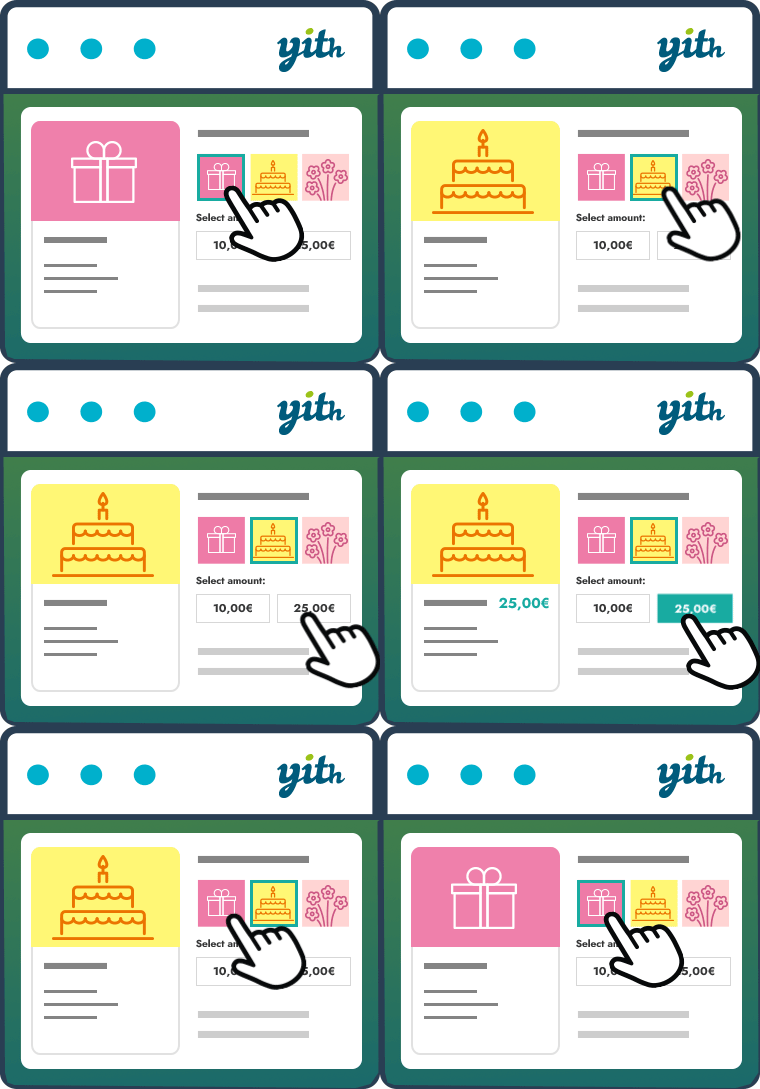
View plugin details ↗The essential tool for selling gift cards in your store, increasing your conversion rate and attracting new customers.
★ 3.3/5 (53)10,000+ active installations
- Version
- 4.39.0
- WordPress
- 6.9+
- PHP
- 8.0+
- Updated
- 4 Nov 2026
View plugin details ↗This plugin converts pages, posts and comments date from English(AD) to Nepali bikram sambat(BS) date.
30+ active installations
- Version
- 1.0.3
- WordPress
- 6.3+
- PHP
- 7.4+
- Updated
- 4 Sep 2026
View plugin details ↗In a few clicks create listings, calendars, tables, confirmation pages or everything you need using your WPForms entries. No coding required.
★ 5.0/5 (2)100+ active installations
- Version
- 2.40
- WordPress
- 3.3+
- Updated
- 30 Mar 2026
View plugin details ↗Invoices, quotes, PDFs and payments inside WordPress. Unlimited documents, PayPal, credit notes, statements and a REST API — free.
★ 4.4/5 (7)500+ active installations
- Version
- 2.4.9
- WordPress
- 6.0+
- PHP
- 7.4+
- Updated
- 16 Nov 2026
View plugin details ↗Give developers or support staff temporary admin access to your WordPress site — no username, no password, and it expires automatically.
★ 5.0/5 (1,554)90,000+ active installations
- Version
- 1.9.11
- WordPress
- 3.0.1+
- PHP
- 5.3+
- Updated
- 19 Nov 2026
View plugin details ↗No more SPAM by spiders scanning your site for email addresses!
★ 4.5/5 (20)10,000+ active installations
- Version
- 4.2.1
- WordPress
- 6.7+
- PHP
- 8.1+
- Updated
- 11 Sep 2026
View plugin details ↗The complete Elementor addons plugin: 55+ widgets for Elementor, Mega Menu Builder, Popup Builder, Widget Builder & Elementor Template Kits.
★ 4.5/5 (212)30,000+ active installations
- Version
- 3.2.6
- WordPress
- 6.0+
- PHP
- 7.0+
- Updated
- 18 Nov 2026
View plugin details ↗