

Sidebar Login
By Mike Jolley
Easily add an ajax-enhanced login widget to your WordPress site sidebar.
★ 4.5/5 (78)9,000+ active installations
- Version
- 3.1.0
- WordPress
- 6.6+
- PHP
- 7.4+
- Updated
- 12 Oct 2026
WORDPRESS RESOURCES
Explore public plugin information from the official WordPress.org directory. Compare what a plugin does, its requirements and update history before adding it to your website.
Explore WordPress hosting →4,569 matching plugins reported by WordPress.org · Page 45 of 50
Source: WordPress.org
Data refreshed 23 Nov 2026 01:25 UTC
By Mike Jolley
Easily add an ajax-enhanced login widget to your WordPress site sidebar.

By Trew Knowledge
This plugin is meant to assist with the GDPR obligations of a Data processor and Controller.

By WEN Themes
Easily create call to action for your WordPress site

By immonex
Essential components and add-on framework for embedding and searching/filtering imported OpenImmo-XML-based real estate offers
Responsive WordPress slider plugin. Create responsive image sliders, carousel sliders, video sliders, and slideshows with 12 free layouts.

By Sheetable
Turn Google Sheets into WP tables with search & pagination. No API key needed. Ultra-lightweight.

By Abu Huraira Bin Aman
Lightweight Elementor addons with 40+ widgets & templates. Conditional loading keeps your site fast. Built for marketers, not just coders.
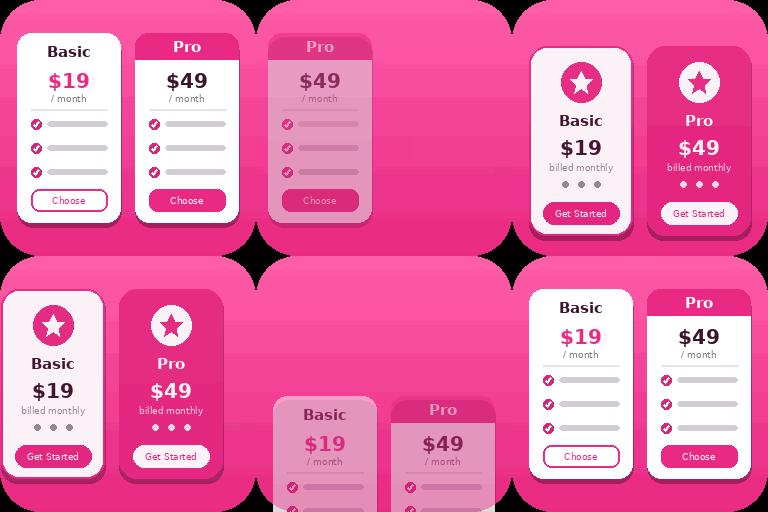
By wpbranddigital
Create responsive WordPress pricing tables in Gutenberg with customizable plans, feature lists, CTA buttons, and clear pricing comparisons.

By LiveComposer
Page builder for WordPress with drag and drop header/footer editing, responsive settings, and animations. Compatible with Gutenberg block editor.
Envision Page Builder makes it easy to create stunning, responsive WordPress websites with custom blocks, templates, animations, and more.

By Trent Stromkins
Easily add icons to Navigation Block items in WordPress.

By Voidek Webolutions
Automatically add JSON-LD structured data to every page, post, and product no coding required. Built for SEO & AI search.
CHOOSE WHAT YOUR WEBSITE NEEDS
Start with the task you need to solve. Compare features, WordPress and PHP requirements, update history and the author’s documentation. Test changes on a private copy and avoid adding several plugins for the same job.
This independent directory displays plugin information on WebFulHost and links to the official source. Packages are not mirrored or installed here. A plugin can include paid extensions or services with separate terms from its author.

